



DhruvAkaFulcrum
Members
-
Joined
-
Last visited
Solutions
-
DhruvAkaFulcrum's post in Weird glitch on cars was marked as the answerI do not have any trees above me from 0:18 to 0:30 or at 0:51. I've had this happen consistently even in the Grand Senora Desert. My graphics are set to high or very high in some places. It's the compression of the video that looks low quality because I rendered an mp4 with H264 codec.
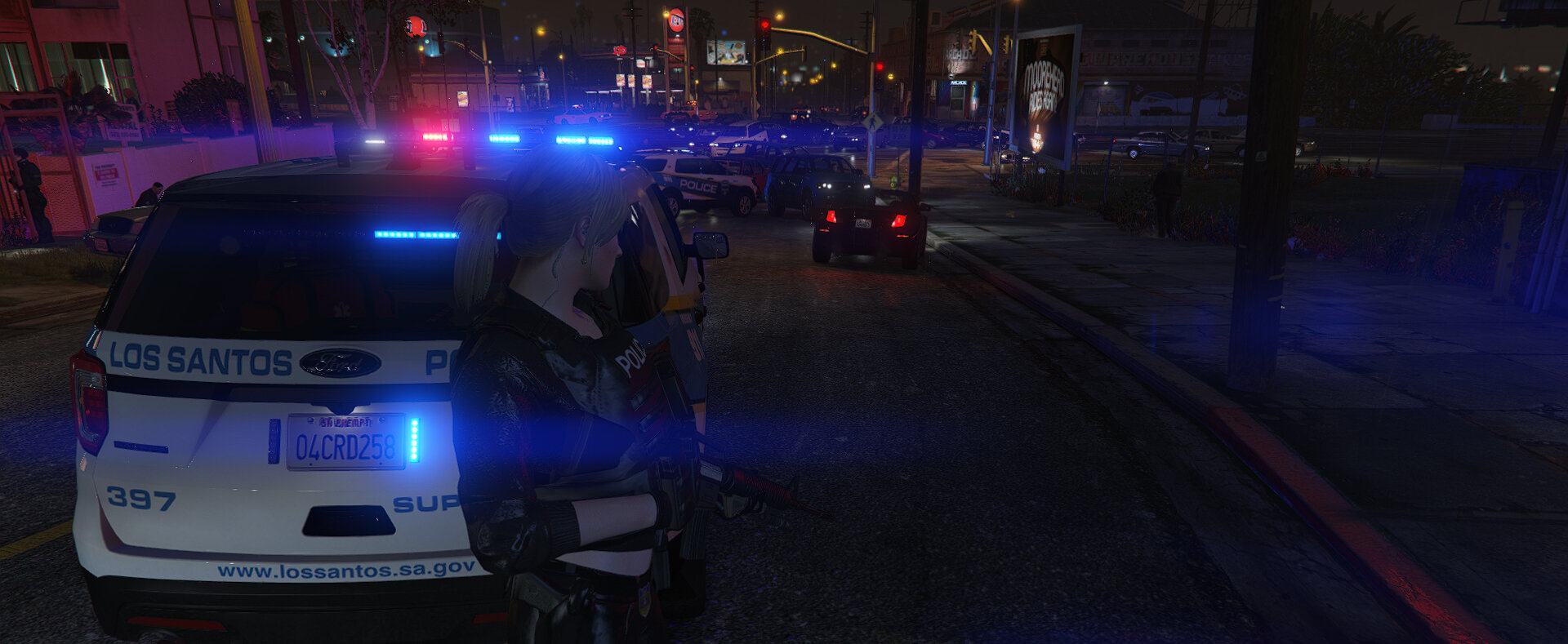
Also the collision happens consistently with modded vehicles. During my latest patrol, one of my partners kept getting ragdolled everytime she tried exiting the vehicle. Eventually she sustained so much damage that she died trying to get out of the vehicle. Note that this was a vehicle not showcased in the video.
EDIT: Apparently, I'm not the only one with this issue
That post says turning down Particle Effects from Very High (which I have) to High solved the issue. I'll have to look into it.
EDIT2: Turning down Particle Effects to High indeed fixed the issue.