
Officer Lucy Chen
Members
-
Joined
-
Last visited
Files posted by Officer Lucy Chen
-
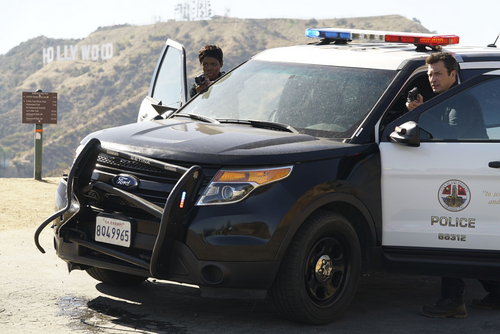
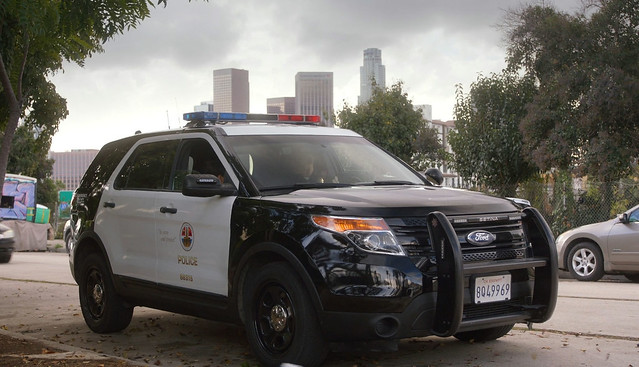
This is my first mod published on lspdfr. In this case, I'm featuring the Ford Explorer from The Rookie series. Enjoy! Remember that this mod is a WIP and may be modified in the future.
DO NOT DISTRIBUTE THIS MOD ON ANY WEBSITE AND DO NOT MODIFY ANYTHING WITHOUT PERMISSION.
Thanks for downloading, Enjoy it!
- 11,165 Downloads
- 80 Comments
Updated -
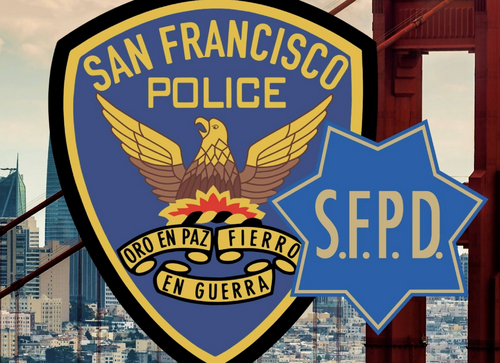
Hey guys, how have you been? I hope you're doing well, after some time inactive I bring you a uniform that is not common in lspdfr, I'm talking about the San Francisco police uniform, since a few days ago I was watching videos on youtube and I said, I want to play as SFPD in my lspdfr, but when I went to look for uniforms there were none, so I decided to create my own, I hope you enjoy it, hugs Officer Lucy Chen.
- 85 Downloads
Updated -
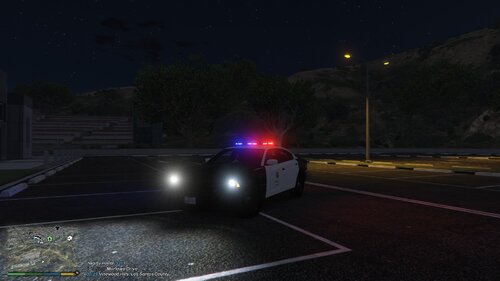
Hey guys, how are you? I hope you're doing well. This time, I'm bringing you the texture of the Dodge Charger from The Rookie. This car was first seen in Season 1, Episode 6. It appears so rarely that making a skin with so little detail is difficult, but I tried to get as close as possible. I hope you like it.
IMPORTANT: The vehicle is not mine. You can download it here:
HAVE FUN AND BE SAFE OFFICERS!!
- 191 Downloads
- 3 Comments
Updated