


Lawdawg103
Members
-
Joined
-
Last visited
Everything posted by Lawdawg103
-
I would like to see callouts where you enter a restaurant for a disturbance or get an alarm call at a closed store or at a home and find an open door and you have to clear it. Callout where someone damaging a building or car and you have to arrest the person.... some examples.
-
 On occasions my back-up did not show up but over time it seems like it is working a lot better now. This is one of the best one's I have downloaded so far. Thanks for hard work in developing this.
 -
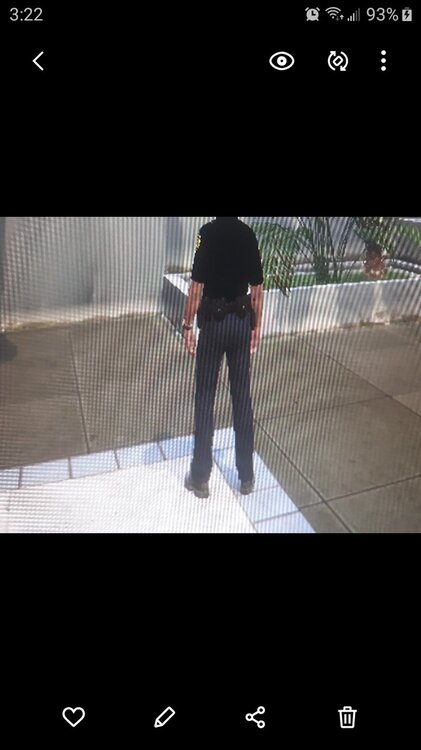
Is there anyway to match the pants color to the shirt... I've tried google search and can't find the answer? Shirt is darker than pants I want the pants to be darker.
-
Thank you
-
I've downloaded Grammar Police to my game what is the recommended microphone to buy to speak to dispatch?
-
Sorry, I am no expert or can answer any questions because I am new at this but when my game does not start I will click "play" on GTA5 and within a few seconds during the small black screen I will click the Rage icon and this has helped me start and play the game. Sometimes I will have to restart the computer but it has worked for me.
-
Ok Thanks
-
I've been on calls where the store is locked on a shoplifting call or on a domestic call where you can hear shots being fired inside the home but have no way to enter. If I download open all interiors not located on the lspdfr site will that help or mess up my game?
-
I copied the car files to a patchday22 folder and finally got it to work in the game...now I just have out to figure how to get the emergency lights, siren and radio chatter to work but made some progress. Thank you
-
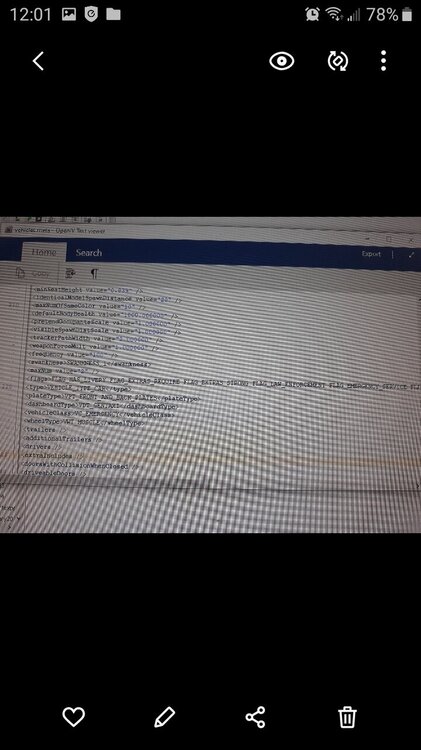
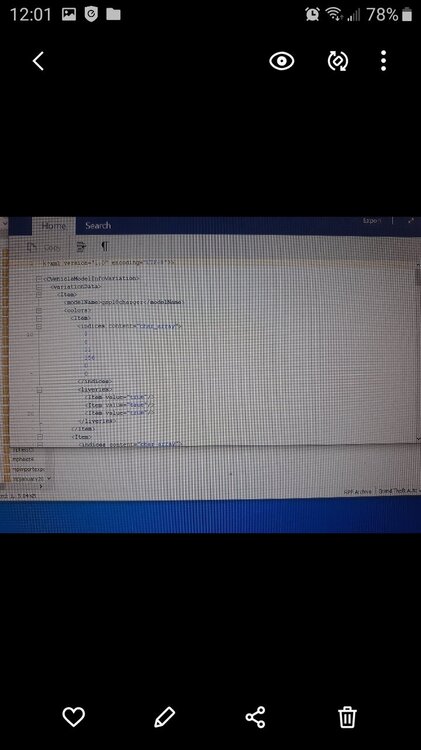
Sorry, these pic should be clearer I am showing you that everything is set as you stated previously. carvariation.meta Lively is true and Flag has Livery
.thumb.png.51153c3a1b1d685af95c7d55bf6f0271.png)
.thumb.png.d8d8cf5b2d35128e556457116e32db5c.png)
.thumb.png.0b6df803c17b8b4e1c83a30e7f11e2f5.png)
.thumb.png.36171db911155ddad54f8289c814a303.png)
-
-
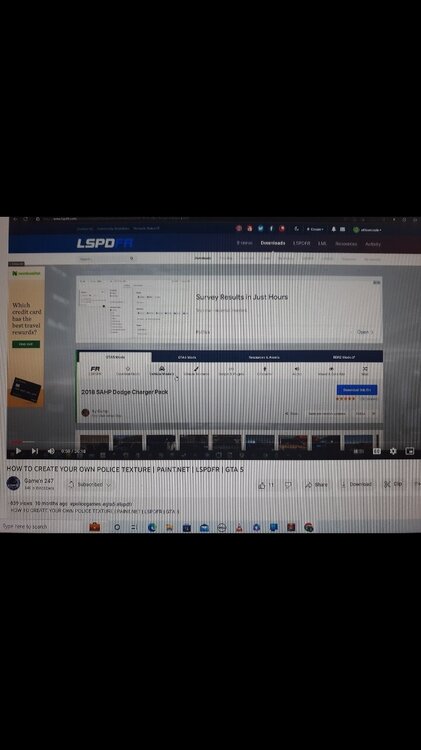
I included screenshots and video from where I developed vehicle.
-
I've replaced the car to what I want it is in above picture..it just wont show up in game. How do you get it linked in game? Thanks for your help
-
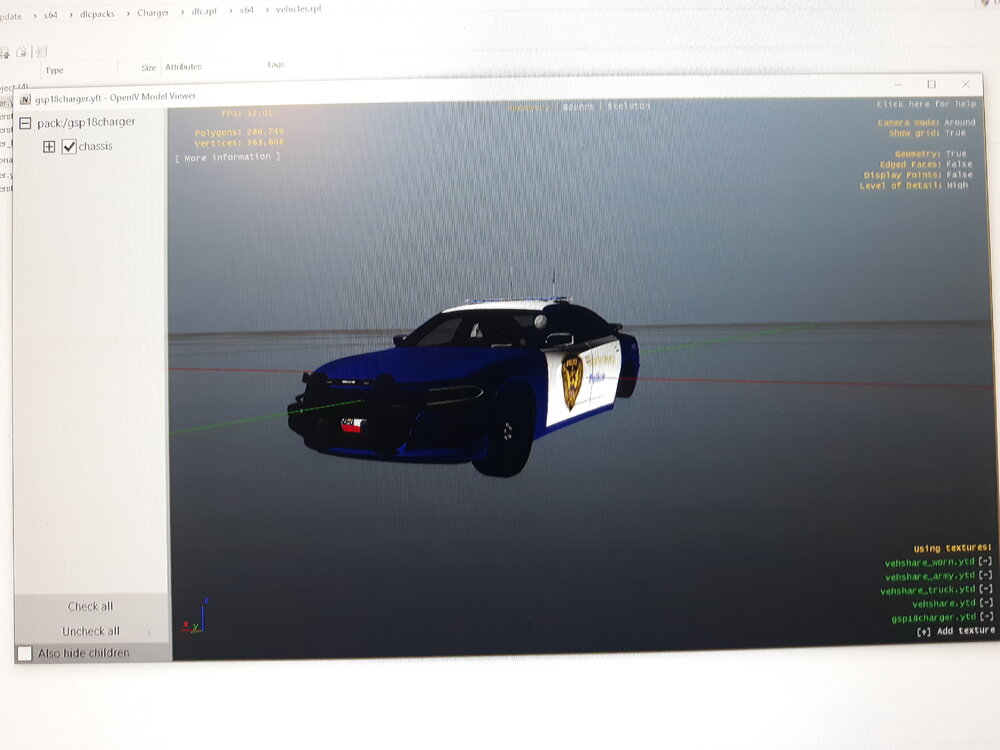
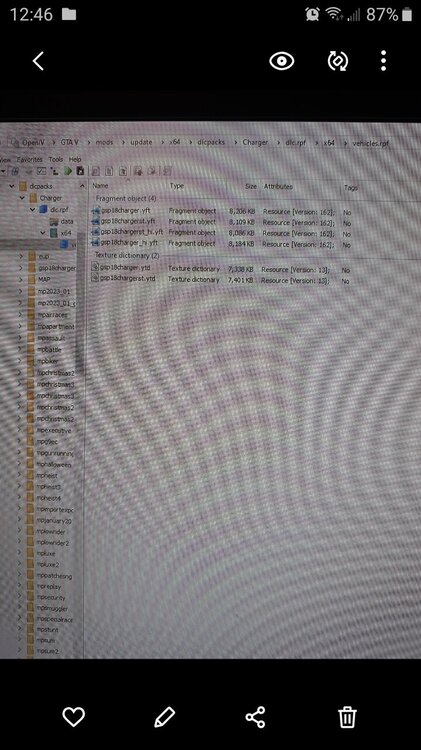
I've gone this far but cant get it to show in game Where file is located
-
I change design of a police charger using paint.net and it shows up in openiv in a folder i named..do I need to copy it into a patchday folder because I can get it show in game by spawning etc. Or what are the correct steps after the car is designed?
-
I did not see any model in the list so I must did something wrong...I followed step by step from a video..any suggestion to a particular video. My initial car was a police car that I just changed the skin to. Thanks
-
I created a car and viewed it in the 360 image now how do I spawn it the game when I hit f4 I dont see my car...gsp18Charger. I typed spawn: police..vehicle..charger and don't see it
-
I completed the template and went into OpenIv to install it but I cant find the police cars folders..I found truck and airplanes..any idea how to find the police cars?
-
I will try it out Thanks
-
Thanks
-
Is there anyway to edit the agencies in the list from showing up in the menu so I dont have a big choice to scroll through? Thanks

.png.9b515056221bcc4fb1d599b3ae4aebe2.png)
.png.f3270eae4d3b8d5b206c3e7a5533eeef.png)
.png.ade99640845e8cd462aeababb719ffaa.png)
.png.383b20130ebbbc1cae54834e5d2b3911.png)


