



justdlosek
Members
-
Joined
-
Last visited
Everything posted by justdlosek
-
-
-
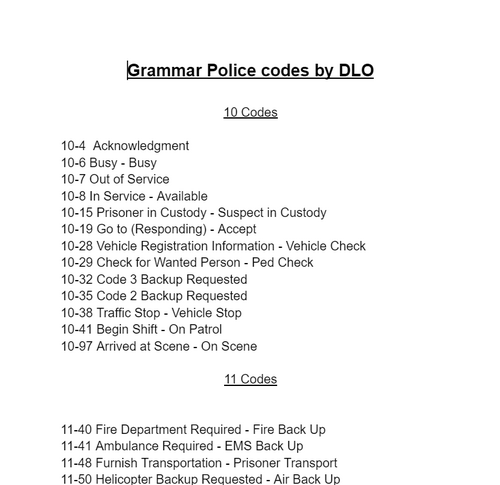 I created Grammar Police codes according to CHP, a couple of them are modified, but most of them are according to https://chips-tv.com/wiki/CHP_Radio_Codes . The list of codes I added: https://docs.google.com/document/d/1JFhrbvC23Zj1PTBtULUI9AMut5t8NrcYj92TwLultJE/edit?usp=sharing Instalation: 1. Open the "Grand Theft Auto V" folder in this rar. 2. Drag the "Plugins" folder in to your game folder (It should ask you to replace files) 3. Then navigate to Plugins -> LSPDFR -> GrammarPolice -> custom.ini 4. Rewrite it to look like this Language=en-US, AgencyCodes=CALIFORNIA (as in the picture in the attachment) 5. Done! Enjoy! If you have any problem, write me in the comments and I will try to help you.
 -
-
It's been 5 months and I still haven't found a solution. I've reinstalled the game three times since this post and it's still the same. If anyone can find a solution, I would be very grateful.
-
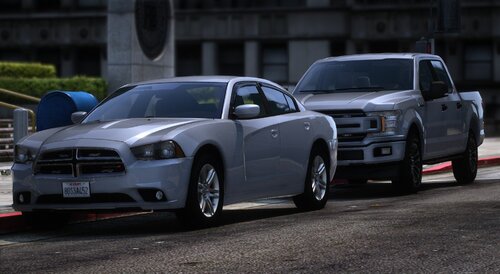 i love this mini pack. Those models are amazing
 -
-
First of all, I'm glad for your answer. Second, I tried uninstalling EUP and everything worked as it should, but after I reinstalled EUP again everything didn't work again. I don't know what to do now, I don't want to play without EUP, but on the other hand this bug bothers me, I'll try to do some more things and I'll write if I can.
-
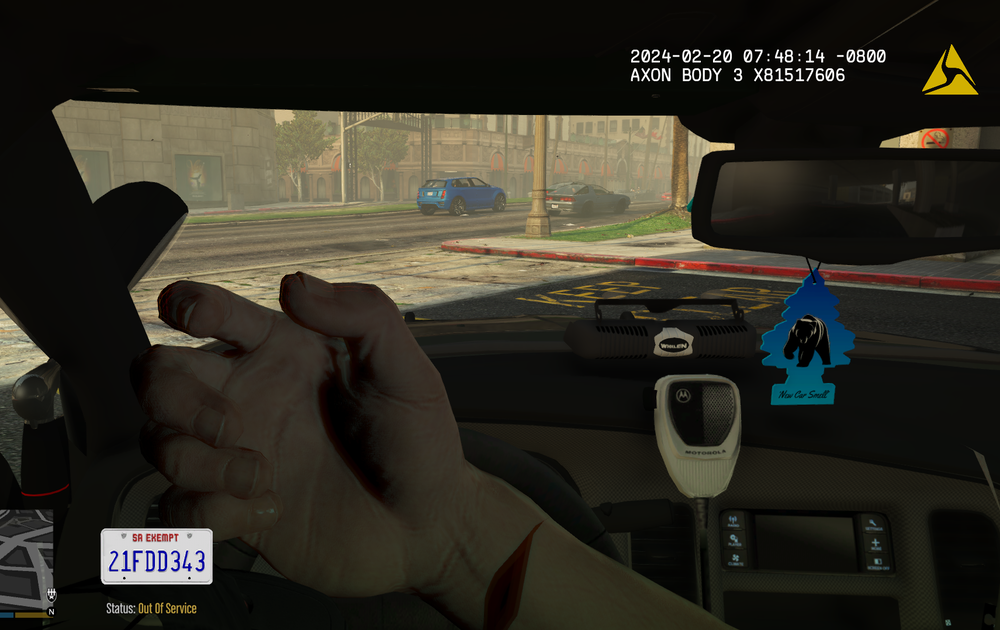
For a long time I have had a problem with the fact that when I talk on the radio in the car, or have the dispatch set to prop radio, the model of the radio goes into the opposite hand than it should be. As an example I am posting screenshots from the game. I would be glad if someone could help me with this. I have reinstalled the game 3 times already.
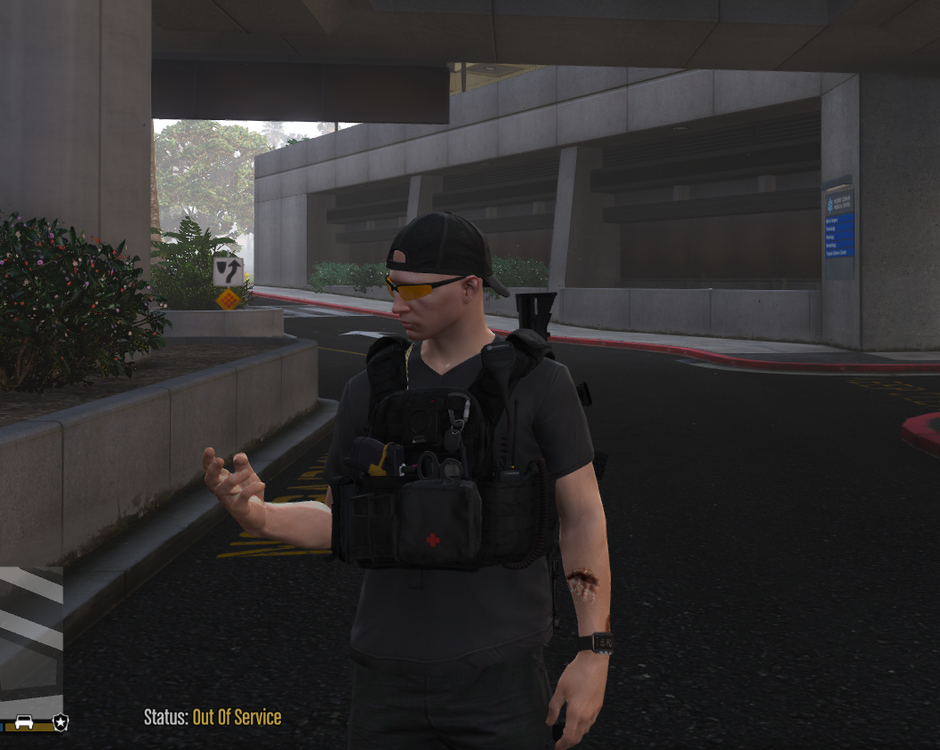


.thumb.png.f586cdd08abe7a57c60607d65c5e4795.png)


