



Marc03
-
Joined
-
Last visited
Everything posted by Marc03
-
From the album: Ava Young Live in Action
-
From the album: Ava Young Live in Action
-
From the album: Ava Young Live in Action
-
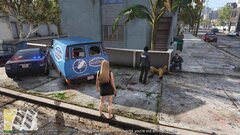
From the album: Ava Young Live in Action
-
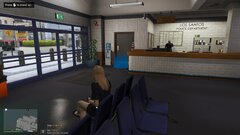
From the album: Ava Young Live in Action
-
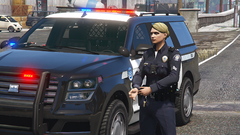 Hello, are you like using the old version? I don't have the decal options for the ranks
 -
I think you just opt on what you think suits best on your play style. Whether you want to have it on your game or not depends on the one playing the game. If ever you want it, as mentioned before by other people, there's a plugin for it, for you to be able to cuff downed suspects.
-
Hello, Felipe! Once you have loaded LSPDFR, you can go on duty and select it in the options via the "Locker Menu" when you go "On-duty" for the first time via Mission Row Police Station at Mission Row. Along with this, to further enhance your gameplay and immersion, you may opt to install additional plugins that offers SWAT scenarios and such. The base mod of LSPDFR has the inventory, vehicle etcetera but you can customize and add in more models as you please. Other stuffs that would make it more realistic would be plugin below: EUP - This will give you more clothing option and customization on how your SWAT team wants to look like. From there, once you have created the outfit, you can equip it and spawn "Partners" that wears the same clothing you have. Good luck! 🙂
-
 I just want to express how amazing this plugin is. I find this really helpful and adds realism in my gameplay. I would also want to drop down a suggestion that other players might find useful in their gameplay experience. As of current, my setup is as follows: Pistol AR Stungun Nightstick I just want to suggest if it is possible to add a third slot for misc items just so I can add flashlight. While I have flashlight in my character, I am unable to take it out without losing either the stungun or nightstick as this plugin causes the weapon selection wheel to be disabled. I believe it would be more efficient if we can have a third misc slot to add a flashlight. Cheers! 🍻
 -
Hi! Hope you're having a great day today. Regarding the issue you're having in regards to having orange blips on your map, can you tell us which plugins you have installed? Usually you can customize it via the plugin's ini file. In the mean time, you may try to just reload all plugins to reset or relaunch the game to get rid of that blip.
-
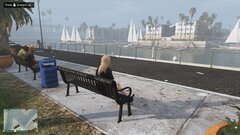
From the album: Ava Young Live in Action
-
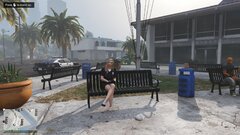
From the album: Ava Young Live in Action
-
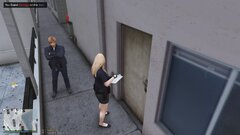
From the album: Ava Young Live in Action
-
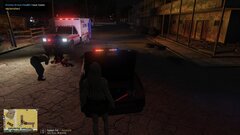
From the album: Ava Young Live in Action
-
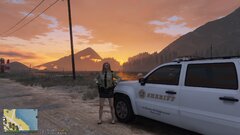
From the album: Ava Young Live in Action
-
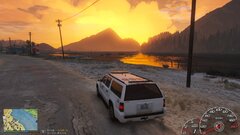
From the album: Ava Young Live in Action
-
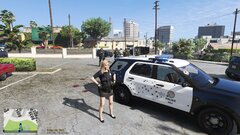
From the album: Ava Young Live in Action
-
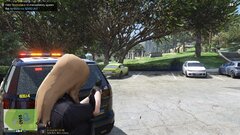
From the album: Ava Young Live in Action
-
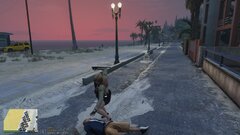
From the album: Ava Young Live in Action
-
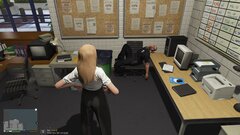
From the album: Ava Young Live in Action
-
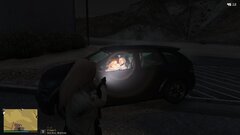
From the album: Ava Young Live in Action
-
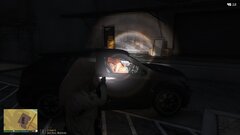
From the album: Ava Young Live in Action
-
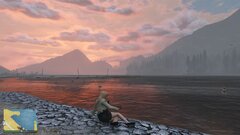
From the album: Ava Young Live in Action
-
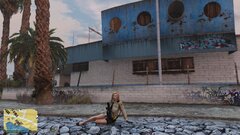
From the album: Ava Young Live in Action
-
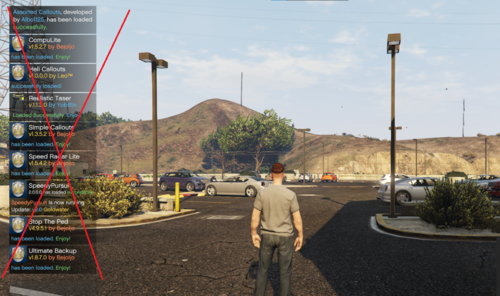 I guess it would be more awesome if we can remove everything else except the notification for when an update is ready. Still, this is amazing as it takes me some time to be able to fully play the game as to having to wait for all that notification from varied plugins I have installed in my game.


