


akcasoft
Members
-
Joined
-
Last visited
Everything posted by akcasoft
-
So where is the problem in this file? LANGUAGE.txt Also, can you teach me how to read RagePluginHook daily in detail? Because different errors may occur.
-
RagePluginHook.log I started the mission shortly after starting the game and it gave an error while searching for a vehicle. After making an error, you need to exit the game completely. Can't return to duty. Even when I press Esc it freezes and moves.
-
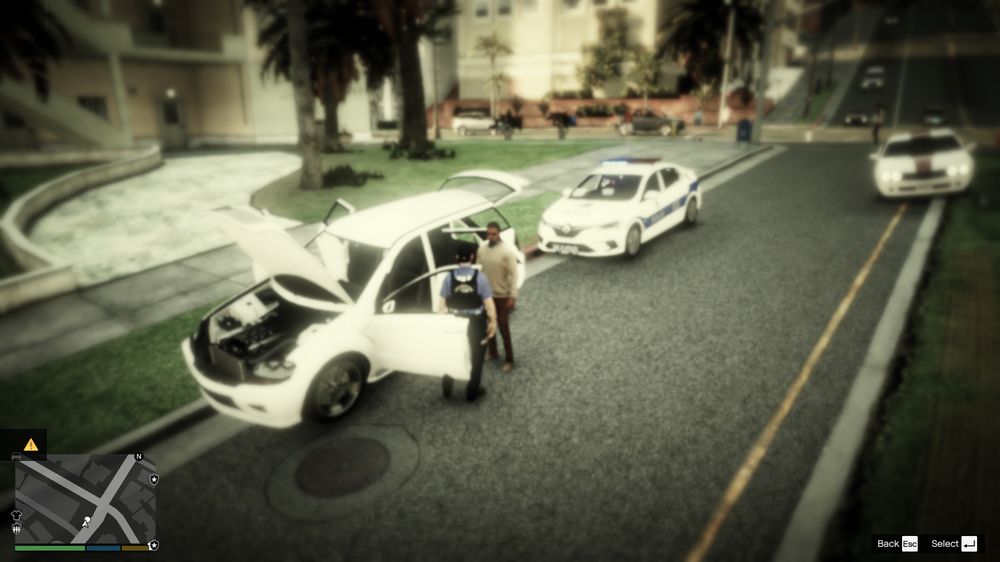
[FATAL] Forced termination Please help me I reinstalled the game many times, it crashes randomly in different situations during police duty. Can you tell me which pad or tool is causing the problem by looking at the error logs? RagePluginHook.log I added another error log. RagePluginHook.log
-
Could you look at the log, please? RagePluginHook.log
-
LSPDFR has shut down error when first entering the game. After entering the game, there is no problem when you start rageplugintum.dll manually from the console. RagePluginHook.log
