


Drake1731
Members
-
Joined
-
Last visited
Everything posted by Drake1731
-
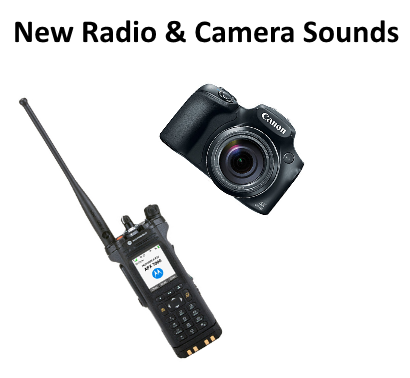 Well I did make an immature accusation which I've realized is not true, and which I do apologize for it and its not my place to make the accusation. :)
- 9 comments
- 2 reviews
-
Kinda odd how the talk permit tone is the exact one I've uploaded.. By pulling it into audacity I can see the wavelengths and by using a plugin I can check to see if there are any differences in the one I made and the one you "made" and its saying there are no differences, meaning they are the same. In the credits it looks like you're saying you've keyed up a Motorola Radio on a Trunked Radio System before, since your giving yourself credit for the sounds.
- 9 comments
- 2 reviews
-
-
Thank you! :)
-
Awesome, hope it works good. Thanks. :)
-
Teamspeak Mic Clicks.
-
Hello! I've made this as realistic as I can but Teamspeak 3 prohibits some features therefore its not as realistic. Check files for instructions. This includes: Dispatcher Side, Officer Side, and I've added in the Emergency Button as well. Thanks. :) (Hi RhodeIslandLaw)
-
Love it! Is the emergency MDC the "beeeeeeep.....beeeeeep...........beeeeep.....beeeeep" ? I know the trunked one is pretty fast.
-
-
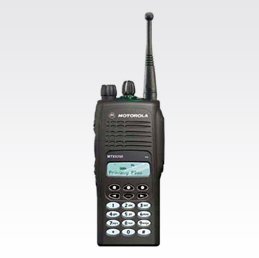 The squawk at the end doesn't make much sense.. The squawks are bits of data that translate to your radio ID, letting the dispatcher know who was transmitting, and the talk permit tone is for a trunking system, you wouldn't hear those squawks on a trunking system, in fact, you'd just hear the user dekeying their radio, as if it was on a conventional repeater. Just sharing some knowledge! :)
- 10 comments
- 1 review
-
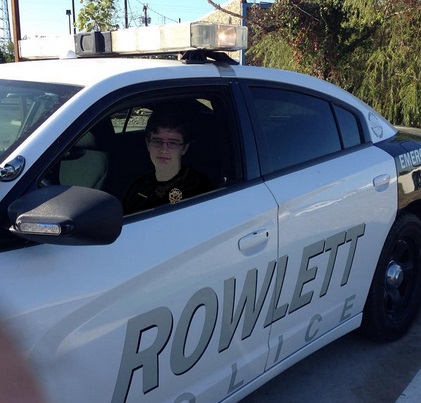
Here is me in my local pd car.
-
Love my presents! Thanks! I hope everyone has an awesome Christmas!

-
Not sure. Waiting for an email back. I'm going to submit a FOIA and get the dash cameras and maybe the body camera footage from the incident. I can't find anything either. Are you able to link me the article you found? Thanks.
-
I was listening to my radio on 12/14/15 at 10:04 PM and then hear this.. https://www.youtube.com/watch?v=DfOFHIs3-8I This is audio I've uploaded.
-
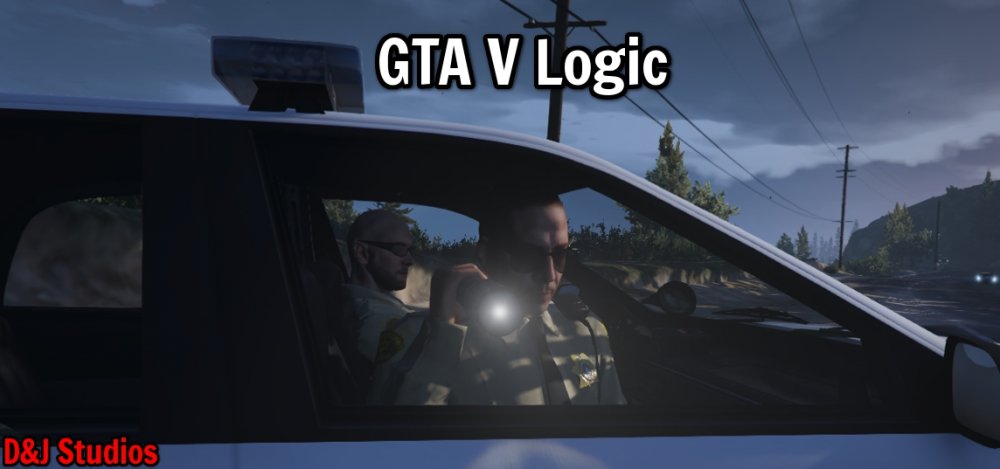
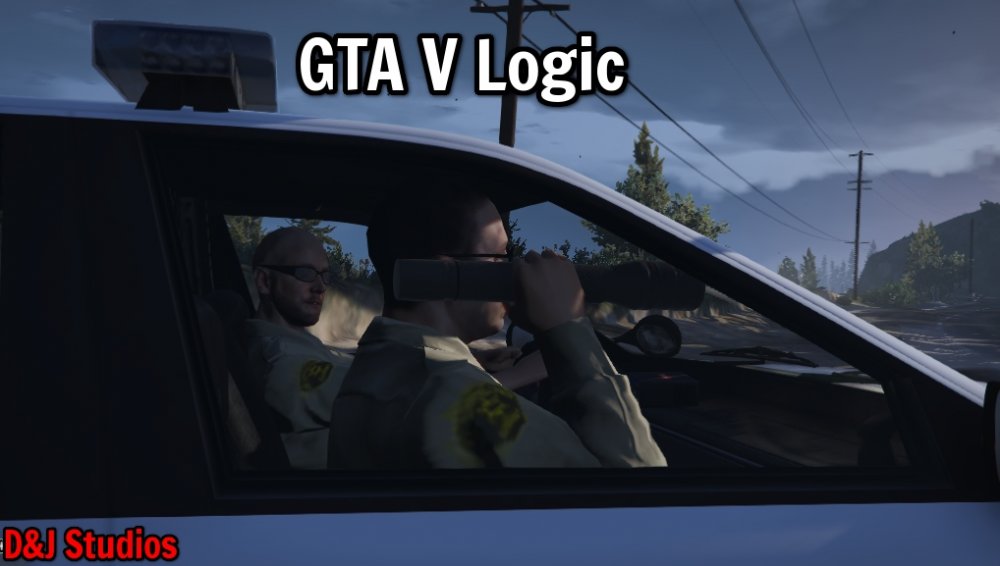
Here is some fine GTA V Logic for ya.
-
Hello, I spent around 750 for this desktop i'm on, now i know you said laptop, but that's a lot of crap to smash into that one little machine. I'd suggest getting a desktop, and also, the graphics card is one of the most important things you'll need if your looking to run any game. And you should get a desktop because you can upgrade it anytime. But on the other hand for a laptop, not so much. Thanks, Drake Robinson awesomepoop.com




