



Mints Modifications
Members
-
Joined
-
Last visited
Everything posted by Mints Modifications
-
 This is a free Edward Teach flag patch. Patch is in a RAR file because of size. Please read the read me file Enjoy!
 -
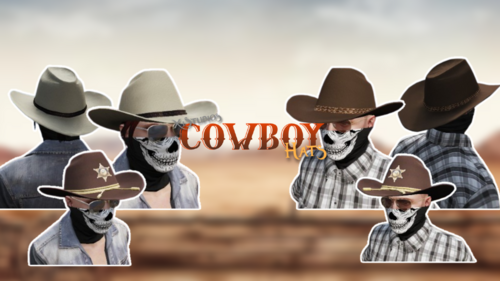 These look like the Eup menu ones🧐
 -
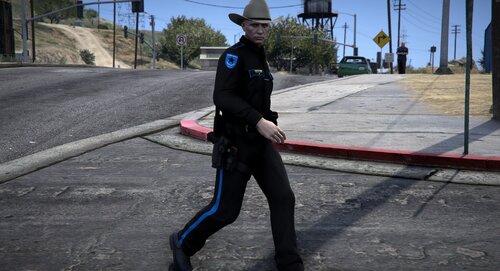 Thanks for the patch credits😀
 -
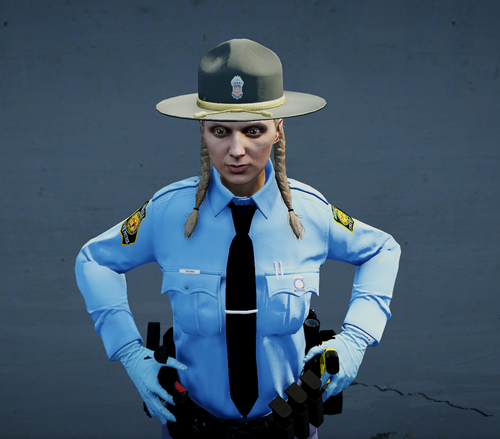 They released a new one?
 -
Use the durtyclothtool, you can make Five M addons, Five M replace files, Sp addons, and Sp replace files for eup.
-
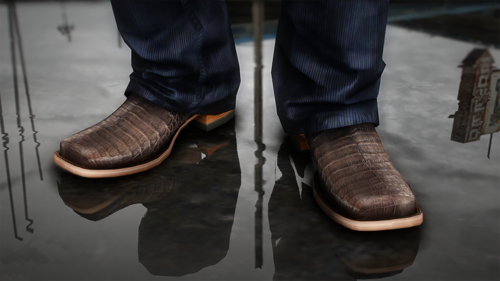 This made it go everywhere, such a fire release!
 -
-
-
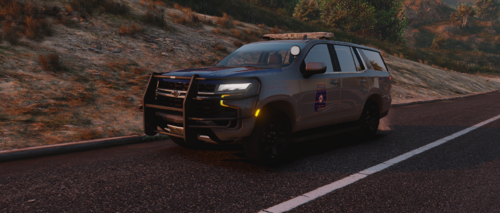 No charger?
 -
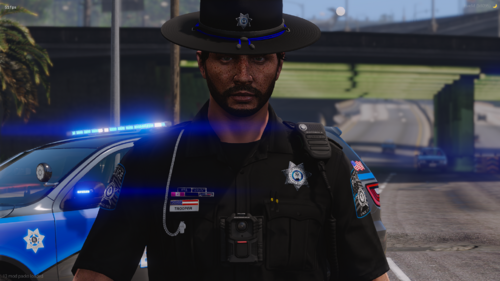 Where's the guardian angel from for the vest?
 -

-
Free badge Images are stored here
-

-
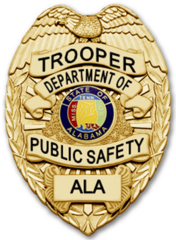
-

From the album: Badges
© Skull Development
-

From the album: Badges
© Skull Development
-

From the album: Badges
© Skull Development
-

From the album: Badges
© Skull Development
-
-
.png.bdbf9d547249b4ca4681253f1963309c.png)
-
.png.d3764167134ee63633d806939040ab37.png)
-
.png.aadb5238dc9c90d33145950a778a3126.png)
-
.png.1d58284eefa38b0903c765c95374d0ff.png)
-

From the album: Badges
© Skull Development
-
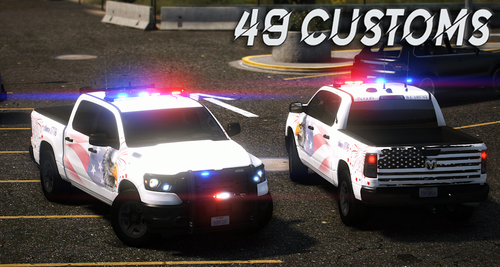 What graphics do you use for your scs?



.png.bdbf9d547249b4ca4681253f1963309c.png)
.png.d3764167134ee63633d806939040ab37.png)
.png.aadb5238dc9c90d33145950a778a3126.png)
.png.1d58284eefa38b0903c765c95374d0ff.png)
