



itsjzee85
Members
-
Joined
-
Last visited
Solutions
-
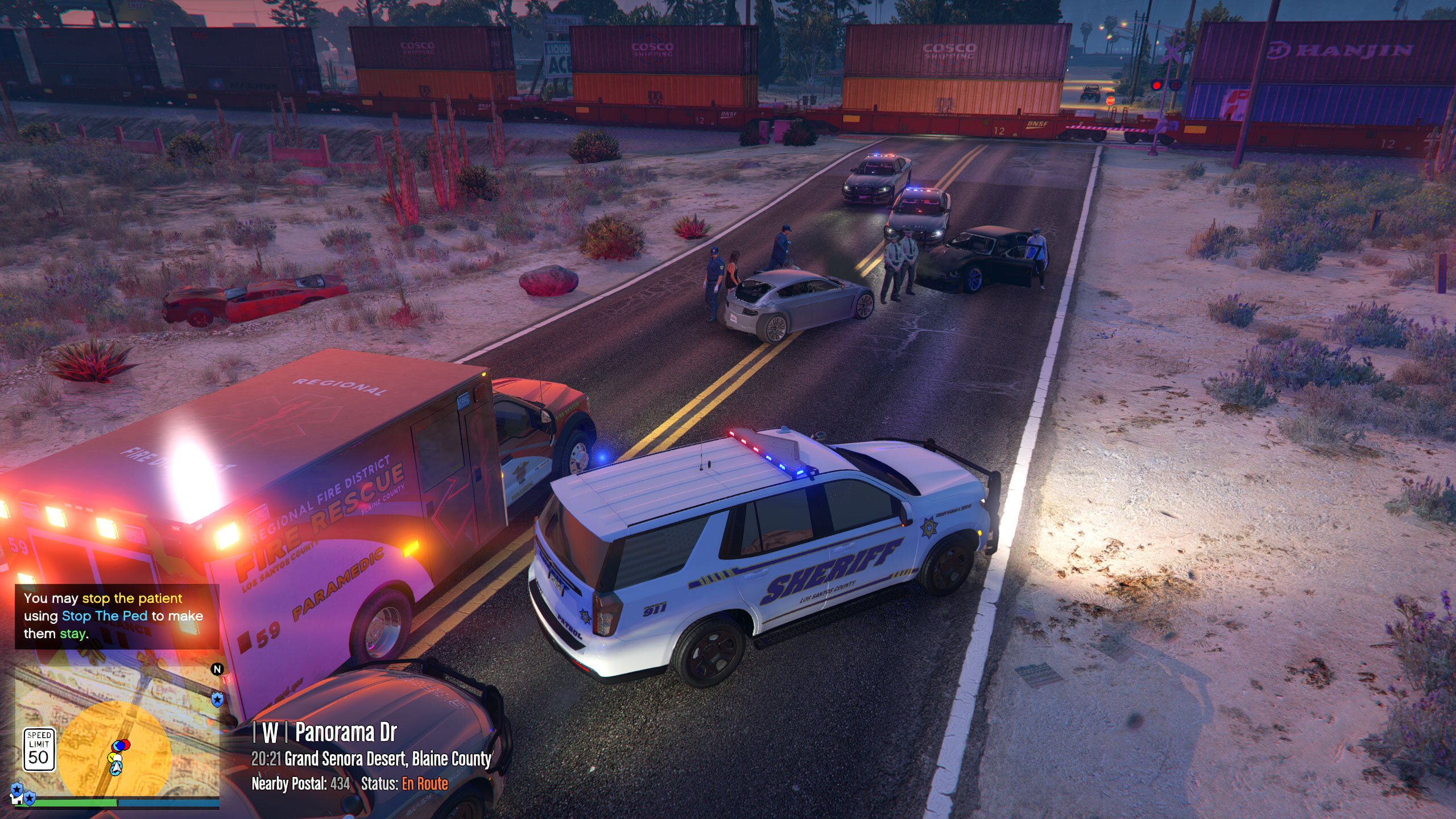
itsjzee85's post in Subtitles say "woStatus: En Route (or status )". Photo included. was marked as the answerAfter Months of trouble shooting in between mods it all came down to a bad YMAP and DLC that was somehow affecting grammar police.
This was discovered because I was also having the The Infinite Holster/Unholster Loop Animation glitch where it's stuck in a loop. Nothing stopped it. The only thing to stop that was to remove a bad YMAP and a DLC that had known issues with causing this issue. The infinite holster/unholster loop isn’t a bug in vanilla GTA V but it’s most often triggered by a corrupted or conflicting mod especially custom map or YMAP files. Apparently bad YMAP's can affect a lot of things.
If you are ever having the same issue try going thru your YMAP's. Tedious but worth it. The game is playable again.
Hope it helps someone in the future
-
itsjzee85's post in Delete other agencies, keep only one was marked as the answerThe best thing for you to do is to replace all police/sherriff/fbi to the police vehicles you want, then set all the uniforms to the uniform you want. Google the process. I can't remember it off the top of my head. If you want to change dlc vehicles that respond you can change those settings as well. Easiest way is to just do replace files.
Wherever you are a lspd unit will respond when you ask for a local unit or a state unit and you will all be dressed the same.
-
itsjzee85's post in LSPDFR crashing after about 5-ish minutes or less was marked as the answerSo at this point you have removed all the callouts and scripts and it's still crashing. Do these things if you have not solved this yet.
Run a File Integrity scan on GTA V Legacy from the launcher. This is to just verify the files are in place to theoretically run the game.
Rename your mods folder to Mods_ so it does not load with the game then load and play the game for like 10+ mins to see if the game will crash the same or stay running. If it still crashes that will tell us if it is a corrupted system file or something within LSPDFR/Rage/ScripthookV itself.
This will narrow everything down to where we need to focus on now.
If all else fails you can chalk this up to lesson learned on your backups and start again fresh.
-
itsjzee85's post in LSPDFR crashing on startup was marked as the answerA good way to see if it's the plugins you installed is to take one of them out of the folder and then try to play.
