Mazeroy
Members
-
Joined
-
Last visited
Everything posted by Mazeroy
-
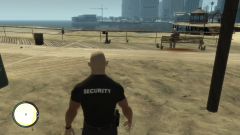
From the album: Detective/Armed Security WIP
© Maze426
-
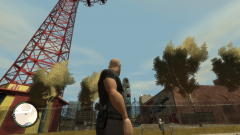
From the album: Detective/Armed Security WIP
© Maze426
-
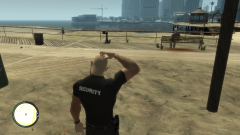
From the album: Detective/Armed Security WIP
© Maze426
-
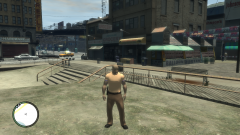
From the album: Detective/Armed Security WIP
© Maze426
-
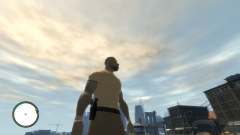
From the album: Detective/Armed Security WIP
© Maze426
-
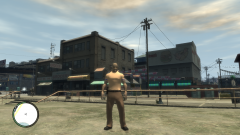
From the album: Detective/Armed Security WIP
© Maze426
-
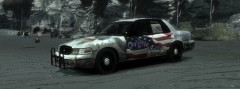 Iod97, nothing wrong with giving your opinion I know this can be a touchy topic. The skin is based off an actual police car from a PD in my area, thats the reason why I put it together. My intention was not to cause anybody to feel unstable in any way.
 -
-
So what are you guys calling yourselves now? ACSO or is it BBPD now?
-
Go to your ELS settings file in your GTA IV folder and scroll down to the cars you want to change the lighting reflection for. If you want Blue change the 0 to 1. For example below this is one of my cars in the ELS settings file. The left half of the light bar will cause a red reflection and the right will be blue. EX: [ POLICE ] Active = 1 Halogen_Only = 0 Color_Light1L = 0 Color_Light2L = 0 Color_Light3R = 1 Color_Light4R = 1 Color_Light7L = 3 Color_Light8C = 3 Color_Light9R = 3
-
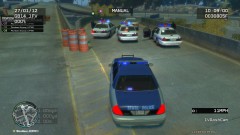 Ah good times! That was fun we should get in game again sometime!