



BubbaLawz
Members
-
Joined
-
Last visited
Files posted by BubbaLawz
-
It's been a while since I've uploaded my first vehicle texture, So here's another one.
This file includes Lore Friendly and Fictional textures!
Prisma Health + Paleto Health liveries are here!
Prisma Health is a not-for-profit health organization in South Carolina. I'm sure we've seen their ambulances around here and there.
Notice: Make sure to rename the livery file(s) New Theme EMS for the ambulance linked below.
I've tried to use both liveries with the truck at once, But unfortunately it didn't work. So, You might be stuck with just one livery; Whichever you choose.
You'll see some other liveries marked as "e450_sign_4" etc in the texture dictionary but for some reason, The model doesn't work like that and it won't show up in your game. Even if you try to use the change livery option via trainer.
(These liveries may work for his other F350 ambulance models! Not 100% sure though.)
But anyway, Enjoy this free release!
These liveries were made to fit the F350 Los County EMS ambulance by: @TrentMU
- 160 Downloads
Updated -
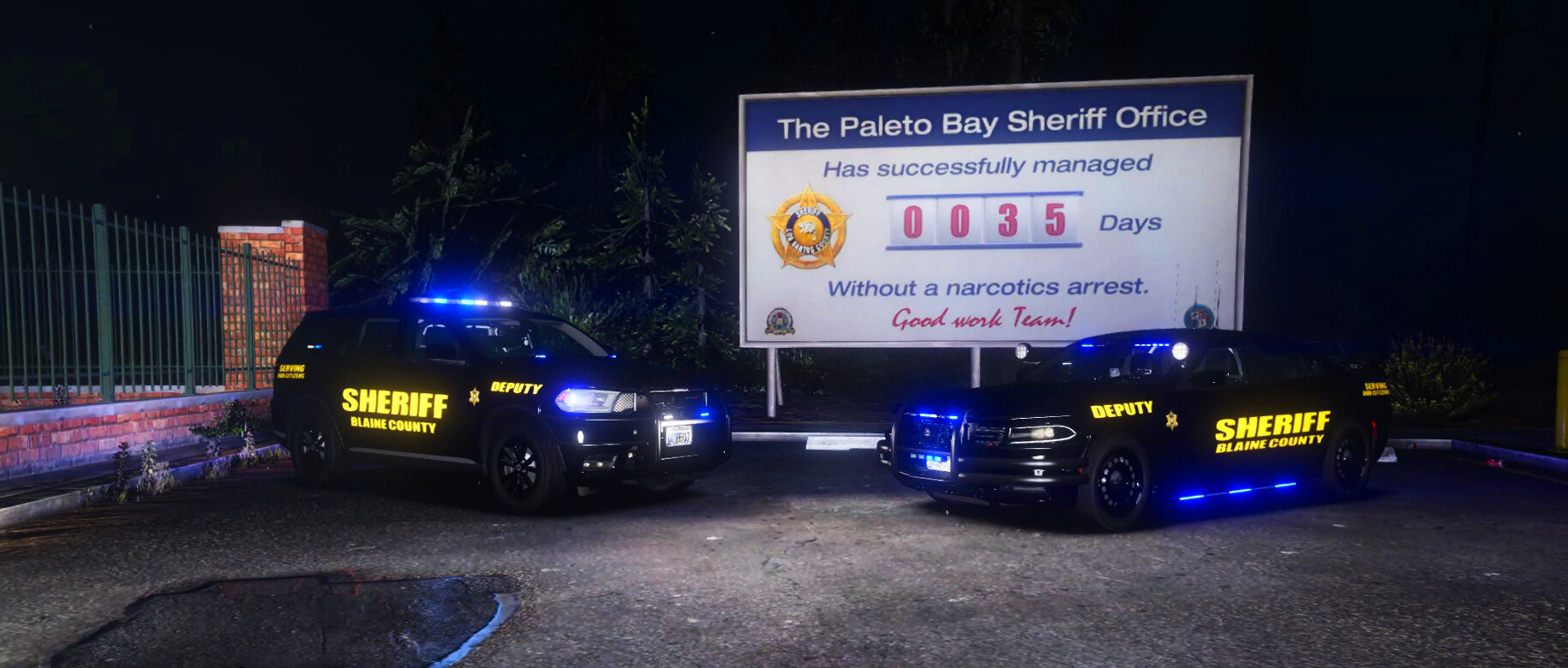
This texture I made is based off of the Oconee County Sheriff's Office in South Carolina.
I made it to fit the Chevrolet Tahoe (ALEA2S4) in this DLC/Addon vehicle pack:
Vehicle pack linked is made by @rcsd2007
- 73 Downloads
- 1 Comments
Updated


