Skip to content
View in the app

A better way to browse. Learn more.

LCPDFR.com

A full-screen app on your home screen with push notifications, badges and more.

To install this app on iOS and iPadOS
  1. Tap the Share icon in Safari
  2. Scroll the menu and tap Add to Home Screen.
  3. Tap Add in the top-right corner.
To install this app on Android
  1. Tap the 3-dot menu (⋮) in the top-right corner of the browser.
  2. Tap Add to Home screen or Install app.
  3. Confirm by tapping Install.

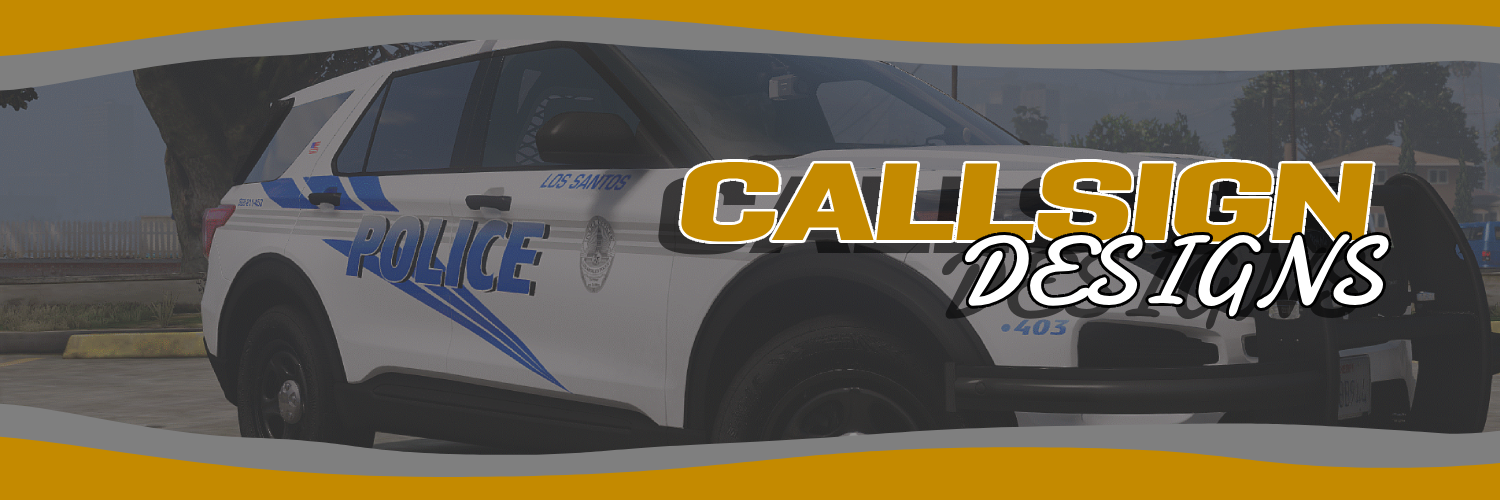
Callsign Designs

Members
  • Joined

  • Last visited

  1. too big, crashes game.
    • 395 downloads
    • Version 1.0.0
    EUP Package Includes: Class A,B,C T-Shirt + K9 T-Shirt Traffic Vest Baseball Cap Callsign Designs & Media Are you sick and tired of overpriced commissions? Well, look no further then Callsign Designs We have unmatched prices! You can get: CLASS A,B,C CLASS B WITH UNDERSHIRT PATROL PANTS CARGO PANTS T-SHIT SWEATER PoliCE HEAVY WEATHER JACKET (SOON) BASEBALL CAP SLIM STYLE PATROL VEST -TRAFFIC VEST Included Patch (Optional) All for just $15 Don’t wanna pay? Any EUP Package we release that is not for a commission is usually FREE! Yes that’s right, FREE! So really, what are you waiting for? Come to CD today! https://discord.gg/xJGYJVhutW
    • 293 downloads
    • Version 1.0.0
    This package includes: LBV Vest with Bodycam Class A, B, and C. Baseball Cap Patrol Pants Join Callsign Designs!! https://discord.gg/ann5d9Xpgs
    • 95 downloads
    • Version 1.0.0
    Join callsign designs: https://discord.gg/ann5d9Xpgs
    • 96 downloads
    • Version 1.0.0
    Join Callsign Designs Below: https://discord.gg/ann5d9Xpgs
  2. Callsign Designs changed their profile photo
  3. Does anyone know what siren the Suffolk county police department use? If so please send it to me, here is a video:

Account

Navigation

Search

Search

Configure browser push notifications

Chrome (Android)
  1. Tap the lock icon next to the address bar.
  2. Tap Permissions → Notifications.
  3. Adjust your preference.
Chrome (Desktop)
  1. Click the padlock icon in the address bar.
  2. Select Site settings.
  3. Find Notifications and adjust your preference.