
Dannyy
Members
-
Joined
-
Last visited
Everything posted by Dannyy
-
From the album: Tx
-
From the album: Tx
-
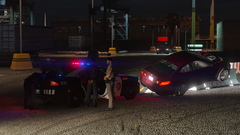
From the album: Tx
-
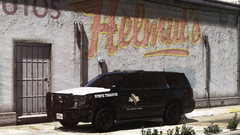
From the album: Tx
-
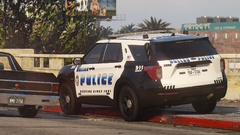
From the album: Tx
-

From the album: Tx
-
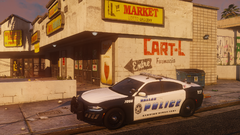
From the album: Tx
-
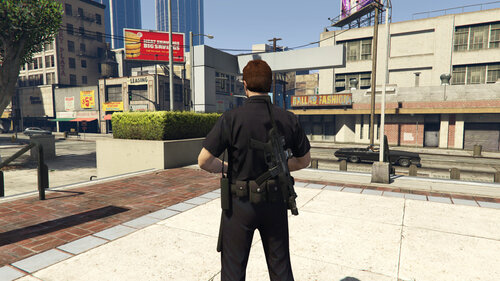 Sorry, must have missed that when going through the ini, all sorted now thanks!
- 248 comments
- 21 reviews
-
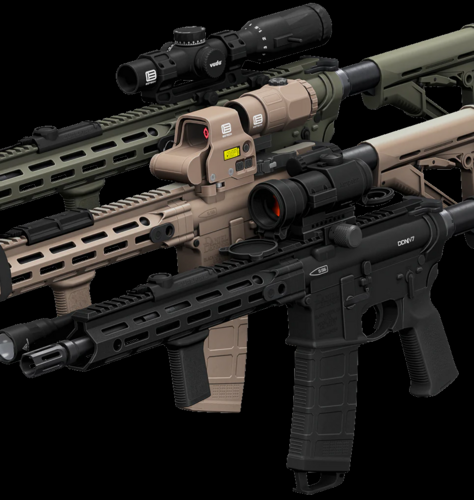 Could you let me know what you changed in the .meta to enable this, already got my own custom meta so just want to add the line in where it needs to go. Thanks:)
- 1 comment
- 1 review
-
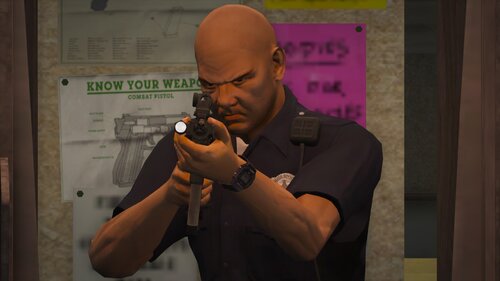 Could you let me know what you changed in the .meta file to get the tilted lean (screenshot for reference). Trying to do this to some other weapons but can't figure it out. Thanks! 🙂
- 56 comments
- 2 reviews
-
I tried using this with Add on weapons (TLS' DDM4V7) but only the gun itself shows, no mags, scopes, grips etc. Anyway to fix this? Thanks 🙂
- 248 comments
- 21 reviews
-
 Uploaded and processing, link for when it's available 🙂
 -
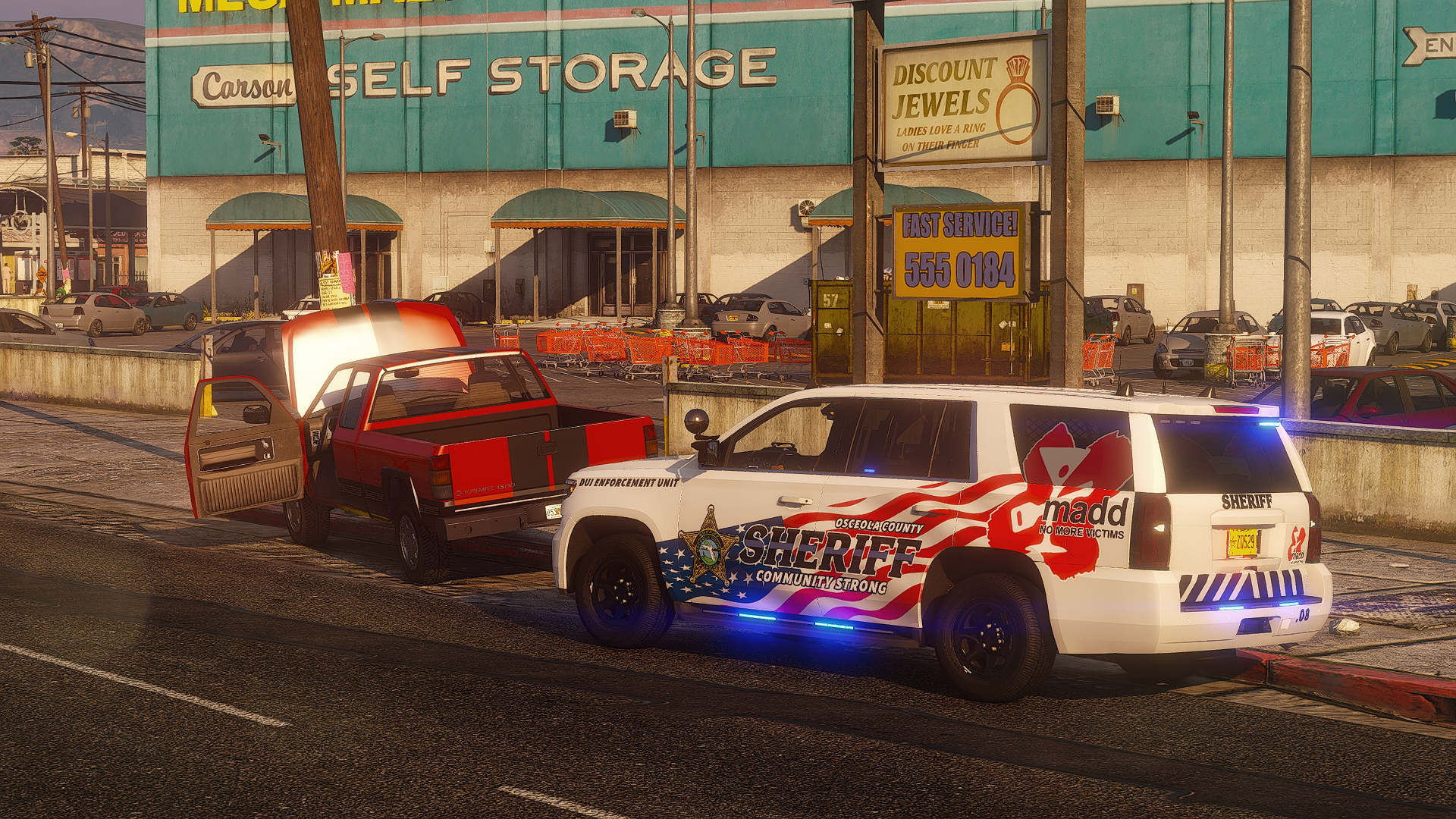
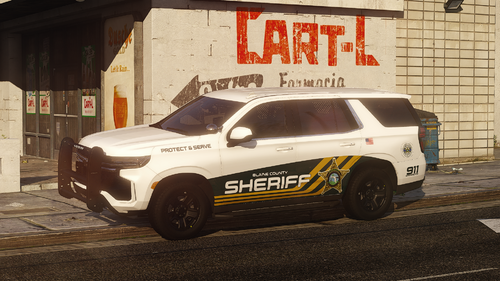 Lore-friendly variants of Skys Development's Osceola County Sheriff pack (2.0 version currently only available on his discord) https://discord.gg/WaKCxJjgr8 Full credit to Skys Development and Jank modding for the original models & skins
- 7 comments
- 1 review
-
-

-

-

- 12
-
-
I've made lore-friendly versions for my personal use, but I'd be happy to release them if you'd give me permission to?
-
Also looks great Lore friendly!
-

From the album: SAHP
-
-
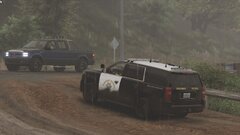
From the album: SAHP
-
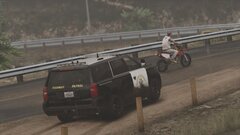
From the album: SAHP
-

From the album: SAHP
-
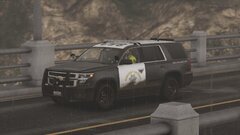
From the album: SAHP
-

From the album: SAHP
-
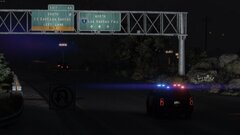
From the album: SAHP
-
-