Skip to content
View in the app

A better way to browse. Learn more.

LCPDFR.com

A full-screen app on your home screen with push notifications, badges and more.

To install this app on iOS and iPadOS
  1. Tap the Share icon in Safari
  2. Scroll the menu and tap Add to Home Screen.
  3. Tap Add in the top-right corner.
To install this app on Android
  1. Tap the 3-dot menu (⋮) in the top-right corner of the browser.
  2. Tap Add to Home screen or Install app.
  3. Confirm by tapping Install.

odix

Members
  • Joined

  • Last visited

Files posted by odix

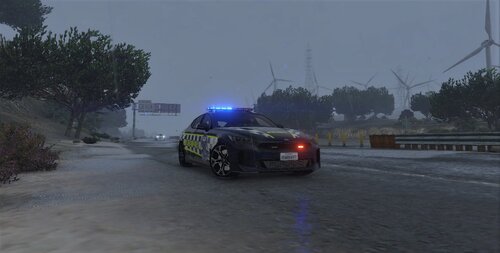
  1. VicPol Kia Stinger Highway Patrol | FiveM Ready [NON-ELS]
     
    texture for: 
     
    • 335 Downloads
    Updated
  2. VicPol BMW 530i fictional | FiveM ready [NON-ELS]
     
    retexture for: 
     
     
    • 319 Downloads
    Updated
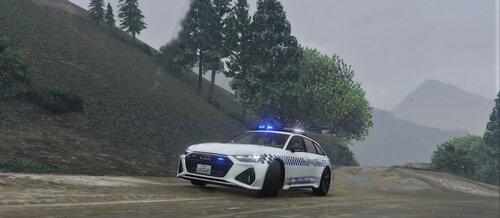
  3. VicPol Audi Avant 2021 | Fivem Ready [NON-ELS]
     
    Texture for:
     
    • 273 Downloads
    Updated
  4. VicPol Hyundai iLoad texture | FiveM Ready [NON-ELS]
     
    Texture for: 
     
     
    • 185 Downloads
    Updated
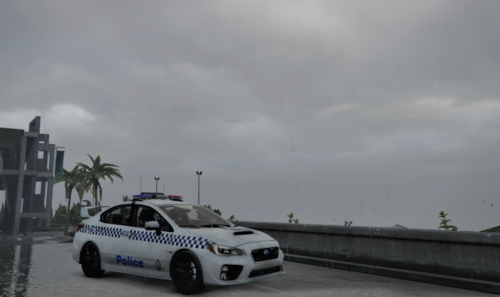
  5. VicPol WRX STI (fictional) Livery [NON-ELS]
     
    livery for: 
     
     
    • 135 Downloads
    Updated
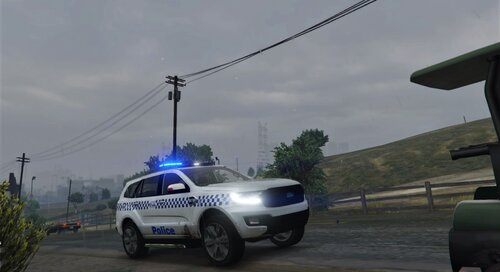
  6. Victoria Police fictional GD livery for Ford Everest 2017 by Officer Scott. S
     
    • 183 Downloads
    Updated
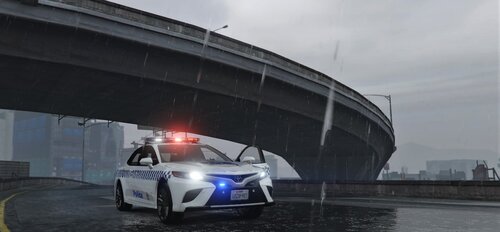
  7. 2021 Toyota Camry VicPol Livery
     
    Vehicle Textures Only!
     
    Original Vehicle can be Found Here: https://discord.gg/Q6kG7mbu6p
     
    If you have any questions feel free to ask, whether it be here or by DM in Discord. Odix#7205
    • 271 Downloads
    Updated
  8. Victoria Police State highway patrol livery for ACT Police Road Policing BMW X5 - FICTIONAL [NON-ELS] by: SGT Fozzy
     
     
    Main Vehicle file:
     
     
    • 751 Downloads
    Updated

Account

Navigation

Search

Search

Configure browser push notifications

Chrome (Android)
  1. Tap the lock icon next to the address bar.
  2. Tap Permissions → Notifications.
  3. Adjust your preference.
Chrome (Desktop)
  1. Click the padlock icon in the address bar.
  2. Select Site settings.
  3. Find Notifications and adjust your preference.