


LBGaming
Members
-
Joined
-
Last visited
Everything posted by LBGaming
-
 hey, i'd like to know what can i do when i get informant's message?
- 201 comments
- 18 reviews
-
- rph
- lspdfr callout
- legacy
- rph
-
Tagged with:
-
Today i had tried starting rage plugin hook and when i click to start in the task manager it appears as 'suspended', i already installed again the rage plugin hook (using the last version of lspdfr) and not working, i already check integrity of files in the steam and not working, i has already disabled windows defender and not working. The rage plugin hook.log no appears nothing about it. If anyone has already the same problem how did you fix it?
-
 Some calls the lspdfr crash
 -
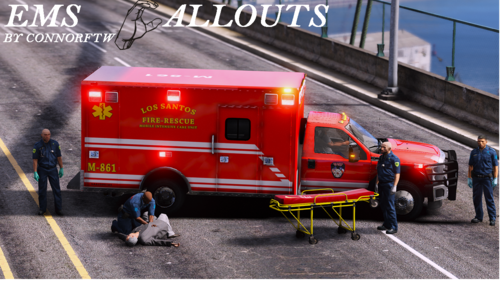
hey connor, do you still have the EmergencyServicesAddOns.oiv from Emergency Services Medic Edition? i'm just EmergencyServiceMedic.dll and .ini, i need that plugin to put the ped in the ambulance to take to the hospital
