
neogeo39
Members
-
Joined
-
Last visited
Everything posted by neogeo39
-
From the album: LSPDFR Pictures
Lindsay ends her first duty patrol in the newly assigned old stanier -
From the album: LSPDFR Pictures
-
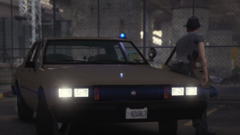
From the album: LSPDFR Pictures
-
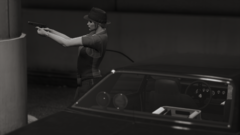
From the album: LSPDFR Pictures
-
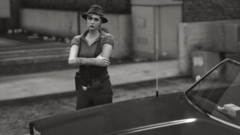
From the album: LSPDFR Pictures
-
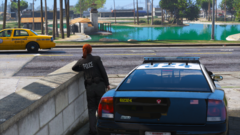
From the album: LSPDFR Pictures
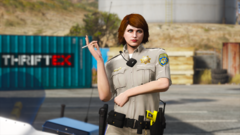
Officer Lindsay Beck on a break next to her Buffalo Demo Car, one of the 5 existing demo cars Buffalo gave to the LSPD -
From the album: LSPDFR Pictures
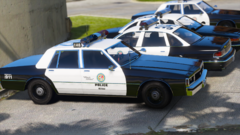
Officer Freya Moon for the SAHP Motor Division -
From the album: LSPDFR Pictures
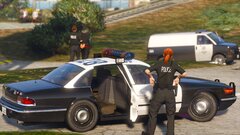
Good old sedans chilling in the sun -
From the album: WIP Stuff
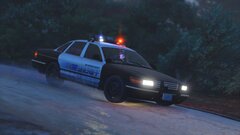
Updated aerodynic version with newer assets and the latest patches and fixes I've made to the model -
From the album: WIP Stuff
Part of the contract inspired liveries for the LSSD Stanier -
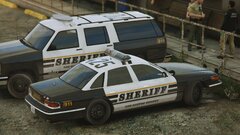
From the album: WIP Stuff
Part of the contract inspired liveries for the LSSD Stanier -
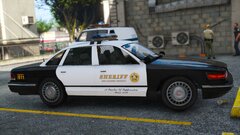
From the album: WIP Stuff
Updated with my latest patches and fixes ot the model as well as new assets -
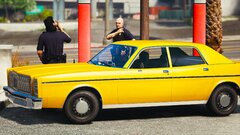
From the album: WIP Stuff
A small nod to the movie Colors -
-
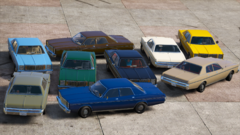
From the album: WIP Stuff
-
-
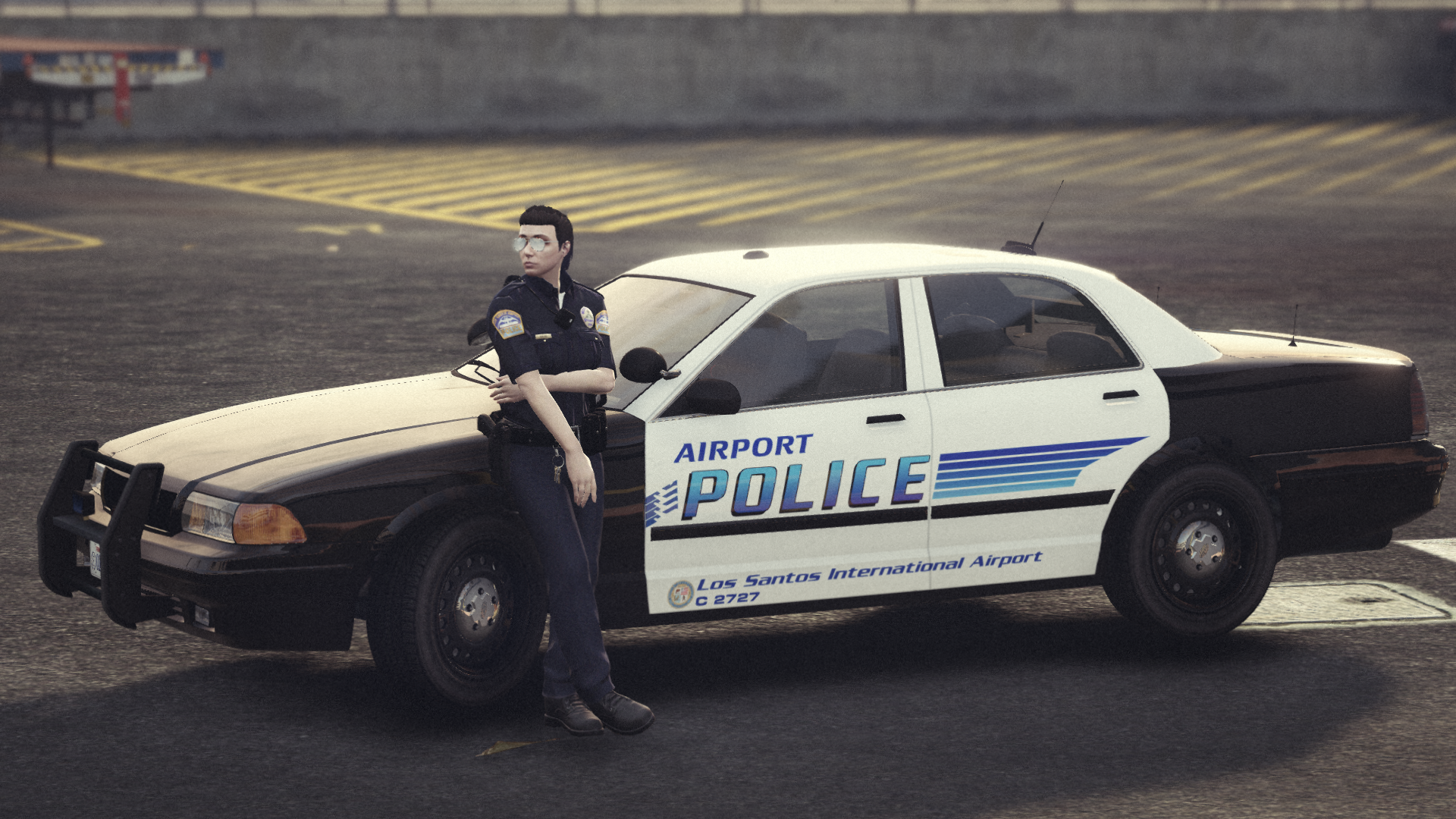
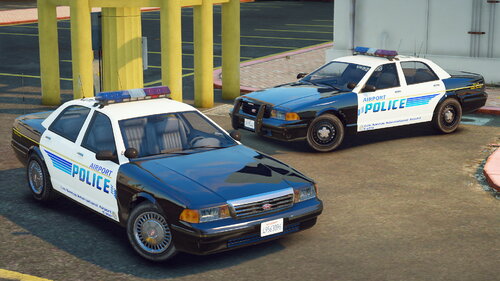 This post is a reupload from my original release on 5mods Remember those days when gasoline was so cheap that wasting it driving around a big circle wasn't considered actually wasting it? Well, If you still enjoy dirving in circles... excuse me, "patrolling a very sensitive and transitated area known as te LSIA" then this is the car collection for you. Introducing a minipack consisting on various LSIAPD vehicles based on the Los Angeles World Airports Police. The pack could be considered an expansion of Dusty's Airport Police Pack but mostly consisting in retro/unusual vehicles. THIS PACK CONTAINS 9 LSIA Police Department Vehicles: -1998 Vapid Stanier -1998 Vapid Stanier Slicktop -1993 Vapid Stanier -Declasse Premier -Declasse Alamo Retro -Declasse Granger -Declasse Granger Retro -Declasse Granger Retro Traffic and Security Enforcement -Vapid Riata Classic INSTALLATION -Drag the mod folder into your dlcpacks folder and add "neo_lsiaold" into your dlclist.xml using OPENIV CHANGELOG 1.0 -Release version DISCLAIMER -Do not reupload anywhere else/modifiy/use in FiveM -If I forgot someone on the credits please send private message -Do not ask for an ELS version, won't happen -No, this is not a replace, do not ask for a replace version -If siren doesn't work change their ID or use this Script
- 1 comment
- 1 review
-
-

- 1
-
-