



PriMan
Members
-
Joined
-
Last visited
Reputation Activity
-
 PriMan reacted to Thehurk for a file, Zmodeler 3 fix for exporting extra 6 and 9.So after way too long of fucking around with zmodeler, I finally figured out that there was certain lines missing in a file. So here it is.
To install this file, go to your zmodeler 3 install location -> CLOSE ZMOD 3 -> drag this file into the INSTALL folder -> start zmodeler 3
PLEASE PLEASE PLEASE install this to save yourself a huge headache.
-
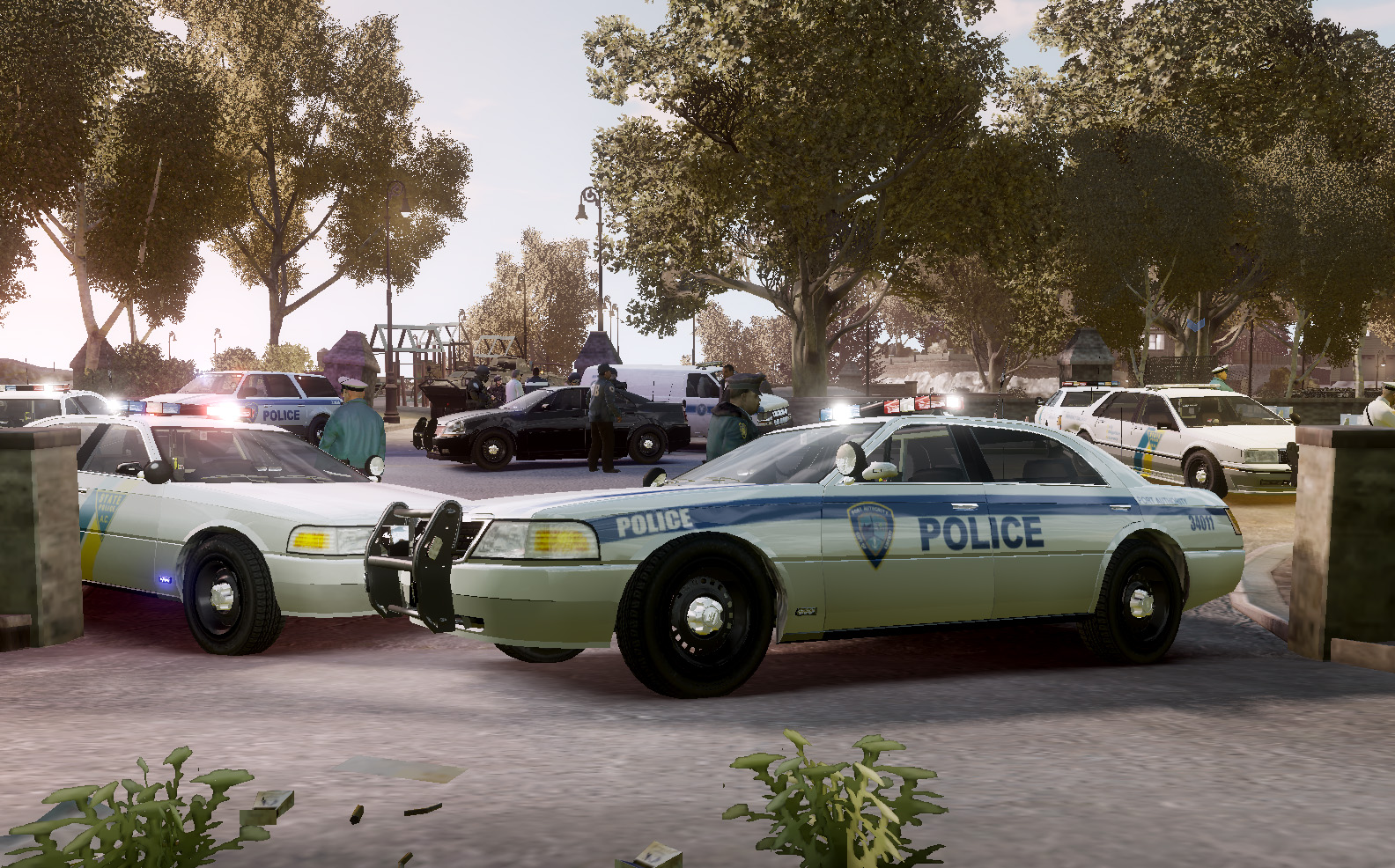
PriMan reacted to Aquamenti for a file, Willard Solair - police vehicleI don't know what to say. The Department has been made to cut expenses and they're taking it out on the frontline worker - you're driving an estate now.
This standalone vehicle, converted by the IV Pack team, has been touched up to fill the more basic needs of law enforcement duties, but owing to its native interior you'll be sitting in a ditch and there's no bulkhead to guard you from the perils of the back seat. Yes. They're cutting back everything.
I deemed the original handling lines absolutely unsuitable for a police vehicle, so until I learn how to tweak them, the car's RWD and acts like a Stratum - shouldn't be a problem.
Features list
Carvariations and vehicles .meta lines No windows, dials, pushbar or dirt mapping bugs The vehicle is mapped and templated for your customization experience If you want to showcase or request textures for this vehicle, or check out my other content, visit my WIP and showroom thread:
