Skip to content
View in the app

A better way to browse. Learn more.

LCPDFR.com

A full-screen app on your home screen with push notifications, badges and more.

To install this app on iOS and iPadOS
  1. Tap the Share icon in Safari
  2. Scroll the menu and tap Add to Home Screen.
  3. Tap Add in the top-right corner.
To install this app on Android
  1. Tap the 3-dot menu (⋮) in the top-right corner of the browser.
  2. Tap Add to Home screen or Install app.
  3. Confirm by tapping Install.

1600513

Members
  • Joined

  • Last visited

Files posted by 1600513

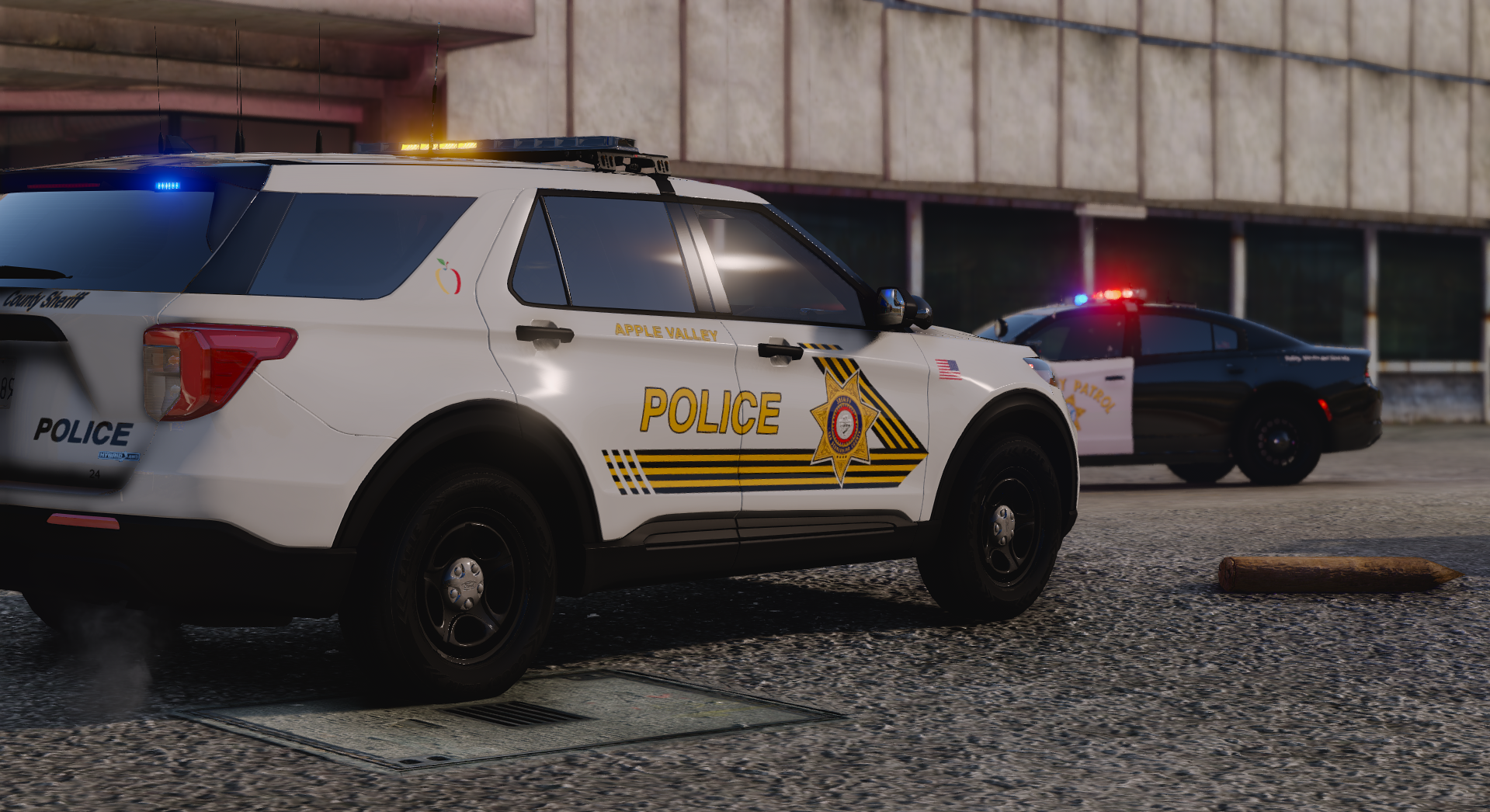
  1. First livery pack I've posted online, feel free to give criticism on them. All liveries have realistic roof numbers based on IRL photos
     
    What liveries are included:
    11 CVPI - Patrol, Supervisor,  All White Canine Division
    13 FPIU - Patrol, Supervisor, Laguna Niguel Patrol Area, Black & White Canine Division
    16 FPIU - Patrol, Supervisor
    18 Tahoe - Patrol, Yorba Linda Patrol Area, Traffic Bureau
    20 FPIU - Patrol, Traffic Bureau
    Caprice - Patrol
     
    BASES:
    11 CVPI - Underwood
    13 FPIU - 77Studios
    16 FPIU - Georgimoon
    18 Tahoe - Georgimoon
    20 FPIU - Kane104
    Caprice - Kane104
     
     
    • 252 Downloads
    Updated

Account

Navigation

Search

Search

Configure browser push notifications

Chrome (Android)
  1. Tap the lock icon next to the address bar.
  2. Tap Permissions → Notifications.
  3. Adjust your preference.
Chrome (Desktop)
  1. Click the padlock icon in the address bar.
  2. Select Site settings.
  3. Find Notifications and adjust your preference.