



Chayce12
Members
-
Joined
-
Last visited
Everything posted by Chayce12
-
-
I have ELS and scripthook v installed but my ELSisnt working. Any fixes?
-
FIXED IT. HAD TO INSTALL NEW RAGE ON THEIR DISCORD
-
Story mode works but rage still crashes
-
still doesnt work
-
still crashes
-
It crashes to when I load into single player with out rph RagePluginHook_08022022_073735.log
-
I need help, my game keeps on crashing when it gets to "Loading and Population Game World". i only have rage installed. I've deleted my mods folder.
-
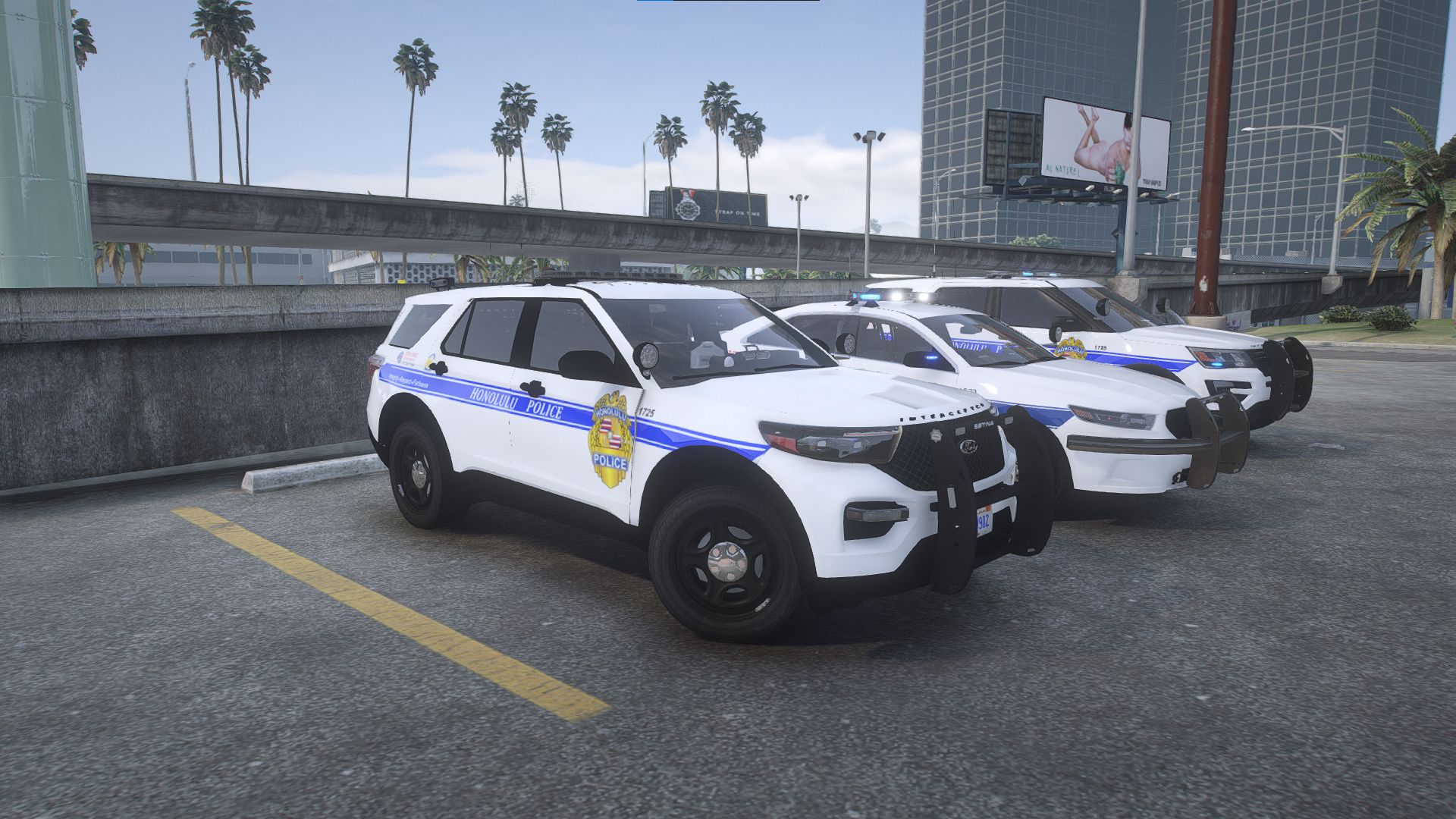
Screenshot 2022-03-04 155905.png (1920×1080) Screenshot 2022-03-04 160939.png (1920×1080) Screenshot 2022-03-04 160510.png (1920×1080) Screenshot 2022-03-04 160430.png (1920×1080) Screenshot 2022-03-04 160337.png (1920×1080) Screenshot 2022-03-04 160257.png (1920×1080) Screenshot 2022-03-04 160220.png (1920×1080) Screenshot 2022-03-04 160155.png (1920×1080) Screenshot 2022-03-04 160037.png (1920×1080) Screenshot 2022-03-04 160007.png (1920×1080) Screenshot 2022-03-04 155940.png (1920×1080) Note: the 2021 explorer is not on the website. I custom made it my self

.thumb.png.c34aa70abf13a4a0b3592c6da70f127e.png)
