unbeatableedy
Members
-
Joined
-
Last visited
Everything posted by unbeatableedy
-
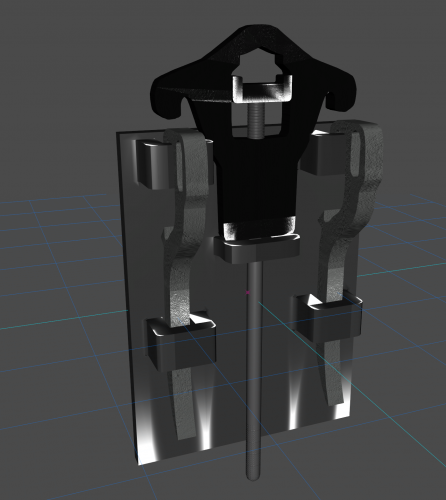 Just to know can we clean blood with the hydrant tools or is it limited to stoping fire. Asking for @Benzo Effect. A well known lspdfr and fivem rp youtuber.
 -
 great job at finding a perfect match for all of us waiting for a fiveM style like seatbelt increasing the rp and adding realism to the game. great plugin, I'm amazed.
- 44 comments
- 68 reviews
-
-

- 1
-
-
 If I'm not wrong, there was a misspelling in the eup title so 9.3 is 8.3 because the author forgot to write the current version, but I'm currently not sure if the author of this lspd eup mod means the 9.3 or 8.3 version. btw it's not a stupid question, because 5 minutes ago i had found out. cheers.
- 140 comments
- 9 reviews
-
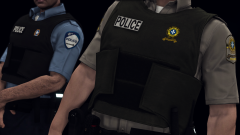
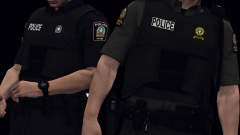
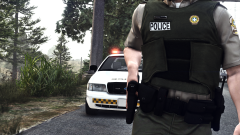 J'ai hâte de pouvoir utiliser ce pack d'uniformes pour mon jeu parce que je vies au Québec. I can't wait to use this pack of uniforms for my game as I come from Quebec.
 -
-
RagePluginHook.log
-
I am currently trying to find what is causing this crash, and still quite can't find what would make the lspdfr.dll crash, if someone could find out what the problem is and possibly tell me how to fix it and I would appreciate enormously. I linked rage's log here RagePluginHook.log
-
RagePluginHook.log I tried what you said, and it works, but how can i know what file or download to delete
-
I had this crash report on rage plugin hook after installing a vehicle mod when i'm on the loading screen, i tried to delete all of the vehicles that i added and it still does the same crash report. this is the first paragraph, don't know if it can help someone tell me what i have bad or to delete. RAGE Plugin Hook v1.90.1298.16281 PUBLIC Game: Grand Theft Auto V Game build: 2545 Branch: Steam Plugins loaded at the time of the crash: No plugin was ticking at the time of this crash. Base address: 00007ff795fc0000 Exception address: 00007ff796ee7e21 Exception offset: 00f27e21 Exception code: 0xc0000005 (EXCEPTION_ACCESS_VIOLATION)