
NZTPAYNE
Members
-
Joined
-
Last visited
Files posted by NZTPAYNE
-
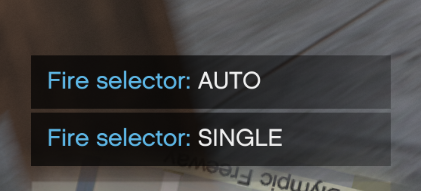
# AR Fire Mode Toggle (Auto / Single) — FiveM
A lightweight FiveM client-side script that lets players toggle assault rifles between FULL AUTO and SINGLE FIRE.
“Single fire” is simulated by allowing one shot, then briefly blocking the fire control for a short cooldown to prevent automatic spray (no weapon meta edits required).
---
## Features
- Toggle ARs between AUTO and SINGLE fire
- Supports addon weapons (WEAPON_DD11_B included by default)
- Additional addon weapons can be added via the config (client.lua)
- Configurable cooldown for realistic semi-auto feel
- Optional vehicle support
- Lightweight and easy to customize
---
## Installation
1. Download and extract the resource folder:
- nzt_firemode
2. Place it into your server’s resources directory:
- resources/nzt_firemode
3. Add to your server.cfg: ensure nzt_firemode
4. Restart the server (or start the resource).
---
## Usage
- Default toggle key: J
- command /togglefiremode
When holding an AR, pressing the key/command will switch between:
- AUTO
- SINGLE
If the current weapon is not in the configured AR list, it will notify: “not an AR”.
---
## Configuration
Edit client.lua:
To Increase the speed of the "Single Fire" edit ----> in Client.lua (SingleShotCooldownMs = 140) (Higher = Slower Lower = Faster)
## -
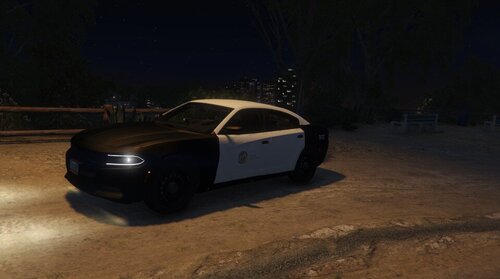
2018 LAPD CHARGER
------------------------
WHAT NEEDS FIXING!
------------------------
LIVERY NEEDS TOUCHING UP
PINK DOOR OUTLINE WHEN DOOR IS OPEN
HANDLING
^
WILL BE FIXED SOON
FIXED
___________
Handling Has been fixed
- 552 Downloads
- 2 Comments
Updated -
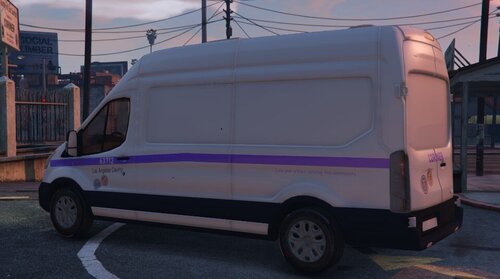
Ford Transit Los Angeles Coroner (WORK IN PROGRESS)
Needs fixing
=========
livery remake
window Shattering
==============
works perfectly fine
- 604 Downloads
- 1 Comments
Updated -
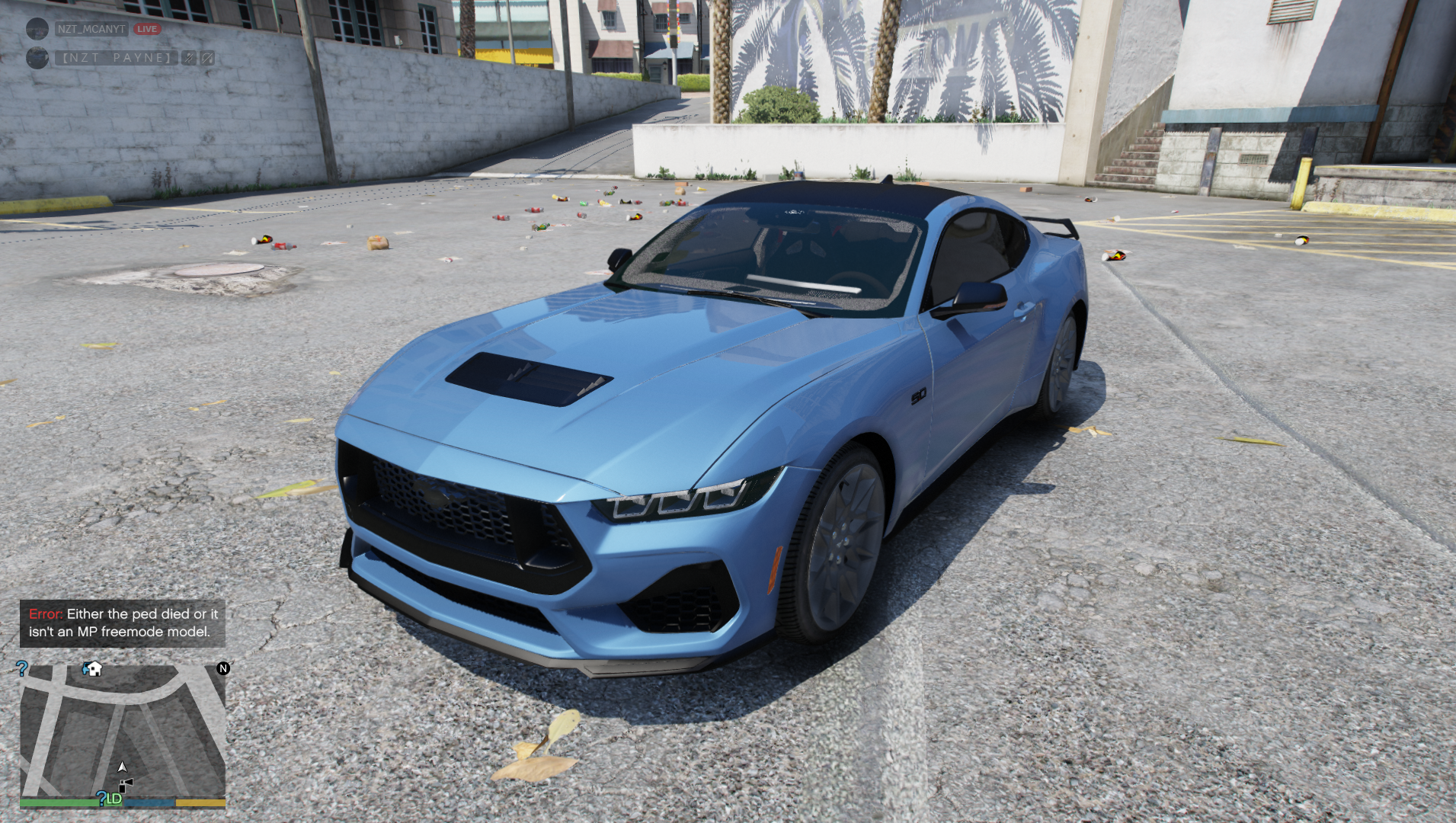
2024 FORD MUSTANG GT [REPLACE]
INSTALL TO
MODS/UPDATE/X64/DLCPACKS/PATCHDAY28NG/DLC.RPF/X64/LEVELS/GTA5/VEHICLES
TO USE IN GAME
USE MENYOO AND SPAWN THE VAPID DOMINATOR
hope you enjoy
- 2,333 Downloads
- 4 Comments
Updated -
ELS
Unmarked 2019 Bugatti Divo [works with LSPDFR]
INSTALL
UPDATE/X64/DLCPACKS DRAG AND DROP THE tn_divo FOLDER IN
UPDATE/UPDATE.RPF/COMMON/DATA Edit DLCLIST and enter
<Item>dlcpacks:\tn_divo\</Item>
SAVE
els file goes in game directory
your direcotry/grand theft auto v/ELS/PACK DEFAULT
Can send proof of permission to upload
- 6,409 Downloads
- 7 Comments
Updated