Halo232
Members
-
Joined
-
Last visited
Everything posted by Halo232
-
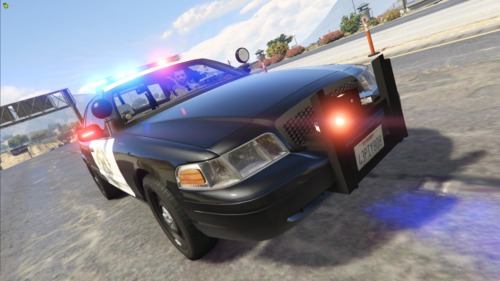 For the addon pack you need to change the carvariation so that <sirenSettings value="0" /> Says: <sirenSettings value="1" /> Otherwise you won't be able to pull people over/have them yeild whilst running code 3, otherwise great pack, best one i've seen yet
- 103 comments
- 4 reviews