



xJDMxLIMIT
Members
-
Joined
-
Last visited
Everything posted by xJDMxLIMIT
-
-
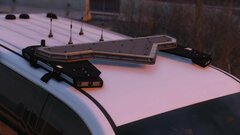
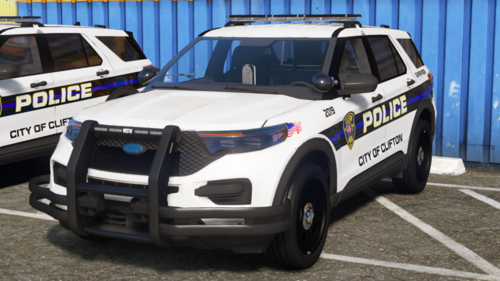 Soon, I've already started working on the code3 car, just need to work on the Legacy car and the 2 Mpower cars when i get the better lightbar this weekend from CEO
 -
-
-
-
-
-
-
-
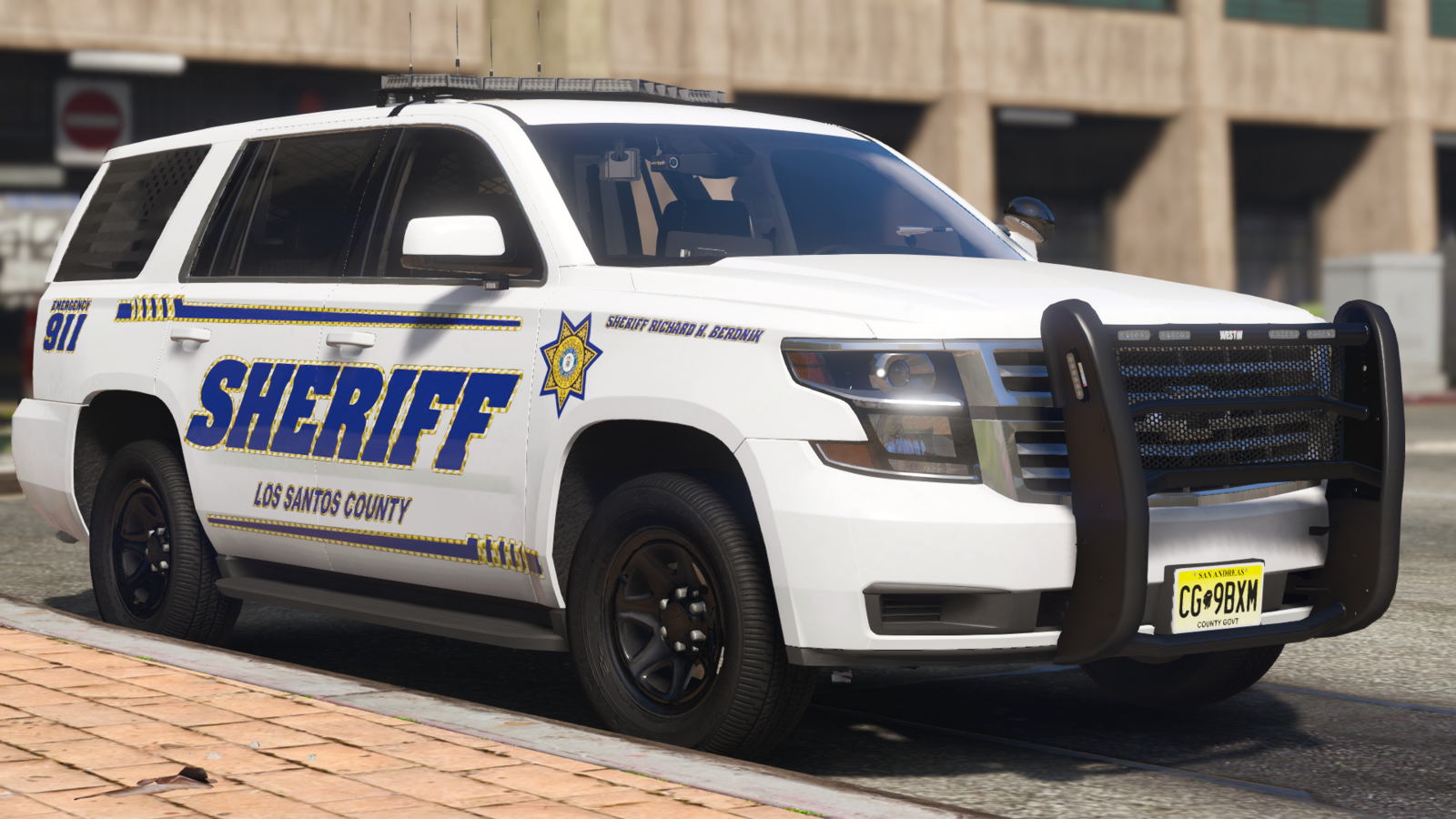
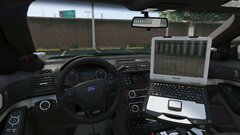
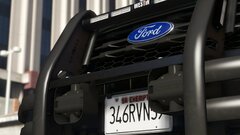
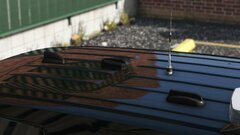
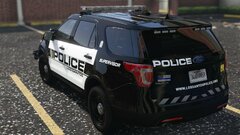
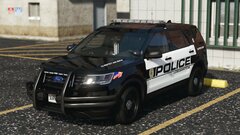
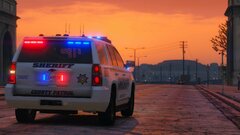
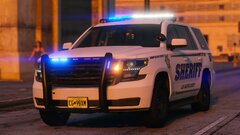
This album will consist of images related to the vehicles I make based off my local Sheriff's Dept.
-
20240601155025_1.jpeg
-
 20240601155015_1.jpeg
-
 20240601154932_1.jpeg
-
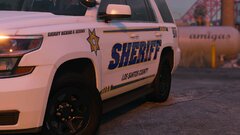 20240601154910_1.jpeg
-
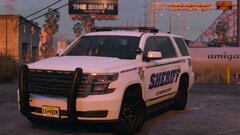 20240601154859_1.jpeg
-
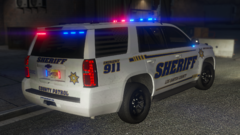 Grand Theft Auto V 10_22_2023 10_03_14 PM
-
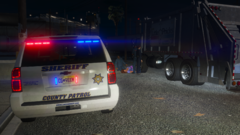 Grand Theft Auto V 10_22_2023 10_02_49 PM
-
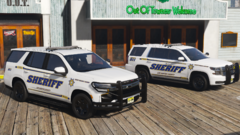 Grand Theft Auto V 10_22_2023 6_09_43 PM
-
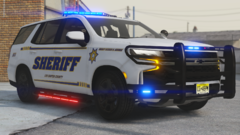 Grand Theft Auto V 10_18_2023 9_00_47 PM
-
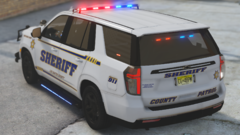 Grand Theft Auto V 10_18_2023 9_00_31 PM
-
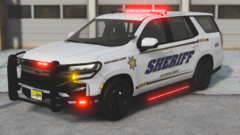 Grand Theft Auto V 10_18_2023 9_00_08 PM
-
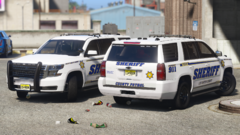 Grand Theft Auto V 10_8_2023 2_38_53 PM
-
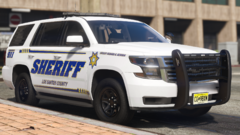 Grand Theft Auto V 10_8_2023 2_38_21 PM
-
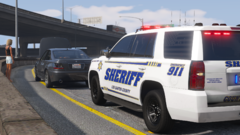 Grand Theft Auto V 10_8_2023 2_37_17 PM
-
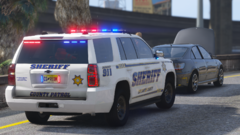 Grand Theft Auto V 10_8_2023 2_36_51 PM
-
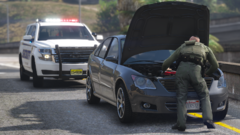 Grand Theft Auto V 10_8_2023 2_36_27 PM
-
-
-
-
-
-
-
 Unlikely for the time being, but sometime in the future I might do that
 -
 Download and install it, then you’ll see the lights in action
 -
Yea definitely not doing that, paint.net is free if you want it unmarked
-
Make sure your game is running on DTX11
-
It should already be able to function within the POLICE3 Slot. That’s what i’m using and it hasn’t given me any issues.
-
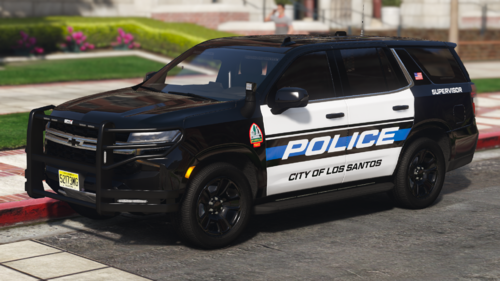
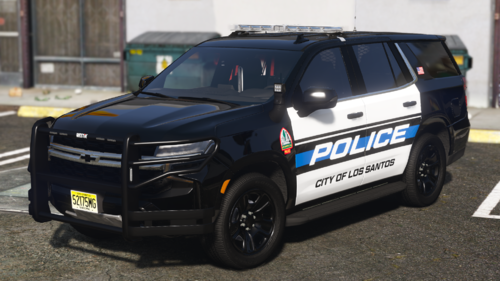
What's Up Everybody! Back again with another vehicle release for y'all. It's a 2021 LIberty II Tahoe PPV This Vehicle is ELS/Replace - Vehicles - 2021 Tahoe PPV - POLICE3 -Features- ELS Lighting Templated Plates (These are normal for ALL my vehicle releases!!) Realistic Interior HOW TO INSTALL Navigate to GTAV - mods - Update - x64 - dlcpacks - patchday - dlc.rpf - x64 - levels - gta5 - vehicles.rpf Drag and Drop the YTD and YFT Files from the folders of the cars you want to install For the XML files place them in GTAV - ELS - pack_default And your done. go ahead and load up your game As always.... DO NOT rip or republish my work (Don't be one of those people) DO NOT Unlock ANY of my models You are ALLOWED to EDIT the YTD files of the vehicles BUT CANNOT use the textures included on other vehicles WITHOUT my permission. and if able give me credit if this car is used in yt vid or stream(Helps spread the word)
-
Releasing soon actually I’d love to add alleys, but with how big the file size is already, I chose to opt out. hopefully sometime in the future
-
No, as I don't have a higher quality base
-
If you're using google chrome it might just be their virus app thing but who knows really. I think you're the only one cause everyone else's works fine.
-
That's strange considering the fact that, the website virus scanner shows that its clean. Might have something to do on your end or your virus scanner


.thumb.png.0127cfce84dbcf4de856dcd666407978.png)

