
SD's Modifications
-
Joined
-
Last visited
Everything posted by SD's Modifications
-
-
-
 Maybe, they're assigned to the Foundation Security in case of a breach, more here: https://scp-wiki.wikidot.com/task-forces Since SCP-973 "Smokey" can't be contained, in case an investigation of 973-1 & 973-2 goes south, they would probably go in other words, yes @Pudgemountain
 -
From the album: SCP Epsilon-11 "Nine Tailed Fox"
-
This is a W.i.P. Photo taken for an upcoming project
-
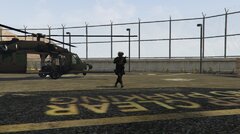
From the album: SCP Epsilon-11 "Nine Tailed Fox"
-
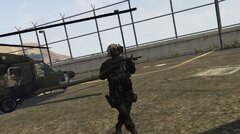
From the album: SCP Epsilon-11 "Nine Tailed Fox"
-
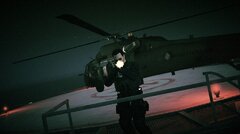
From the album: SCP Epsilon-11 "Nine Tailed Fox"
-
From the album: SCP Epsilon-11 "Nine Tailed Fox"
-
From the album: SCP Epsilon-11 "Nine Tailed Fox"
-
From the album: SCP Epsilon-11 "Nine Tailed Fox"
-
The adventures of the FDNY
-
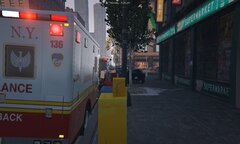 E47 and A136 On Scene of a MVA in Midtown MTN
-
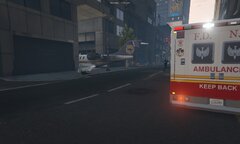 L21 and A972 On Scene of an Aircraft Crash in Midtown MTN
-
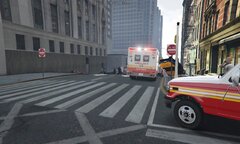 E47, HMU1 and A734 On Scene for a call about an Explosion in Midtown MNT
-
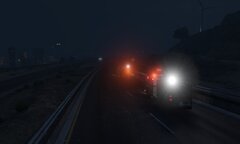 R4 and S1 en route to a Hazmat Call
-
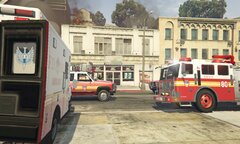 A136 on Scene with B7, B18, EN80 & TL13
-
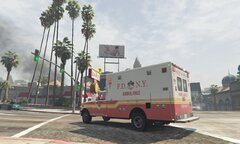 A136 heading to a structure on fire
-
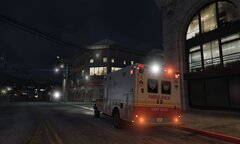 A136 en route to an unknown call
-
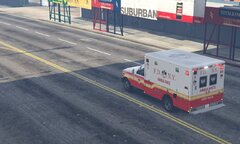 A136 En route to a MVA
-
-
From the album: FDNY
Incident occured at 6:28 PM Near W 113Th Street and Amsterdam Ave. (Report was reedemed confidential upon further investigation) 3 Victims, all under medical treatment now© Santablo
-
From the album: FDNY
Incident occured at 5:54 PM Near W 44Th Street and 8th Ave. Reports of the inspection unit Said "the pilot was unconsious at the time of the crash, he was transporting the second victim (Nicolas Alcantar Comejo), both escaped the initial impact but they were still close to the explotion that followed afterwards" 2 Victims, None Survived© Santablo
-
From the album: FDNY
Incident occured at 1:56 PM Near W 57Th Street and 10th Ave. Reports of HMU1 Said "it was a chain reaction of an explotion caused by gasoline inside the taxi overheating due to poor vehicular maintenance". 12 Victims, 10 Deceased, 2 Heavily Injured© Santablo
-
Damn boy!, that's some nice Seagrave engine right there
-
From the album: FDNY
© Santablo
-
From the album: FDNY
© Santablo
-
From the album: FDNY
© Santablo
-
From the album: FDNY
© Santablo
-
From the album: FDNY
© Santablo
-
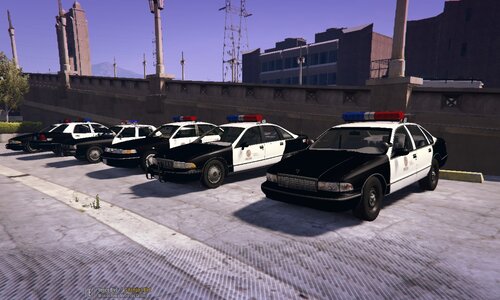 How to install the vehicles:
 -
This project was made with love and a bit of help from The Community of the retro, also if you are wondering, yes, yes i got permision from the man himself to release the auto install since there were a F¨*kton of vehicles (if you want proof of it, pls dm me here in lspdfr). Vehicles:
-
This are all my W.I.P. Projects that will be released when finished
-
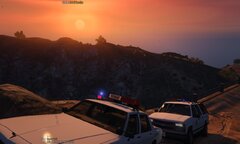 "Hey, Here we are doing the same" U.S. Park Rangers
-
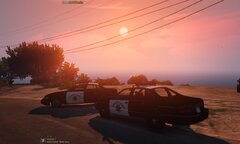 CHP Officers Enjoying the beautyfull sunset
-
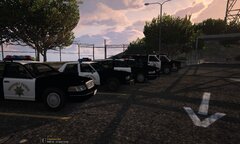 90s CHP Units Outside Headquarters
-
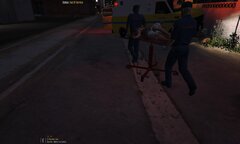 Man Being transported to the Hospital
-
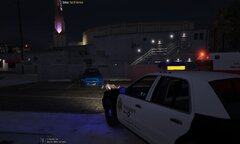 LASD Officer Responding to an Homicide
-
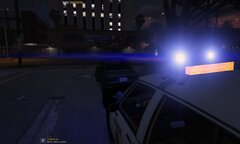 LASD Deputy Inspecting vehicle
-
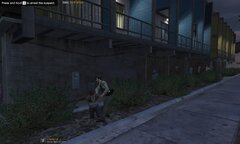 LASD Officer Arresting 2 men Fighting
-
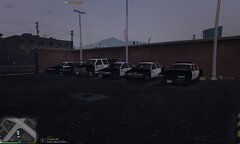 90s LASD Units Outside Headquarters
-
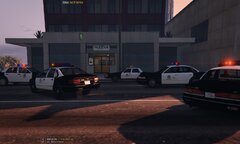 LAPD Units Outside of an Ongoing Bank Robbery
-
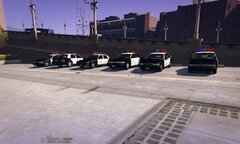 90s LAPD Units Outside Headquarters 2
-
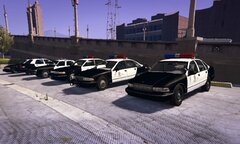 90s LAPD Units Outside Headquarters 1
-
-
From the album: W.I.P. Projects