Skip to content
View in the app

A better way to browse. Learn more.

LCPDFR.com

A full-screen app on your home screen with push notifications, badges and more.

To install this app on iOS and iPadOS
  1. Tap the Share icon in Safari
  2. Scroll the menu and tap Add to Home Screen.
  3. Tap Add in the top-right corner.
To install this app on Android
  1. Tap the 3-dot menu (⋮) in the top-right corner of the browser.
  2. Tap Add to Home screen or Install app.
  3. Confirm by tapping Install.

Mystic Development

Members
  • Joined

  • Last visited

Files posted by Mystic Development

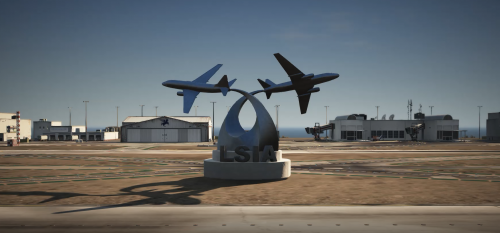
  1. FiveM ready Airshow YMAP

    Video Tour https://youtu.be/nDOEE5ax9OM

    If you need any help feel free to contact me on Discord K. Brady#5513

    Drag and drop into server map folder and start in the server.cfg

    FiveM Blue Angels Discord https://discord.gg/yEzpdD5Ww8

    Instagram https://www.instagram.com/blue_angels_fivem/?hl=en
    • 113 Downloads
    Updated

Account

Navigation

Search

Search

Configure browser push notifications

Chrome (Android)
  1. Tap the lock icon next to the address bar.
  2. Tap Permissions → Notifications.
  3. Adjust your preference.
Chrome (Desktop)
  1. Click the padlock icon in the address bar.
  2. Select Site settings.
  3. Find Notifications and adjust your preference.