



GB2285
-
Joined
-
Last visited
Everything posted by GB2285
-
From the album: Cincinnati Police Department
-
From the album: Cincinnati Police Department
-
From the album: Cincinnati Police Department
-
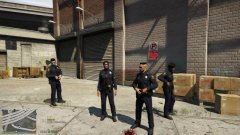
From the album: Cincinnati Police Department
-
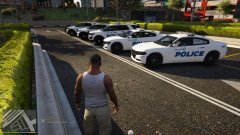
From the album: Cincinnati Police Department
-
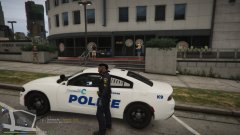
From the album: Cincinnati Police Department
-
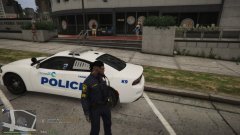
From the album: Cincinnati Police Department
-
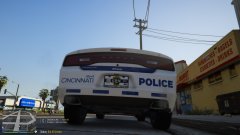
From the album: Cincinnati Police Department
-
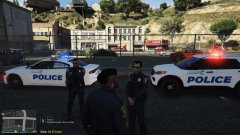
From the album: Cincinnati Police Department
-
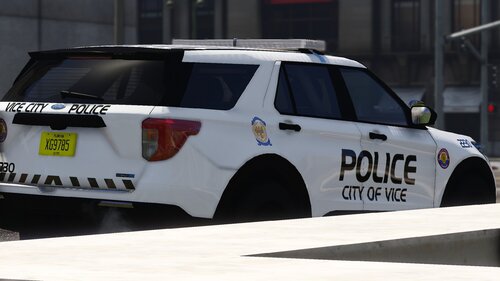 Awesome!! definitely looking forward to it. I'll send you a message with a vehicle suggestion.
 -
No problem, and Thank you, for your work! one of my favorite packs (using in game now)
-
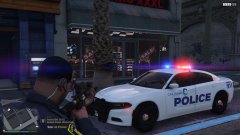 The skins I made myself, the vehicles I download from various sites and just created my own Cincinnati pack because I couldn't find one.
 -
-
Any reason why the glass on the spotlights on the FPIU are red? is there a way to change it or remove them? Never mind... I figured it out.... all the spotlight files are missing from this download
-
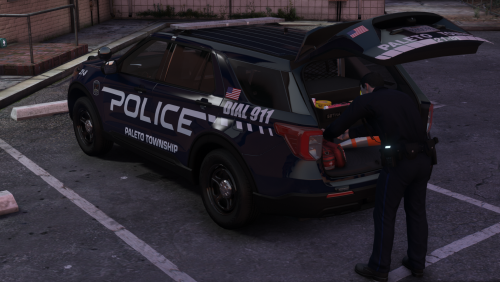 I hope so! this pack is really nice!
 -
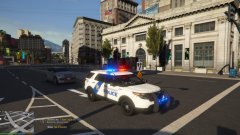 Thanks!! I'm currently using Natural Vision, Make Visuals Great Again & Redux. And a few tweaks to the visuals settings file.
 -
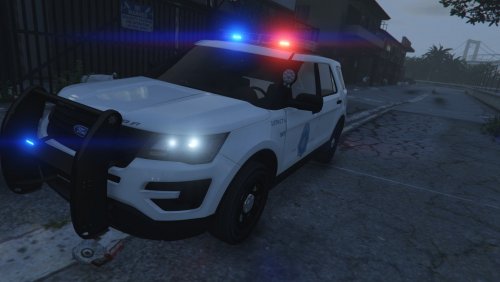 Excellent pack! loving the lightbar, wish more creators would use this light bar. Looking forward to the update for plates. Any possibility of a Dodge Charger with this same lightbar?
 -
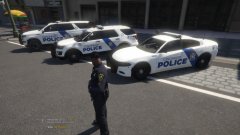
From the album: Cincinnati Police (custom liveries)
-
These pictures are just to showcase some new liveries I created for a Cincinnati pack. I live in Cincinnati, and our police cars are pretty plain (you can view the actual CPD liveries on my other album) These pics just show my personal twist, just added a bit more character to it, not much but looks decent in my opinion.
-
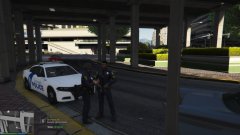
From the album: Cincinnati Police (custom liveries)
-
From the album: Cincinnati Police (custom liveries)
-
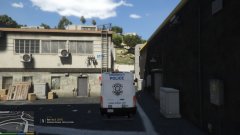
From the album: Cincinnati Police (custom liveries)
-
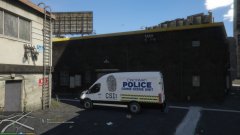
From the album: Cincinnati Police (custom liveries)
-
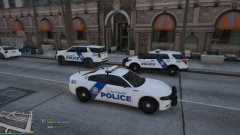
From the album: Cincinnati Police (custom liveries)
-
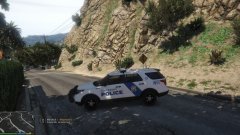
From the album: Cincinnati Police (custom liveries)
-
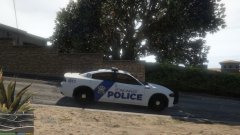
From the album: Cincinnati Police (custom liveries)





