
Sean W
Members
-
Joined
-
Last visited
Files posted by Sean W
-
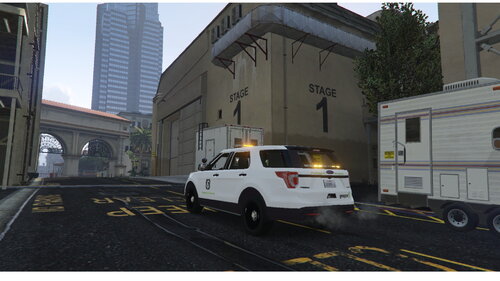
Non-ELS Gruppe 6/Stringer Mega Pack
Templates Included!
How to Install
1. Download vehicle models
2. Drag into your server resources folder
3. Add "start/ensure securitypack" to your server.cfg and save it
4. Restart your server
10. Enjoy!
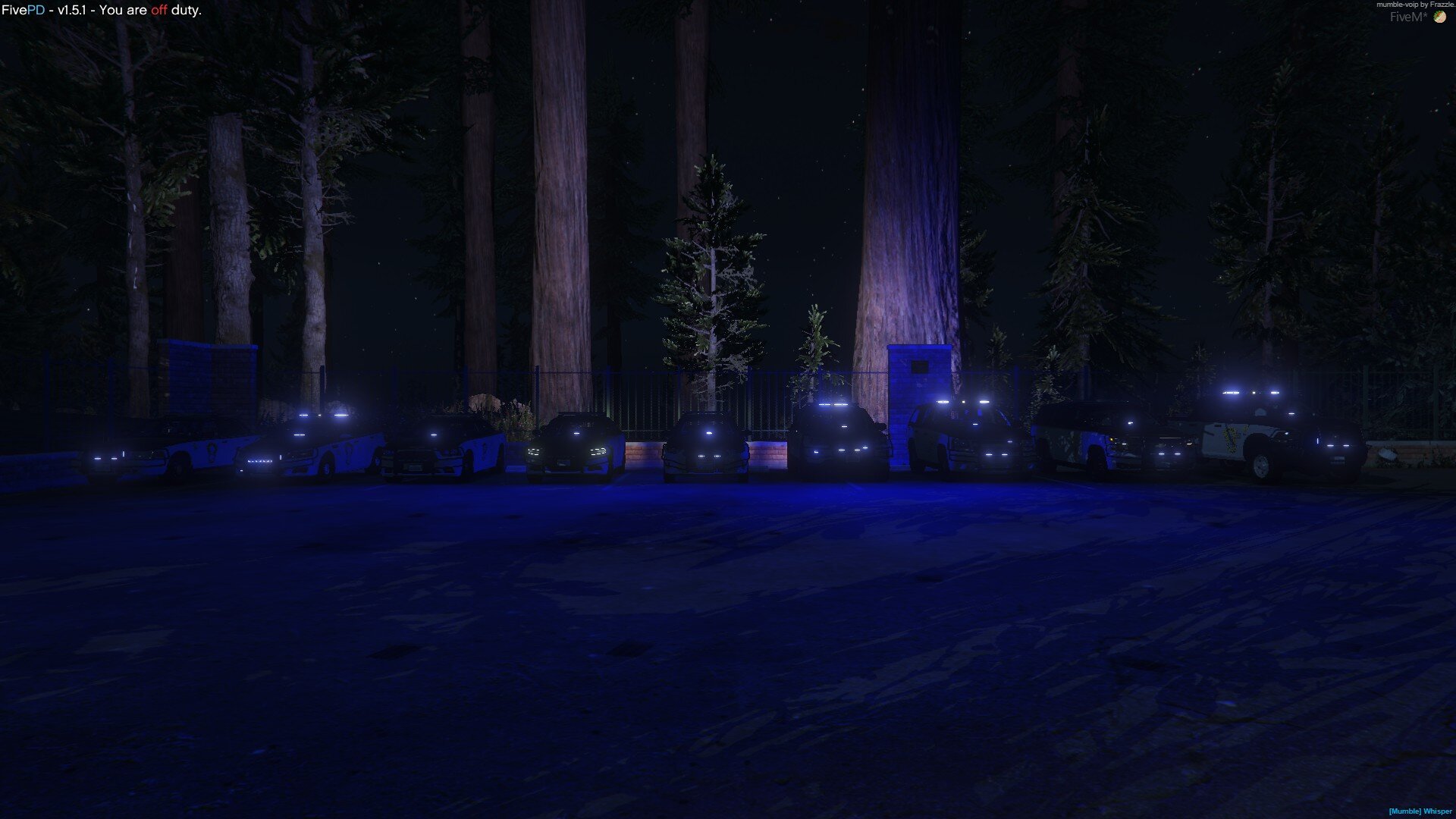
Contains 9 Cars equipped with amber lights
- 2016 Explorer
- 2021 Explorer
- Crown Victoria
- 2018 Charger
- F-250
- Ram 1500
- Durango
- Ford Taurus
- 2018 Tahoe
-Updates to Come-
Diamond Casino Liveries
Construction/SaDOT Liveries
Huge thanks to lolepop21 for letting me use his Vesspucci Beach Police Mega Pack as the models for this pack
Original-
Be sure to check it out, it is outstanding work
Feel free to comment any issues, questions or feedback 🙂
*Be sure to read the README in the file download and follow the Terms of Service*
- 6,122 Downloads
- 2 Comments
Updated -
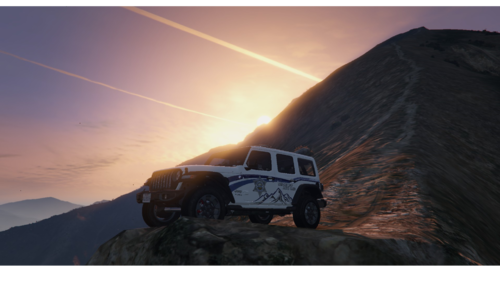
San Andreas State Parks Department liveries for TKPhantoms NForce SAHP Pack.
This is my first upload, any issues, concerns, or questions feel free to comment and give me your feed back! 🙂
Five PD Discord: https://discord.gg/pJ6CX6bxnf
How to Install
- Download Texture File and Vehicle Models
- Start OpenIV
- Drag Vehicle Model Files into Open IV after putting into your server
- Open NF_.ytd
- Search for "sign"
- Click on the first one and Click replace
- Navigate to the Texture file and choose the respective .png image (Match the existing name with the SASPD file names)
- Repeat for all models
- Drag files back into your stream folder for your cars
- Restart your server
- Enjoy
*For The 18 Charger and the 14 Charger you with have to delete the "18" &"14" from the beging of the .png name so it is "chgr_sign_1"
*DISCLAIMER*
The gator is apart of RedSaints Code 3 Vehicle Pack, this is a Paid Pack
The Template should work for other gators, the template is basic 🙂
Vehicle Models-
For RedSaints Gator- https://redsaintmods.com/shop/code-3-mega-pack
For TKPantoms NForce SAHP Pack-
- 64 Downloads
- 2 Comments
Updated