maddogg1987
Members
-
Joined
-
Last visited
Everything posted by maddogg1987
-
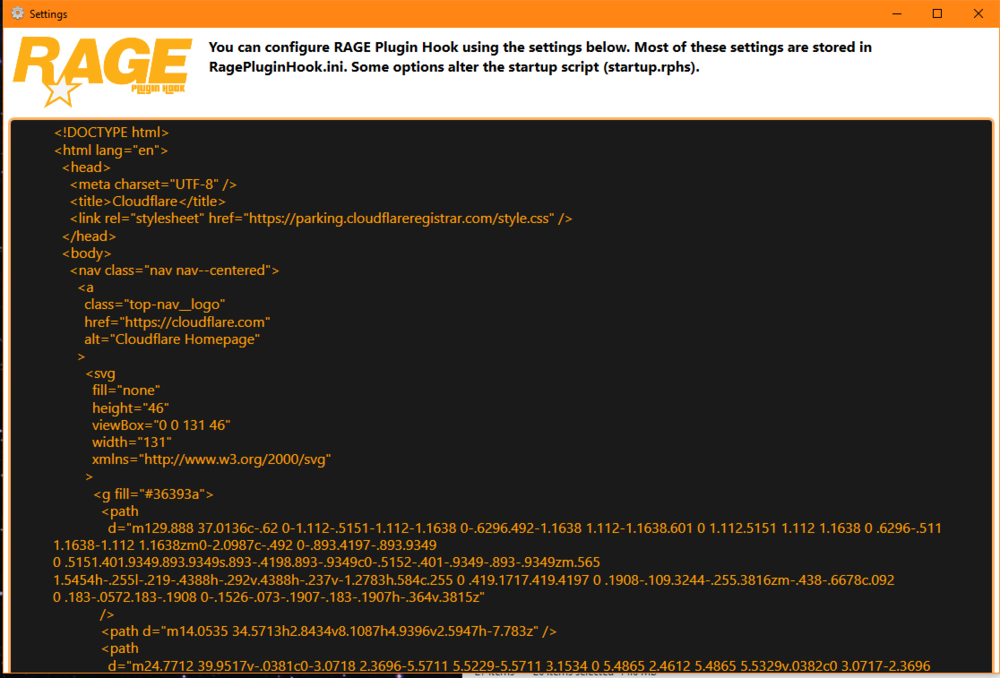
Hi folks, I hope you're all doing well. I have a strange one. I have been following the amazing guide/stream @OfficerBenzo put together recently and have encountered the following screenshot after installing sticky wheels of all things. I cannot open RPH now to do my plugins due to this nor load LSPDFR. 1. I have restarted PC 2. Removed Stickywheels for now 3. Backed up keys/lspdfr .ini files (so i don't need to redo them later as on a controller 🙂 ) 4. Reinstalled LSPDFR & RPH Still at a loss. Game loads normally through steam. Totally bizarre and I haven't even gotten to car mods yet this time haha I have used LSPDFR a lot and had many a hair pulling moment but this stumps me. Any help appreciated if not i guess its re-re-re-re-re-start time haha.
-
Thanks so much guys for the advice 🙂 i've done a fresh install and getting things running with (STP, UB etc) then make a back up of that before i try any car mods 🙂. Sorry for my late reply was working. Thank ou again. The community here seem great so far.
-
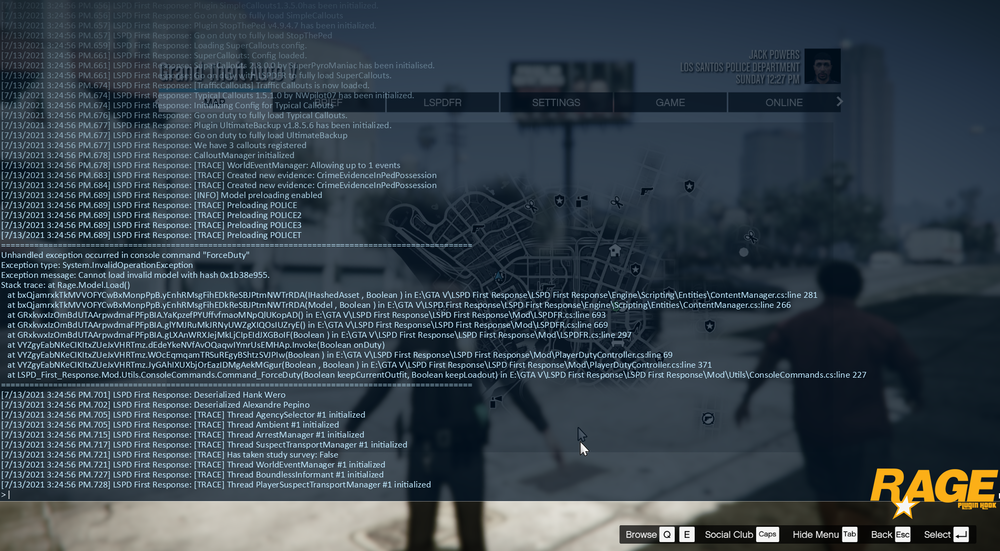
Hi everyone, I am new here and quite new to GTA V modding. Really been enjoying LSPDFR and the plugins on offer. However have encountered a crash any time I go on duty since I installed 11John11s LSPD pack and DLS I think my issue is related to DLS I have (I think) removed DLS but still have the issues with LSPDFR crashing. I have included a screenshot of the Unhandled exception from the log. You guys I imagine will know far more than me. I hope It is an easy fix as i have taken a while to do my controller settings haha. Thank you to anyone willing to help (or try) it is apprectiated 🙂