


LeadedEel196250
Members
-
Joined
-
Last visited
Everything posted by LeadedEel196250
-
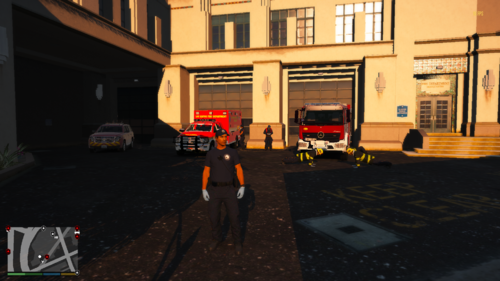 This is nice 🙂
 -
When I'm in game and toggle my radio I get a message saying that my speech engine isn't setup/working. How do I fix this?
-
Do you still have the files for it? I really need it
-
Some EUPs I try to install have a folder for something called SUP. How does one gain access to this because it's not in my EUP dlcpack.
-
-
If you still need help with this you can go into EUP and press make a new outfit, find the vest your looking for then look at the number that the vest is listed under and that is your (comp_shirtoverlay number)
-
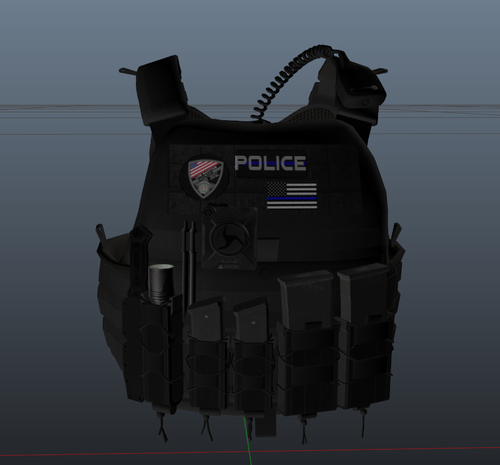 For anyone wondering it is "Vest4 Set2" Here is the models: https://www.lcpdfr.com/files/file/25692-eup-vest&earpiece/
- 11 comments
- 3 reviews
-
-

- 2
-


