




SB Modifications
-
Joined
-
Last visited
Everything posted by SB Modifications
-
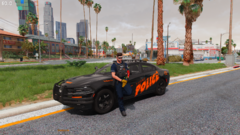
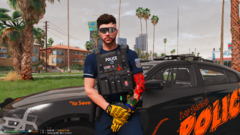 Outfit: Tee, pants, badge from Thin Line Sanctuary lspd eup, vest from JA designs SAST eup (retextured for lspd), glasses from Thin Line Sanctuary (Oakley Ballistic M frame), Belt from Thin Line Sanctuary, Gloves from Thin Line Sanctuary and tattoo is through simple trainer (default gta tattoo from cayo perico dlc) (code: Left Arm - 82), bracelet by random guy named thin line bracelet or somethin' like that
 -
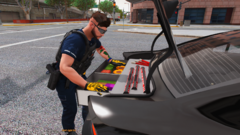
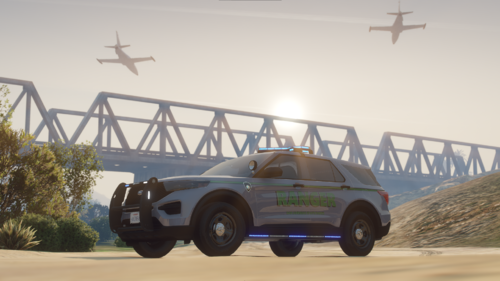 Awesome pack, fill's every need which lspdfr community had. First Park Ranger pack bigger than 3-4 cars and in wonderful quality, amazing siderunners, trunk equipment, lot of cars etc.. Only one thing which i would reccommend is to make cabinet inside trunk openable with trunk door. Nice job keep it up!
- 11 comments
- 5 reviews
-
-

- 1
-
-
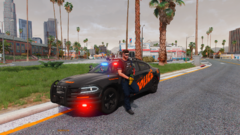 Btw Livery's by @Skin Works
 -
From the album: Los Santos LIFE
And what about you? -
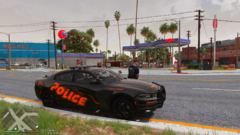
From the album: Los Santos LIFE
Don't you think? -
From the album: Los Santos LIFE
Am i? .......Am i ??? -
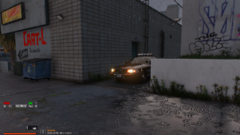
From the album: Los Santos LIFE
This game si really similar to game called: Cat and Mouse, but you are the mouse hehe. -
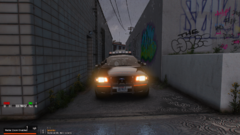
From the album: Los Santos LIFE
-
From the album: Los Santos LIFE
-
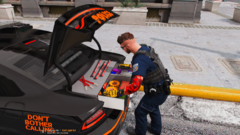
From the album: Los Santos LIFE
-
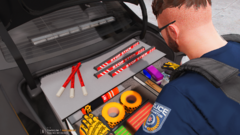
From the album: Los Santos LIFE
-
From the album: Los Santos LIFE
-
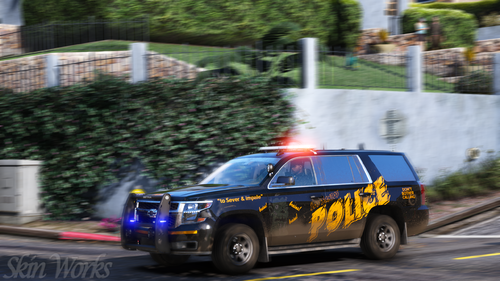 Absolutely amazing lookin texture pack, 1st choice as ''Halloween¨ themed texture pack for my department, keep it up.
- 1 comment
- 1 review
-
From the album: Los Santos LIFE
-
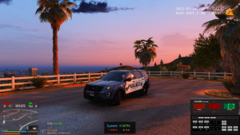
From the album: Los Santos LIFE
-
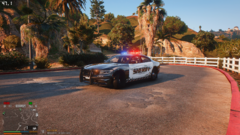
From the album: Los Santos LIFE
-
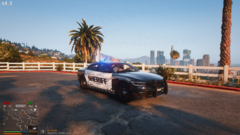
From the album: Los Santos LIFE
-
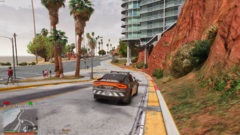
From the album: Los Santos LIFE
-
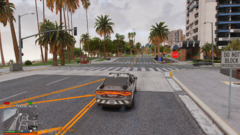
From the album: Los Santos LIFE
-
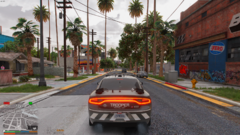
From the album: Los Santos LIFE
-
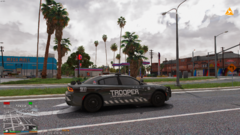
From the album: Los Santos LIFE
-
-
-
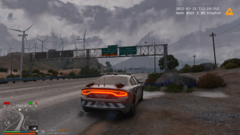
From the album: Los Santos LIFE
-
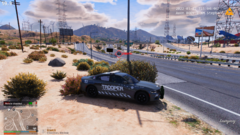
From the album: Los Santos LIFE
Test Of New GFX : -QUANT V as base -NVE Props -ENB -RESHADE RTGI PRESET


