Standing Bear
Members
-
Joined
-
Last visited
Everything posted by Standing Bear
-
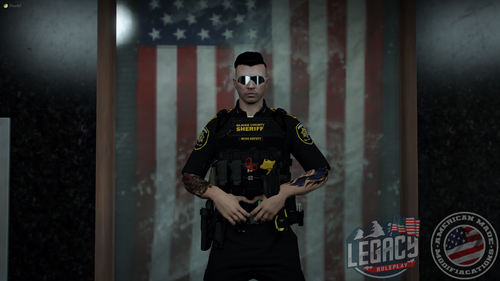 I'll keep an eye out for the upcoming releases & updates man. Keep it up. Oh also, I just realized that nobody thought about making a uniform for the La Mesa PD, which basically guards the whole eastern portion of Los Santos (El Burro, Mirror Park even, Murrieta Heights and thereabouts), would be nice to have a dedicated uniform for that, and maybe some vehicles aswell. I don't know if La Mesa PD would fit, but Murrietta Heights PD definitely sounds a bit more comfy to go with... Just some food for thought and ideas, I usually play around that area, so I'm either waiting for someone to try and make it or I'll just make it myself.
 -
Textures looks amazing in-game, I appreciate it. I've been looking for some good BCSO Uniform to go with a car pack that I downloaded recently and this compliments it just perfectly. Again, great work.