Skip to content
View in the app

A better way to browse. Learn more.

LCPDFR.com

A full-screen app on your home screen with push notifications, badges and more.

To install this app on iOS and iPadOS
  1. Tap the Share icon in Safari
  2. Scroll the menu and tap Add to Home Screen.
  3. Tap Add in the top-right corner.
To install this app on Android
  1. Tap the 3-dot menu (⋮) in the top-right corner of the browser.
  2. Tap Add to Home screen or Install app.
  3. Confirm by tapping Install.

bigdeaf23

Members
  • Joined

  • Last visited

Everything posted by bigdeaf23

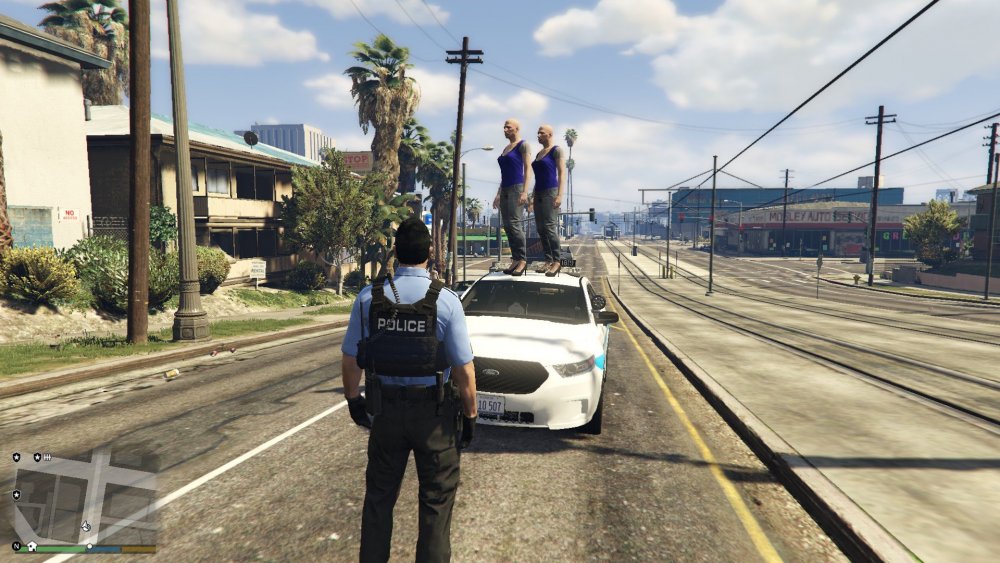
  1. I have been fixed for few days and can't figure it out. When i call the back up and all cops vehicles response and arrival with freeze siren lights wont even light move or flash/blinking. only problem in Los Santos downtown. out of Los Santos downtown all sheriff and park ranger vehicles are lights work and good. Anyone else having a problem with this?
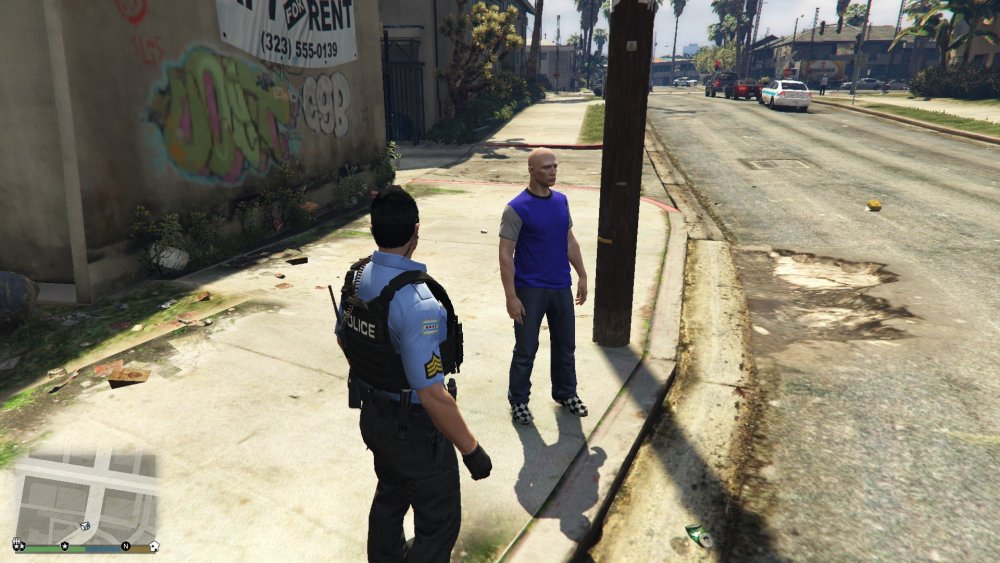
  2. im using ultimate backup all the time. I never use lspdfr's backup. the key "B" for ultimate backup only.
  3. Does anyone has same this problem when you call back up ambulance and cop and they wont able to response or show up nobody in cops cars like mess up? I tried to fixing but i dont know how to it. I need your help please

Account

Navigation

Search

Search

Configure browser push notifications

Chrome (Android)
  1. Tap the lock icon next to the address bar.
  2. Tap Permissions → Notifications.
  3. Adjust your preference.
Chrome (Desktop)
  1. Click the padlock icon in the address bar.
  2. Select Site settings.
  3. Find Notifications and adjust your preference.