



LtDocHoliday
Members
-
Joined
-
Last visited
Reputation Activity
-
 LtDocHoliday got a reaction from Hadyfaik for a file, Amherstburg Police Service Inspired LiveriesAmherstburg Police Service Liveries (Americanized)
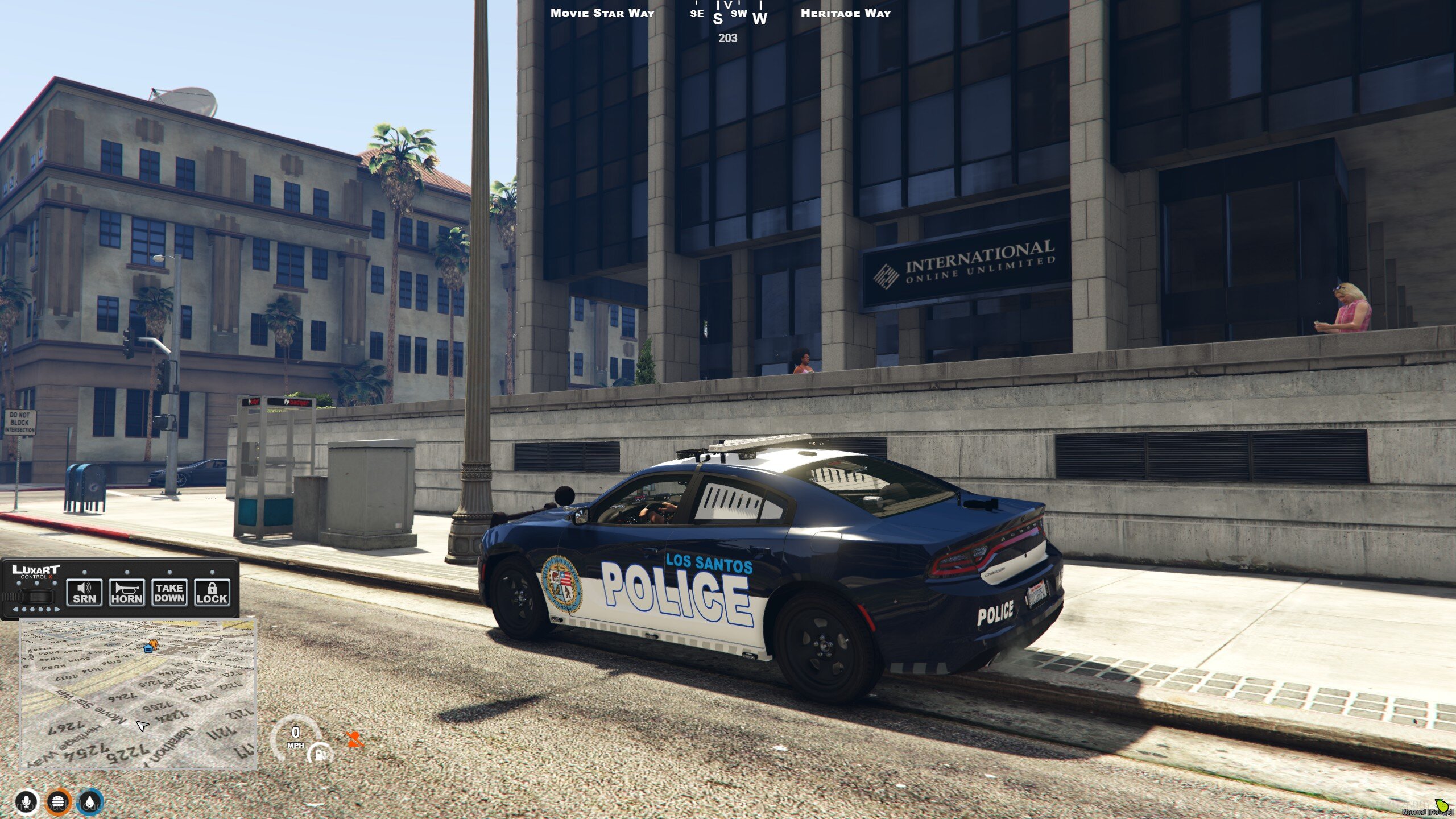
This livery is an Americanized version of the Amherstburg Police Service livery from Ontario, Canada. The cars have a general design so they could fit any department for general use or perhaps as special cars for memorial day and independence day in the US. The design on this cars actually took quite a bit of time to do due to the artwork.
Install directions, terms of service and other information can be found in the PDF that is included in the download. These were designed for Redsaint's Code-3 2014 Charger and Grayson Does Gaming's 2018 Mustang GT, but should work with many other cars both paid for and freely available here on LCPDFR. If you need help modifying the texture to fit on a template of the same make and model, let me know and I will help you!
I might also release a 2016 Explorer and 2015 Ford F-150 version of these liveries if people are interested.
**Want to see what my current and future projects are? You can join my Discord where you can also suggest future liveries, make sure to read my FAQ!!!**
