


LF1112
Members
-
Joined
-
Last visited
Everything posted by LF1112
-
I’ve attached above
-
RagePluginHook.log
-
How do I get that? The same log as last time?
-
Still not working. I’ve sent a picture of what the loading screen is. Just ends up never ending loading.
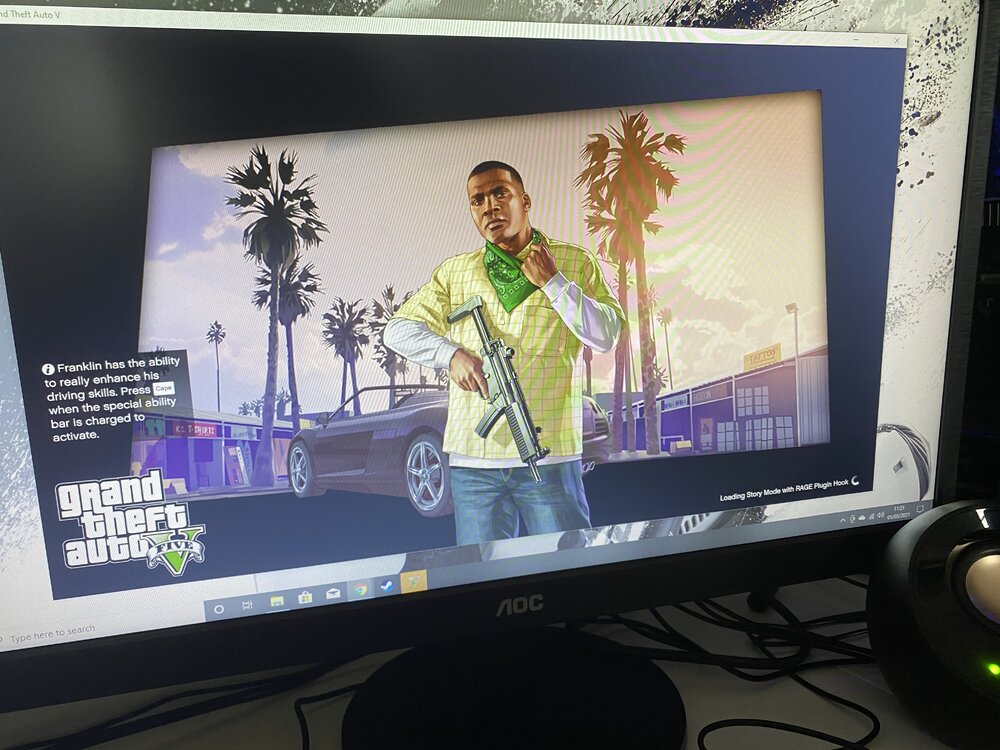 There you go RagePluginHook.logYeah. I've got no log file? RagePluginHook.log Found itFor some reason I have multiple logs. Here they are: RagePluginHook_03032021_175359.log RagePluginHook_04032021_093753.log RagePluginHook_04032021_094154.log RagePluginHook_04032021_094848.log RagePluginHook_04032021_101806.logOh sorry 😂 I’ll drop it in nowIn the readme txt fileOk I’ve dropped it in and it says losing plug-in and then unloaded 3 times? Should I just reinstall the whole thing, delete all the files and manually install?Ok.Not working stillPut them together in one text file?Hi. I have just got a new PC and I have had to try and install LSPDFR for the first time two times now using the video on the site. First of all Rage wasn't compatible and I had to update it. Then the game wouldn't load and I was stuck on story mode loading with the text in the corner but rage not doing anything. Then i made rage an administrator to see if that would work It didn't. Changed lots of settings. Still didn't. Then reinstalled and updated rage again. Still nothing. Ran as an administrator again. Still nothing. I just want to play LSPDFR and don't understand what is going wrong! Any help would be really appreciated.

