



belicfr
-
Joined
-
Last visited
Everything posted by belicfr
-
From the album: My patrols
© picture by belicfr
-
From the album: My patrols
© picture by belicfr
-
From the album: My patrols
© picture by belicfr
-
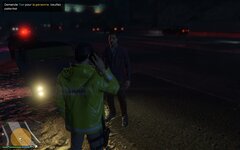
From the album: My patrols
© picture by belicfr
-
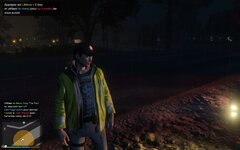
From the album: My patrols
© picture by belicfr
-
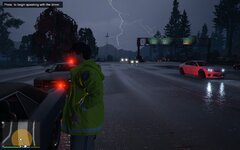
From the album: My patrols
© picture by belicfr
-
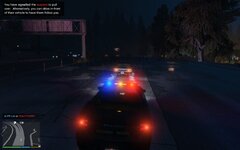
From the album: My patrols
© picture by belicfr
-
From the album: My patrols
© picture by belicfr
-
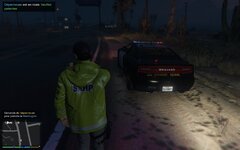
From the album: My patrols
© picture by belicfr
-
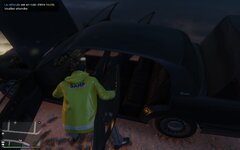
From the album: My patrols
© picture by belicfr
-
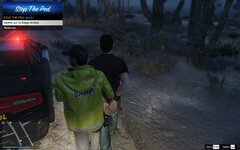
From the album: My patrols
© picture by belicfr
-
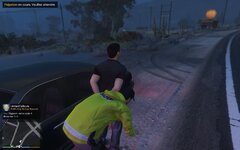
From the album: My patrols
© picture by belicfr
-
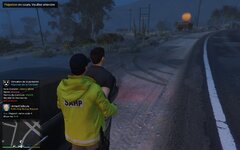
From the album: My patrols
© picture by belicfr
-
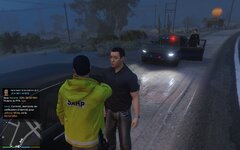
From the album: My patrols
© picture by belicfr
-
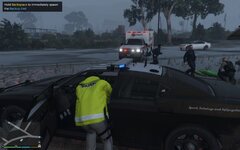
From the album: My patrols
© picture by belicfr
-
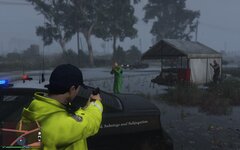
From the album: My patrols
© picture by belicfr
-
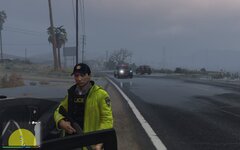
From the album: My patrols
© picture by belicfr
-
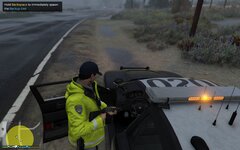
From the album: My patrols
© picture by belicfr
-
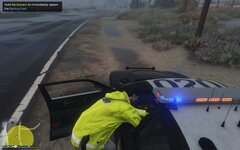
From the album: My patrols
© picture by belicfr
-
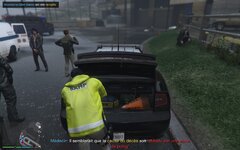
From the album: My patrols
© picture by belicfr
-
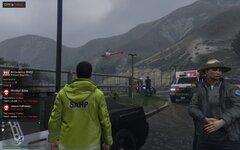
From the album: My patrols
© picture by belicfr
-
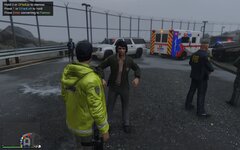
From the album: My patrols
© picture by belicfr
-
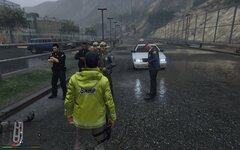
From the album: My patrols
© picture by belicfr
-
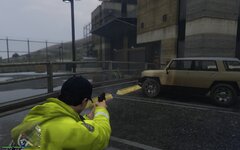
From the album: My patrols
© picture by belicfr
-
 belicCallouts will be updated in early January with the new edition (2022.3.0 version). 🎅🎄
- 24 comments
- 1 review

