



Tactical Cop
Members
-
Joined
-
Last visited
Everything posted by Tactical Cop
-
From the album: Fun Times!
-
From the album: Fun Times!
-
From the album: Fun Times!
-
From the album: Fun Times!
-
From the album: Fun Times!
-
From the album: Fun Times!
-
From the album: Fun Times!
-
From the album: Fun Times!
-
From the album: Fun Times!
-

From the album: Fun Times!
-
From the album: Fun Times!
-
From the album: Fun Times!
-
From the album: Fun Times!
-
.png.7e3ba00fba82b0b686174a0babce7fe2.png)
From the album: Fun Times!
-
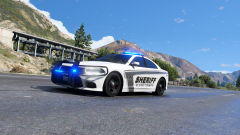
From the album: Fun Times!
-
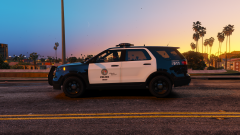
From the album: Fun Times!
-
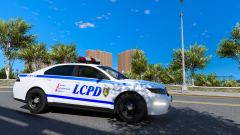
From the album: Fun Times!
-
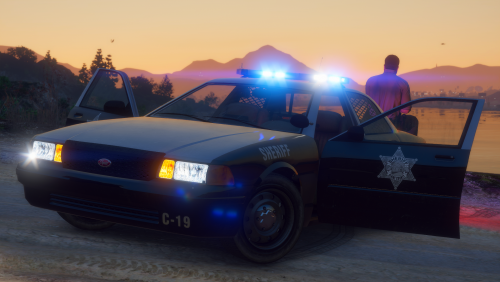 Its a good pack and I really would like some more cars to go with it, Like a scout, alamo, or a bike
- 10 comments
- 3 reviews
-
-

- 3
-
-
This is a really good pack I love the light it has and the DLS pack! Keep it up
- 10 comments
- 3 reviews
-
-
- 1
-
-
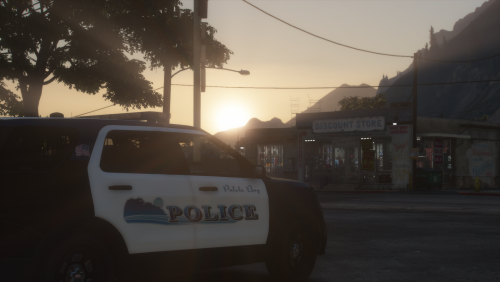 Its a really good pack, the livery looks good and the Lights are awesome!! Cant wait for more
- 3 comments
- 4 reviews
-
No its still doing the infinite loading when I changed it back to "mods" I just said that its not those files fault
-
Also I uninstalled all those new thing I downloaded and renamed it backed to mods and its not those files making it happen
-
yes still named _mods
-
Yes it did work I also joined your discord if you want to talk there
-
I dont have it anymore but you said we need to figurer out why

.png.7e3ba00fba82b0b686174a0babce7fe2.png)
