Trite
Members
-
Joined
-
Last visited
Everything posted by Trite
-
In the meantime, is there an RPH update yet? Or is it just not displayed for me? How long does RPH usually take to update?
-
So I'll just have to download the new RPH here, if it has been updated?: RAGE Plugin Hook
-
What can I do after the GTA update if GTA doesn't start with RPH?
-
I have installed the EUP Menu. Do you know how I can open it with keyboard shortcut?
-
How can I do that? As an example I want to install this, then where do I always find the garments? Because there are some mods that you can not simply select when going on duty: https://www.lcpdfr.com/downloads/gta5mods/character/29396-eup-clothes-pack/
-
Yes But I have no idea how to use this.
-
Some vests don't even appear yet, so I guess so, yeah. Is that some kind of root directory somewhere where all the textures are?
-
Yes, it has an installation guide, however it doesn't say anything about the textures, where they should go. The Q&A still says this, but I don't know what is meant there: Q.The textures appear wrong. A.You may have made a mistake in the installation process. Install again and check if the texture and the vest are the same ID.
-
Can you tell me where I have to put the textures in this mod? https://www.lcpdfr.com/downloads/gta5mods/character/25692-eup-vest&earpiece/
-
I find nothing. I have the Native Trainer
-
Do you know where I can put on the bodycam? https://www.lcpdfr.com/downloads/gta5mods/character/27944-eup-axon-body-cam-shoulder-mic-beta/ Because it says: 'You can find these in the "task" section in trainer' But where is this section?
-
Alright, I'll give it a try then.
-
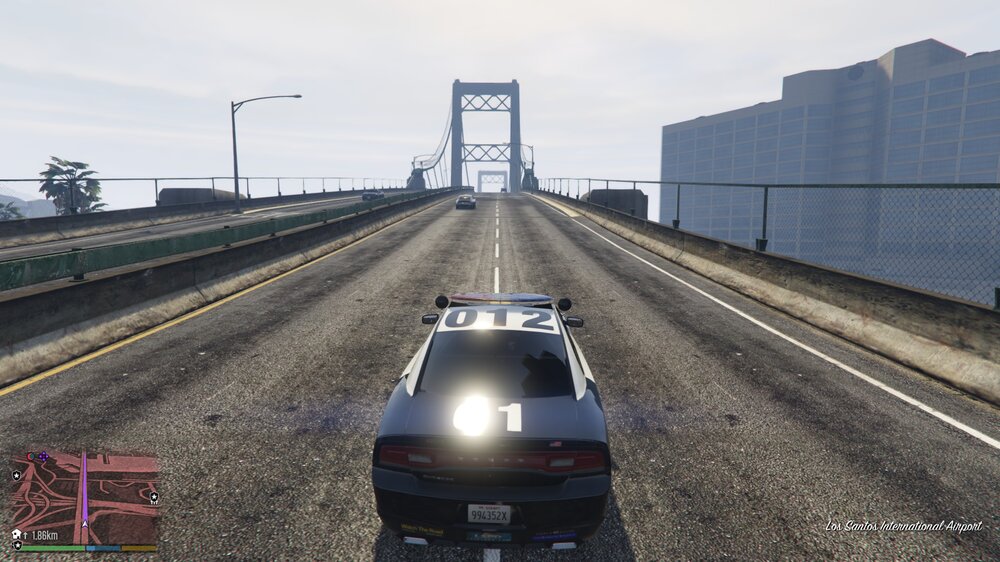
It works! ScriptHookV was missing. The hairstyle works again now 😄 Thank you! One more thing: Why is the light only on at the bottom? Is that so? Or why is the light not on at the top? To turn on the light, I press 'J' three times (because of ELS).
-
Alright, I gonna try it
-
Yeah, I thought maybe that would fix it. Which requirements do you mean exactly? Thank you bud!
-
I have also installed Dynamic Lighting System. I do not know if this is a problem. I also did everything normally according to instructions. The vehicles are also visible in the game. I.e. the only problem is that the light does not turn on or is not visible. If I in the ELS folder in the subfolder 'pack_default' the .xml files, the loading takes forever when starting, after a while the game freezes until it finally crashes. In the ELS subfolder 'pack_default' is by default always the file 'POLICE.xml', can I just replace it? Because no matter if I replace this file or not, it still crashes.
-
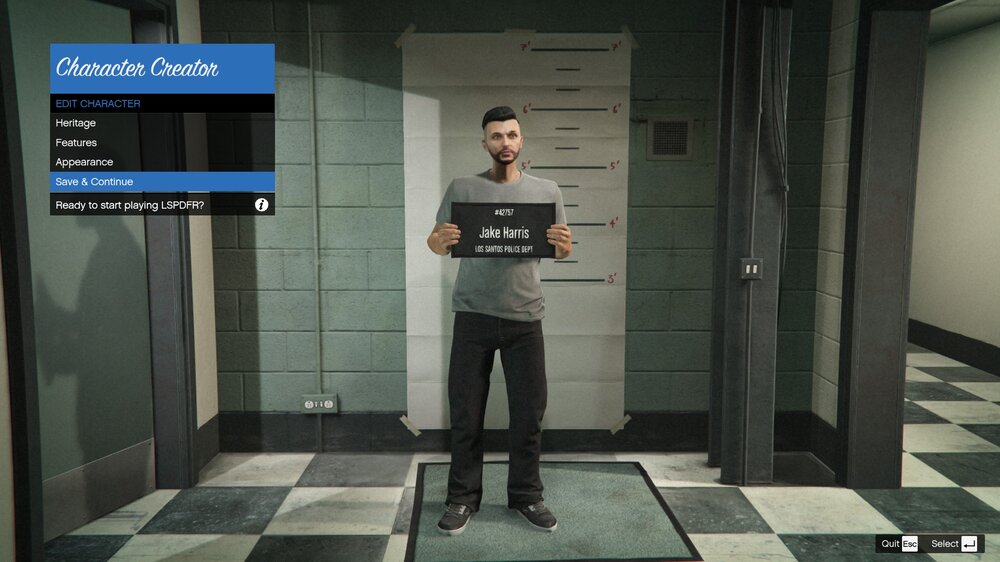
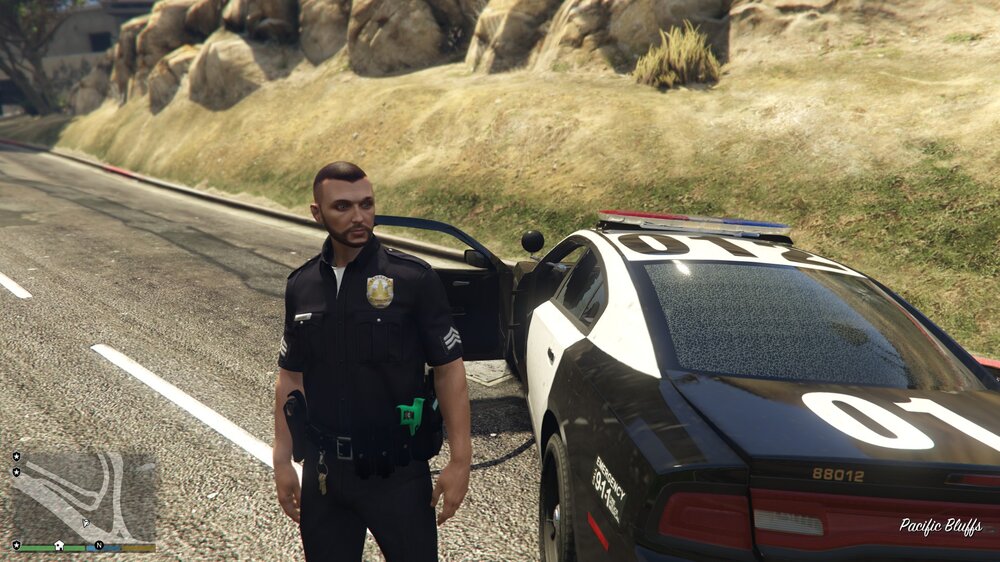
Hi, I have two problems at the moment. 1. one problem is related to the hairstyle of my character (see pictures). How do I get this problem fixed? It is like this with every hairstyle. 2. the second problem is regarding modded vehicles with ELS. I have the ELS version 1.0. It is the following modpack with the ELS vehicles: I have also installed Dynamic Lighting System. I do not know if this is a problem. I also did everything normally according to instructions. The vehicles are also visible in the game. I.e. the only problem is that the light does not turn on or is not visible. If I in the ELS folder in the subfolder 'pack_default' the .xml files, the loading takes forever when starting, after a while the game freezes until it finally crashes. In the ELS subfolder 'pack_default' is by default always the file 'POLICE.xml', can I just replace it? Because no matter if I replace this file or not, it still crashes. I hit 'J' to turn on the lights.