Skip to content
View in the app

A better way to browse. Learn more.

LCPDFR.com

A full-screen app on your home screen with push notifications, badges and more.

To install this app on iOS and iPadOS
  1. Tap the Share icon in Safari
  2. Scroll the menu and tap Add to Home Screen.
  3. Tap Add in the top-right corner.
To install this app on Android
  1. Tap the 3-dot menu (⋮) in the top-right corner of the browser.
  2. Tap Add to Home screen or Install app.
  3. Confirm by tapping Install.

Jakub.J

Members
  • Joined

  • Last visited

Reputation Activity

  1. Love
    Jakub.J reacted to vojt1s3k for a file, Škoda Octavia III Combi - PČR   
    Škoda Octavia III Combi - PČR  
    Zákaz prodávání a unlockování modelu bez povolení
    B&B majáky
  2. Love
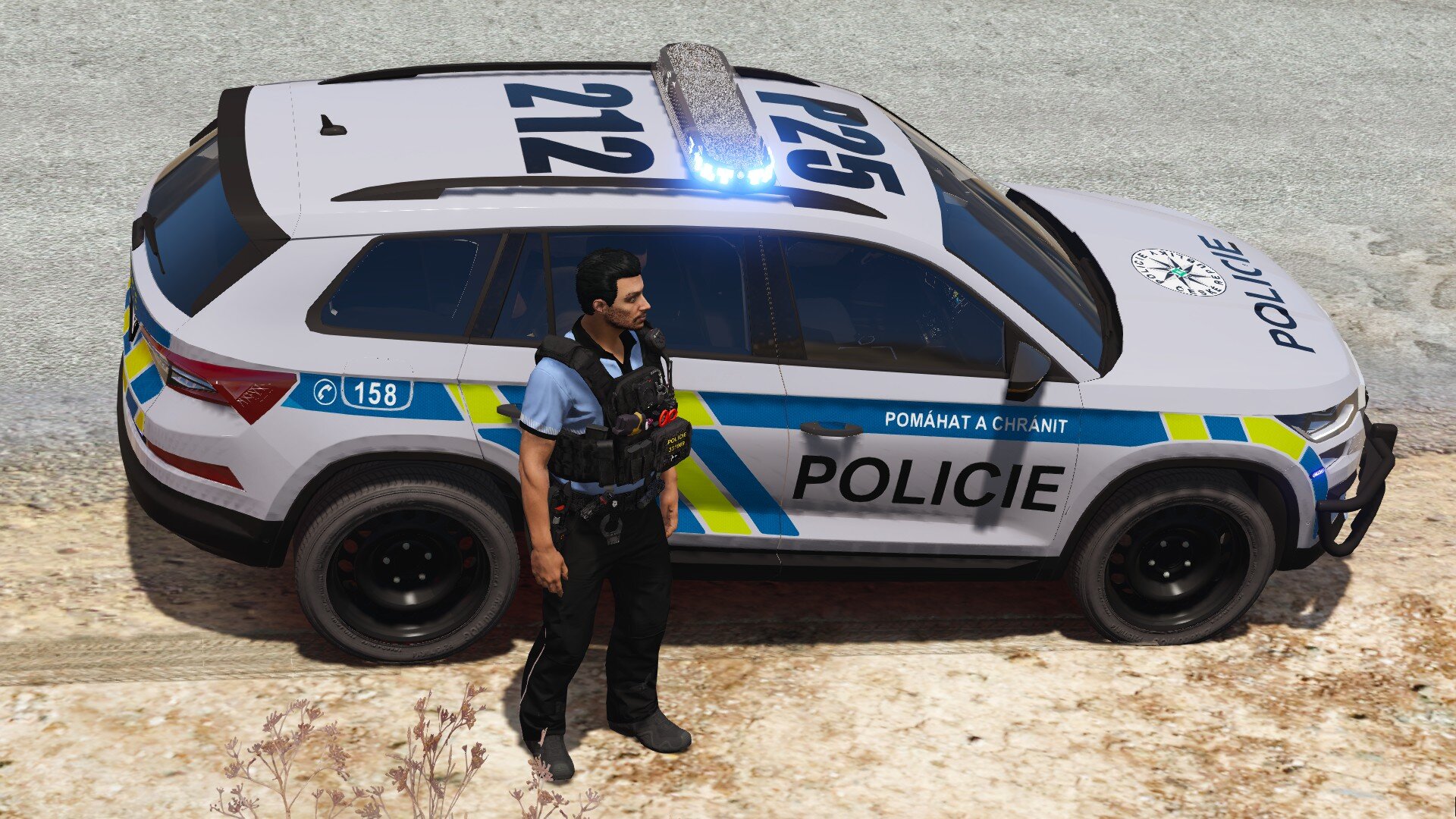
    Jakub.J reacted to Maramat for a file, [FIVEM] [NON-ELS] [CZ/SK] Škoda Kodiaq FL Rám   
    Škoda Kodiaq 2021 facelift Policie České Republiky
  3. Love
    Jakub.J reacted to Maramat for a file, Škoda Octavia III Gen FL Pack CZ/SK   
    Co najdete v packu:
    o3fl - Škoda Octavia III Gen FL Combi Policie ČR bez služebního rámu
    o3flram - Škoda Octavia III Gen FL Combi Policie ČR s služebním rámem

Account

Navigation

Search

Search

Configure browser push notifications

Chrome (Android)
  1. Tap the lock icon next to the address bar.
  2. Tap Permissions → Notifications.
  3. Adjust your preference.
Chrome (Desktop)
  1. Click the padlock icon in the address bar.
  2. Select Site settings.
  3. Find Notifications and adjust your preference.
