Skip to content
View in the app

A better way to browse. Learn more.

LCPDFR.com

A full-screen app on your home screen with push notifications, badges and more.

To install this app on iOS and iPadOS
  1. Tap the Share icon in Safari
  2. Scroll the menu and tap Add to Home Screen.
  3. Tap Add in the top-right corner.
To install this app on Android
  1. Tap the 3-dot menu (⋮) in the top-right corner of the browser.
  2. Tap Add to Home screen or Install app.
  3. Confirm by tapping Install.

P3NDA21

Members
  • Joined

  • Last visited

Everything posted by P3NDA21

  1. I'll remove it and see what happens I'll keep you updated
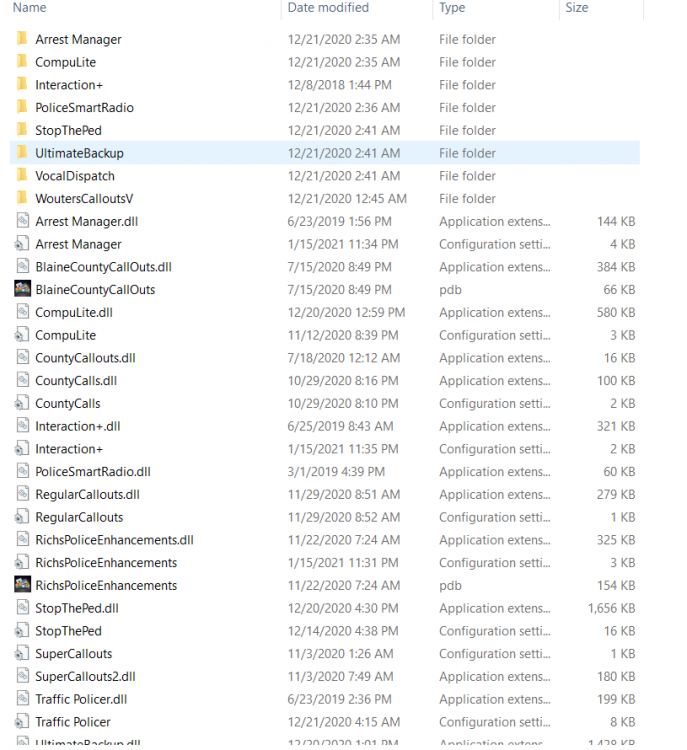
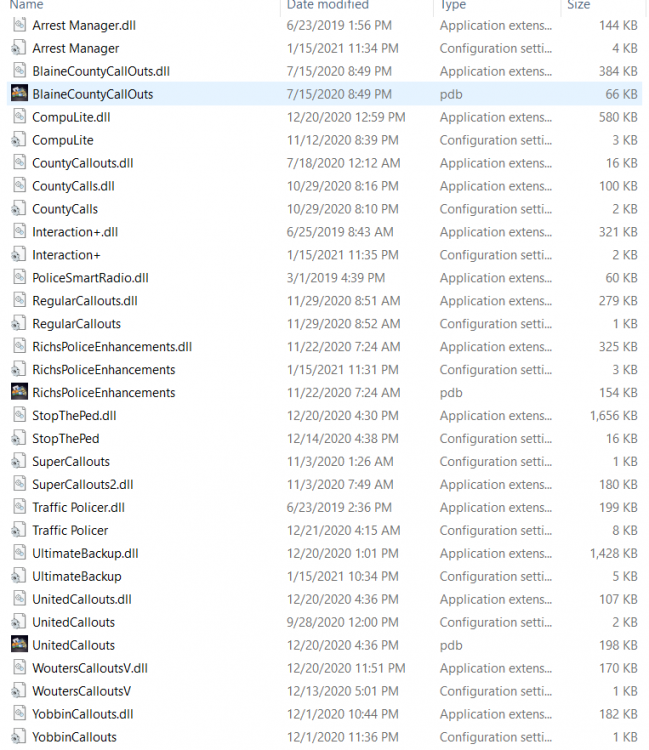
  2. The current mods I have I attached in pictures below
  3. I put the heap adjuster in my main directory was that the correct path to place it? (No instructions on installation path) Game loads up until the message pops up saying "20 new command lines added" or whatever it says Here is the RPH log as well RagePluginHook_18012021_061648.log
  4. Yes this is the latest one I have under my log file. RagePluginHook_18012021_052023.log
  5. Good Afternoon, I recently changed some vehicles around in my open IV and I am not able to figure out why game keeps saying its crashing due to drivers or bugs etc. Can someone help me please I added my crash report if someone is able to look into it. CrashReport_chris_637465462592831827.txt

Account

Navigation

Search

Search

Configure browser push notifications

Chrome (Android)
  1. Tap the lock icon next to the address bar.
  2. Tap Permissions → Notifications.
  3. Adjust your preference.
Chrome (Desktop)
  1. Click the padlock icon in the address bar.
  2. Select Site settings.
  3. Find Notifications and adjust your preference.