freakn3ss
Members
-
Joined
-
Last visited
Everything posted by freakn3ss
-
-
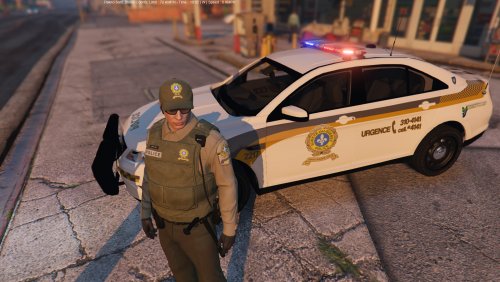 Magnifique je prefere vraiment tes skins en 4k, vas tu revister tes skins spvm la taurus pourait vraiment prendre du 4k ;)
- 4 comments
- 2 reviews
-
-
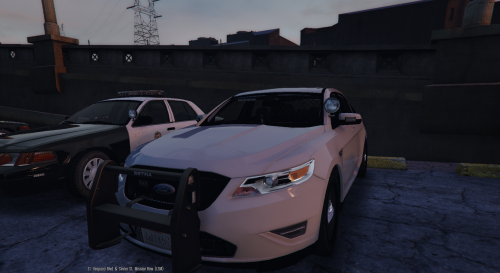 I want to use the model on police3 but what did you change in the carvariations file for the light to work properly?
- 68 comments
- 14 reviews
-
-
-
-
-
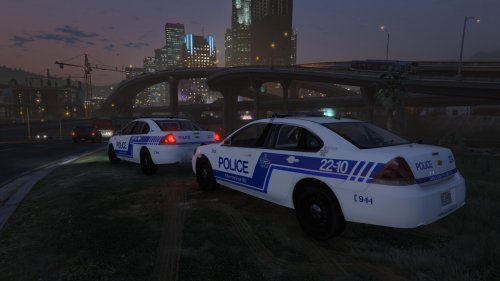 It would be really cool if you could make one in pale grey also, we could use it on bxbugs undercover impala ;)
- 3 comments
- 1 review
-
-
 I also have a problem with one of the value, first off let me say your mod is a must !! My problem is with the new dodge charger 2015, the red light around the back of the car (the one connecting with the brake) is too bright it make a kind of big bloom around it and I can't find the value for it, did anybody change the value for this and could point me in the right direction ?
- 246 comments
- 40 reviews
-
-
The work you guys did with the police computer, just amazing! Punching a plate number and finding out after while identifying the driver that he is actually the owner of the car! The immersion does not get better then that hahaha
-
If you have depth of field on, drop the value a little bit it's at 1.25 and I find it a little close so if you move the camera to see your
- 44 comments
- 11 reviews
-
-
The car looks amazing, I can't wait to try this bad boy