


crunchycat
-
Joined
-
Last visited
Everything posted by crunchycat
-
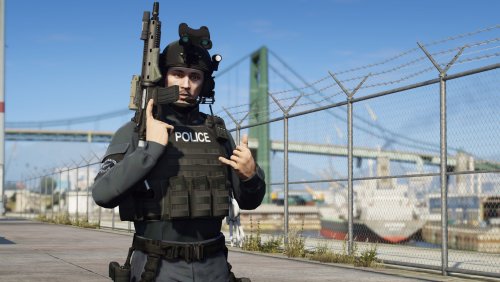 A pack of tactical static poses for scene making. NOTE: - DO NOT reupload this to any other site - Don't ask me how to install to FiveM How to install: 1. Use Jennie's custom anims mod add-on folder. https://www.gta5-mods.com/misc/custom-animations-add-on-customanims 2. Drag the .ycd files to clip_amb@.rpf file. 3. Put the line from the readme file to menyoostuff/favoriteanims.xml Credits: Skylumz/Sollumz: Blender plugin ClearDesigns: controller rig tool Hanako: providing some files and tutorial Youtube: for teaching me how to make custom anim Enjoy
- 19 comments
- 4 reviews
-
-

-

- 10
-
-
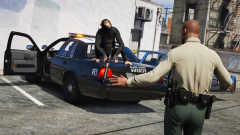
From the album: My gallery
-
-
271590_20220530130611_1.png
-
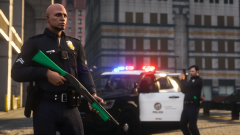 271590_20220222172540_1.png
-
 271590_20220313144120_1.png
-
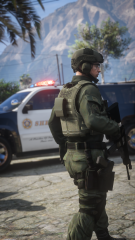 271590_20220312113427_1.png
-
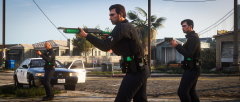 271590_20220127204138_1.png
-
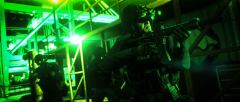 271590_20220119151044_12.png
-
 271590_20211102185307_1.png
-
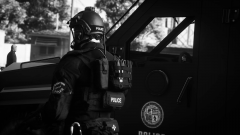 271590_20211123144148_1.png
-
 EVE-20211113161301.025.png
-
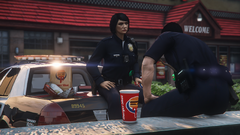 271590_20211122124301_1.png
-
 EVE-20211108160418.007.png
-
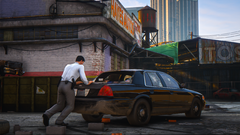 271590_20211103113004_1.png
-
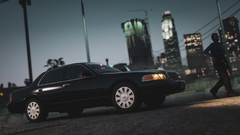 271590_20211021133007_1.png
-
 271590_20210924232442_1.png
-
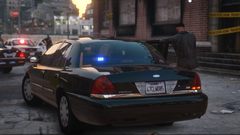 271590_20210921141821_1.png
-
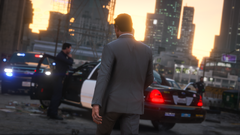 271590_20210921141900_1.png
-
 271590_20210921141411_1-Pano.png
-
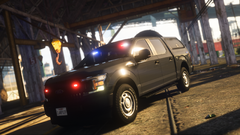 271590_20210831170307_1.png
-
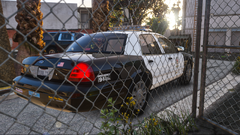 271590_20210811134838_1.png
-
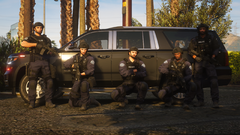 271590_20210811134557_1.png
-
-
From the album: My gallery
-
From the album: My gallery
-
From the album: My gallery
-
From the album: My gallery
-
From the album: My gallery
-
From the album: My gallery
-
From the album: My gallery
-
From the album: My gallery
-
From the album: My gallery
-
From the album: My gallery
-
From the album: My gallery
-
From the album: My gallery
-
From the album: My gallery
-
From the album: My gallery
-
From the album: My gallery
-
From the album: My gallery
-
From the album: My gallery
-
From the album: My gallery
-
From the album: My gallery
-
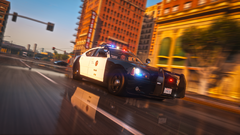 thanks
 -
From the album: My gallery
-
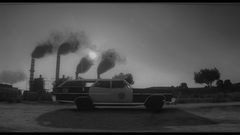
From the album: My gallery

