


savagehitta
Members
-
Joined
-
Last visited
Everything posted by savagehitta
-
Windows Firewall ON Windows Defender OFF
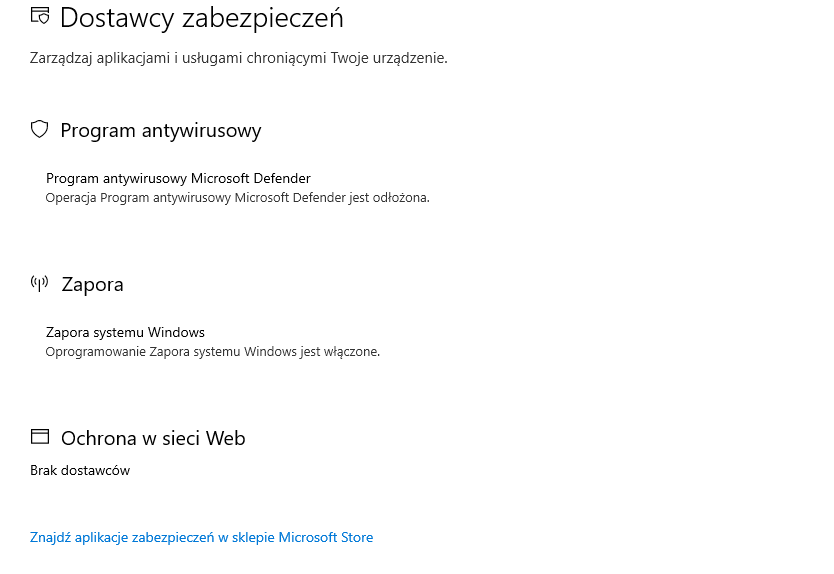
-
All settings are disabledI don't know whats going on, really, a few days ago i can play only with plugins problem, but now i can't play at all.
 Yes, i have DirectX. I tried to do it, but it doesn't work. This is the crash window.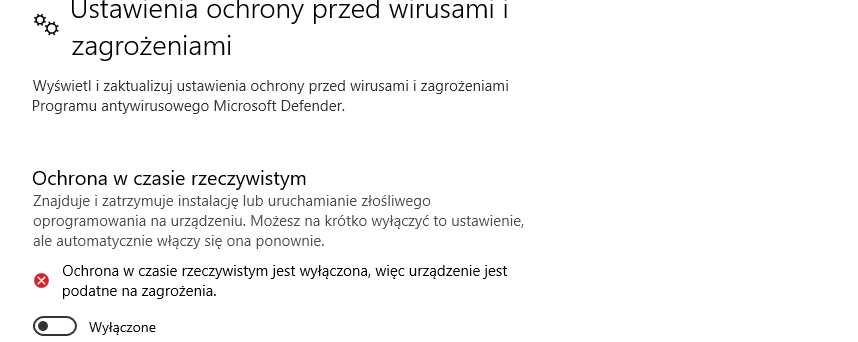
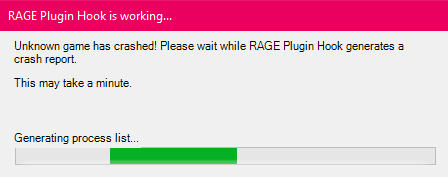 Game open on few seconds and crashes. Sometimes i see rage plugin hook crash window, so i seem it rph
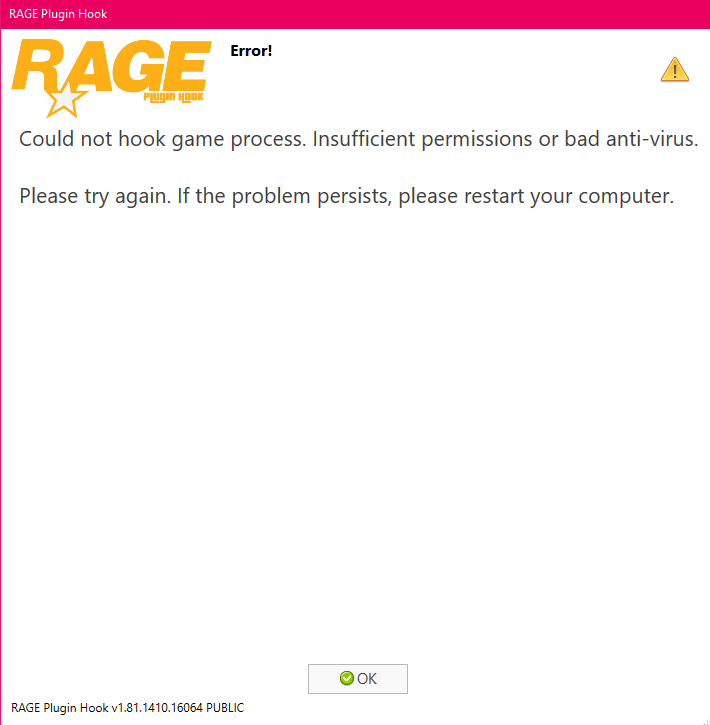 The same problem, but i don't see crash window now, game crashes in the same moment.ScriptHookVdotnet too?No, i don't have other directory, im not playing online.Noo, still crashes.Yes and yes, still crashes on the startup.Game really don't like me, seems to i can't play.I tried, not working. Really, i did every fucking solution from youtube or this forum, nothing work.It's not working, still the same problem.I don't have any RagePluginHook.log in gta5 directory.dOk, i have it now. RagePluginHookLauncher.log I tried turn off Anti-virus, but problem still existing.okay, there's a new problem. I thought if i reinstall game it could help, but not. I have isntalled only 2 mods (callouts) and Rage Plugin Hook crashing on the startup. I can't send you log file, becouse i don't have it. I don't understand this fucking game, every time i wanna play it doesn't works.Hello. My LSPD First Response crashes at the start of loading. I don't have any mods, just LSPDFR. Whats going on?


Account
Navigation
Search
Configure browser push notifications
Chrome (Android)
- Tap the lock icon next to the address bar.
- Tap Permissions → Notifications.
- Adjust your preference.
Chrome (Desktop)
- Click the padlock icon in the address bar.
- Select Site settings.
- Find Notifications and adjust your preference.
Safari (iOS 16.4+)
- Ensure the site is installed via Add to Home Screen.
- Open Settings App → Notifications.
- Find your app name and adjust your preference.
Safari (macOS)
- Go to Safari → Preferences.
- Click the Websites tab.
- Select Notifications in the sidebar.
- Find this website and adjust your preference.
Edge (Android)
- Tap the lock icon next to the address bar.
- Tap Permissions.
- Find Notifications and adjust your preference.
Edge (Desktop)
- Click the padlock icon in the address bar.
- Click Permissions for this site.
- Find Notifications and adjust your preference.
Firefox (Android)
- Go to Settings → Site permissions.
- Tap Notifications.
- Find this site in the list and adjust your preference.
Firefox (Desktop)
- Open Firefox Settings.
- Search for Notifications.
- Find this site in the list and adjust your preference.