
Bulch
Members
-
Joined
-
Last visited
Everything posted by Bulch
-
Hello again... My game work just fine, but when i try to install any mod (car pack, realistic gun sound) via OpenIV game crash on loading screen, when i backup update.rpf folder game work fine without mods. Any ideas how to solve problem?
-
New problem 😕 , when i install ASI Loader via OpenIV game crash on loading screen. RagePluginHook.log
-
Okay bro
-
Okay, thank you very much. In my plugin folder do i must to delete any other plugin which cause problem in game?
-
Thank you my friend. So Bejoljo's plugins replace Traffic Policer, Arrest Manager and other useful plugins?
-
Hello everyone, I recently booted a new system on my computer, before that LSPDFR and GTA V worked normally without any problems, I transferred all the files I had (Plugins folder) to flash and just switched back to the new system when I installed GTA V and LSPDFR, however when I want to enter the game via RPH I get to the station and when I want to go on duty just kick me out of the game and crash RPH, any solution? RPH CrashLog: Crash log.txt Plugins: https://imgur.com/a/C2J8O9H
-
Hello everyone, i have stucked on mission with Packie "Waste Not Want Knots", when i must follow him to the boat game just exit without any error, did someone know how to fix this?
-
Can u send me a link?
-
Did someone know plugin for animations?
-
Traffic control has been problem, i remove it and now its okay, but thank you anyway! Oh man if u believe me i cant deal with flying cars in pursuit. Is there some other plugin for better AI?
-
Hello everyone, my game start crashing today, i yesterdey play it without any crashes, and to day crash about 2 times in a row. I will post RPH log if someone can tell me what is a problem, thanks! RagePluginHook.log
-
 This plugin starts to crash my game, any fix? I will post RPH log. EDIT: Or maybe is some other plugin, if someone know please let me know, thanks! RagePluginHook.log
- 346 comments
- 43 reviews
-
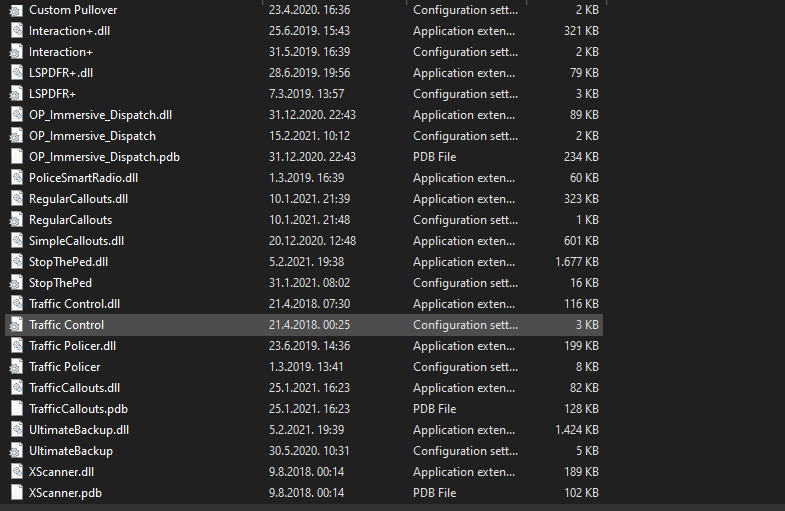
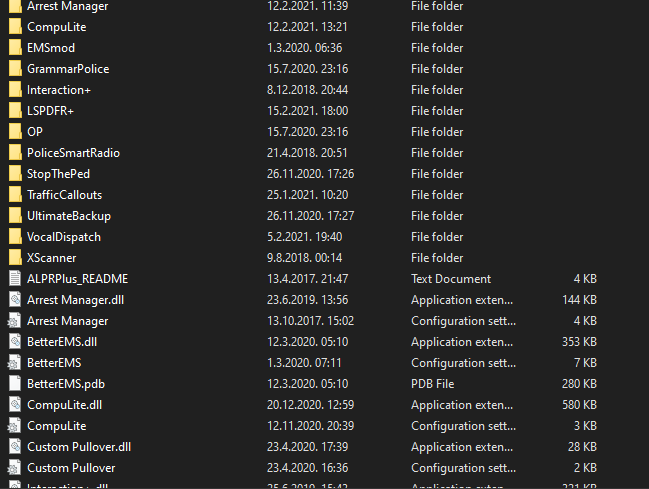
Hello everyone, i have a problem with FPS again, i will leave the picture below with the plugins I have. It's not clear to me how youtubers play smooth without lags and they have a lot of plugins. If anyone knows how to solve this problem i would be very grateful to him, i am terribly bothered by the drop FPS in the game. PC Specs: - Intel i5 9400f - Nvidia GeForce GTX 1050ti Cerberus 4gb -8gb RAM -512gb SSD Plugins: https://imgur.com/a/FLJt0Xb
-
I fix all issues, thank you!
-
Nope i fix it
-
Solved 😄 This is the reason why my game crash, its work fine before title update, i play yesterday with this pack and everything was fine
-
I will try, right now i try to download EUP - Law and Older but its stuck and cant start download
-
Update is corrupted some of the files in mods 😕
-
I figured out what is a problem, i delete few mods from mods folder and now i can start game. Thank you very much!
-
I already do this, and when i try to launch game via RPH game just close in rockstar launcher
-
Ye, but i now have issue with crash, but again thank u very much!
-
I will try it, thank you!
-
Hi guys, when i want to install siren mod in OPENIV i get an update for title, i updated and after that my game crash on loading screen, any solutions? RagePluginHook.log
-
It is because callouts, when i have just one plugin for callouts my FPS is about 55-60fps
-
Sure, here you go