Sivels
Members
-
Joined
-
Last visited
Everything posted by Sivels
-
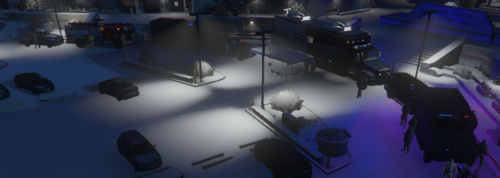 Hello ! For the Installation : 1) Extract the file FbiAtNooseHQ.zip or open it with WinRAR/7zip 2) Place FbiAtNooseHQ.XML in your GTA V main directory 3) Launch your game and start map editor with F7 (original key) 4) When did F7, do : Load Game > File Chooser> choose the FbiAtNooseHQ.xml file When the mapping loaded, the Command Center can spawn with other liveries ! If any bugs are encountered, feel free to post them under this post ! Credit to Candice for the Mobile Command Center ! Two Other "Scripts" Must be added before to your game to make the mapping work well : Map Editor : https://www.gta5-mods.com/scripts/map-editor Peterbilt Command Center : DO NOT REUPLOAD THIS AS YOUR OWN AND/OR ON OTHER WEBSITES