


JumboGumbo
Members
-
Joined
-
Last visited
Everything posted by JumboGumbo
-
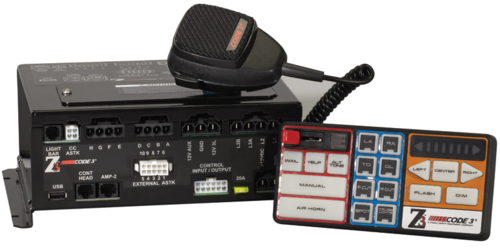 This is the Z3 siren created by Code 3. Please keep in mind that these are the website tones, not the actual sound of the tones in real life. TONES INCLUDED: Wail Yelp Hyper-Yelp1 Hyper-Yelp2 Hi-Lo1 Hi-Lo2 Hyper-Lo1 Hyper-Lo2 Airhorn In this pack I included all the tones to make the experience best for all users. When downloading you can choose which siren tones you want. Each resident.rpf file has the regular Wail & Yelp tones in, but you can customize the other 2 siren tones. This may be confusing to some but be sure to contact me if needed for assistant. Discord: https://discord.com/invite/C8cjMF8D5J INSTRUCTIONS (also found in main download): !! TONES IN VIDEO !! To download these tones navigate to the "Siren Customization" Drag and drop the resident.rpf file into: GTA V > mods > x64 > audio > sfx Using OpenIV. !! Custom Tones !! To use any of the other tones such as Hyper-Yelp2, Hi-Lo 2, Hyper-Lo1, or Hyper-Lo2, you will need to follow step by step, the instructions below. 1: Download the file of your choice on the file homepage. (You can listen to all tones in the raw tones folder.) 2: Drag the resident.rpf from that download into: GTA V > mods > x64 > audio > sfx Using OpenIV. 3. DONE! Very simply. Be sure to join the Discord Server for help and be sure to react appropriately to your liking of the file.
 -
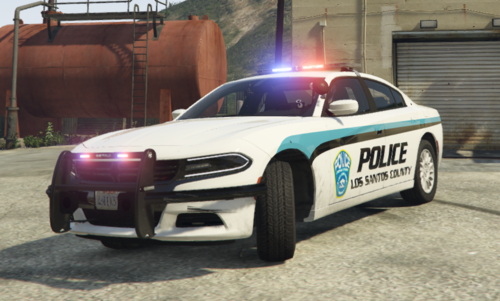 Thank you!
 -
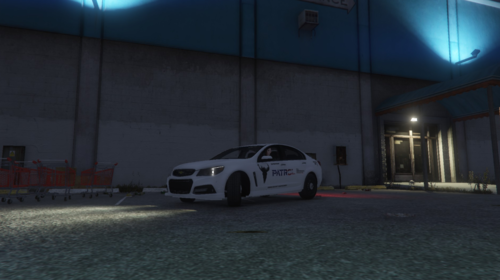 This isn't a caprice this is an SS
 -
-
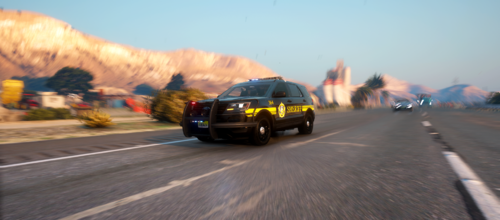 ohio copiers?
 -
-
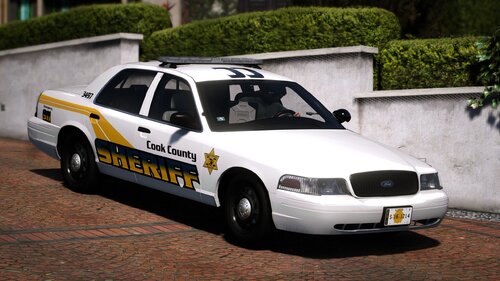 anyway to fix where the car is invisible if it is a certain distance away from you?
 -
Thank you.
-
Where are the templates?
-
thank you sm for posting this, this is one of the only non-ram bar 2020 explorer i've seen on here
-
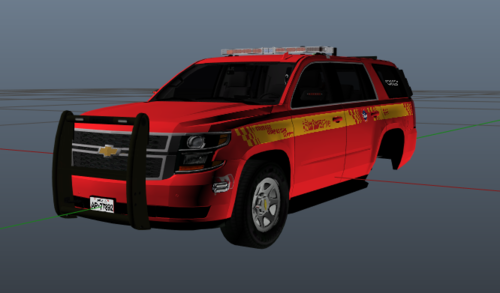 Not sure why it has a ram bar on it, but still looks very good!
 -
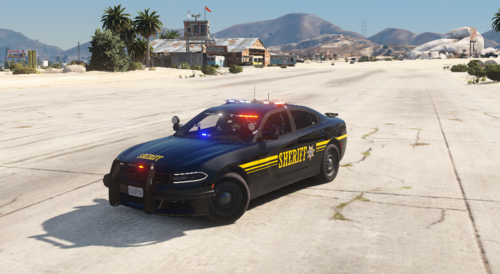 Alright.
 -
Doesn't look 100% accurate but still looks good. Also why did you use a non-els vehicle pack. Almost nobody uses those.
-
-
.thumb.png.225e50cc7ae3ea317caa4429dd2d63a9.png) How do I permanently disable an extra for a vehicle so I don't have to keep disabling it?
How do I permanently disable an extra for a vehicle so I don't have to keep disabling it?- 60 comments
- 8 reviews
-
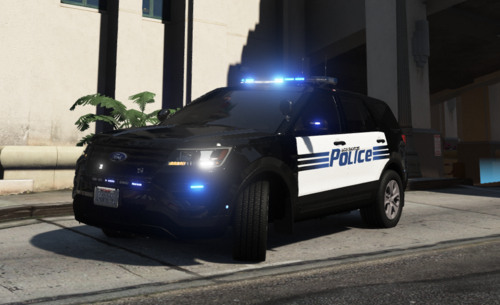 This is because I had to do all of the letters individually due to font issues.
 -
 Sounds a bit distorted in the preview video and its playing too fast, try to delay it a little.
 -
Very sorry I did not have this. I made these skins for personal use not knowing I would be uploading them and I didn't keep track of the vehicle models. I will try to attempt to find all of them. I know the 2020 Explorer is the Legacy Pack.
-
Thanks for the support!
-
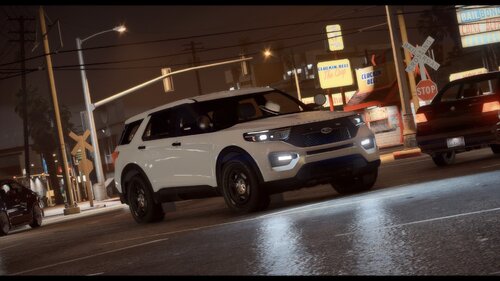 Can you make this have a RX2700 lightbar or something? I can't find any good 2020 FPIUs that have no rambars but have a lightbar and stuff.
 -
All vehicles in this pack are based off of Fairfield, a city in Ohio. INCLUDED IN PACK: 2020 FPIU 2016 FPIU 2013 FPIU 2017 Caprice 2020 FPIU:
-
Hello, I can beta test for you. I have dual monitors and I am pretty sure I can change resolutions.
-
 Sure
Sure -
Alright haha
-
Any songs you suggest?



.thumb.png.225e50cc7ae3ea317caa4429dd2d63a9.png)
