



NOTTHATSTOP
Members
-
Joined
-
Last visited
Everything posted by NOTTHATSTOP
-
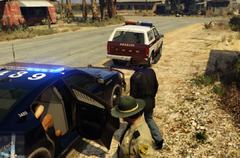
From the album: Wrongmire Youtube Series
-
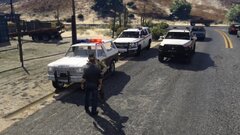
From the album: Wrongmire Youtube Series
-
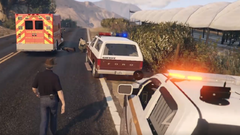
From the album: Wrongmire Youtube Series
-
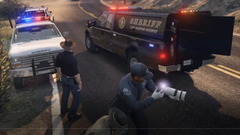
From the album: Wrongmire Youtube Series
-
-
Adding line Ambient.DisableEscapedSuspectEncounter = true fixed the issue for me, and oddly enough I am still able to find escaped suspects. Not to get off topic, but you can find a whole list of settings that can help with this and other things like texture loss here
-
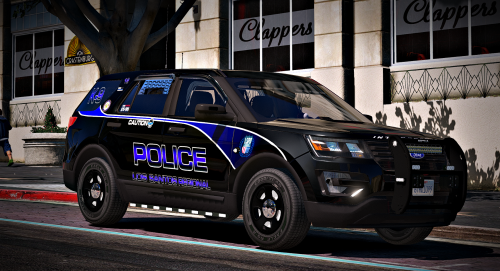 Good looking vehicle. I'm just learning. Wish I knew more than I did now. I'd make it to wear you can't walk through it.
- 23 comments
- 21 reviews
-
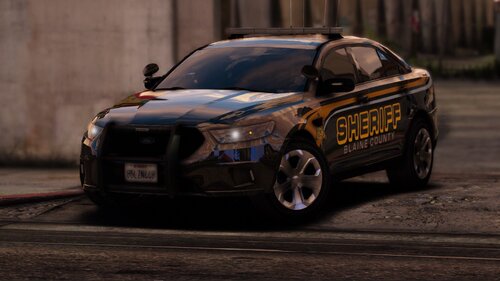 UPDATE: Copied the meta from Police3 over to Sheriff2, and the SUV handles much better without tipping over so easily. I really like these. If you're having issues with light bar tint, just diffuse it in the vehicle meta. I did lose the light bar on the car once, just completely disappeared in game. Tried deleting it and respawn, still same issue. Wouldn't come back until I restarted the game. Computer screens are pretty bright, but I'll look into toning them down. The worst is the SUV tipping over, but I figure I can adjust it in the meta somehow. All in all good looking vehicles.
- 29 comments
- 4 reviews
-
Anyone else having trouble with EUP L&O error message "You do not have EUP Law and Order Installed" since the update? I tried reinstalling and still get the same error when I try to load the plugin.



