
RI Emergency Vehicles
Members
-
Joined
-
Last visited
Files posted by RI Emergency Vehicles
-
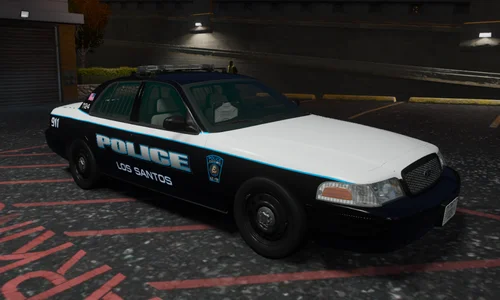
2024 Los Santos Police Department Livery Pack
by: RI Emergency Vehicles
Introducing my first ever publicly released livery pack. Inspired from my vacation down to South Carolina, the overall design was inspired by the Myrtle Beach Police Department. A few color swaps here, and some Rhode Island and Massachusetts elements added in there, and boom you have this. Normally I recreate 1:1 liveries based upon whatever agency I feel like doing that month. This is one of the few times I felt creative and made something completely new. While this is no means my first set of liveries, but there are a few minor imperfections that I never fixed and don't really intend to. These liveries will fit most of the standard vehicle models being used now.
The way it works (in my head anyways) but feel free to make your own numbering system.
The first two numbers in the unit number are the vehicle year (I.e. 20 means its a 2020, 16 means its a 2016, etc...).
The "SC" designation makes the car a "Shift Commander" vehicle. (Window Templates not included - sorry).
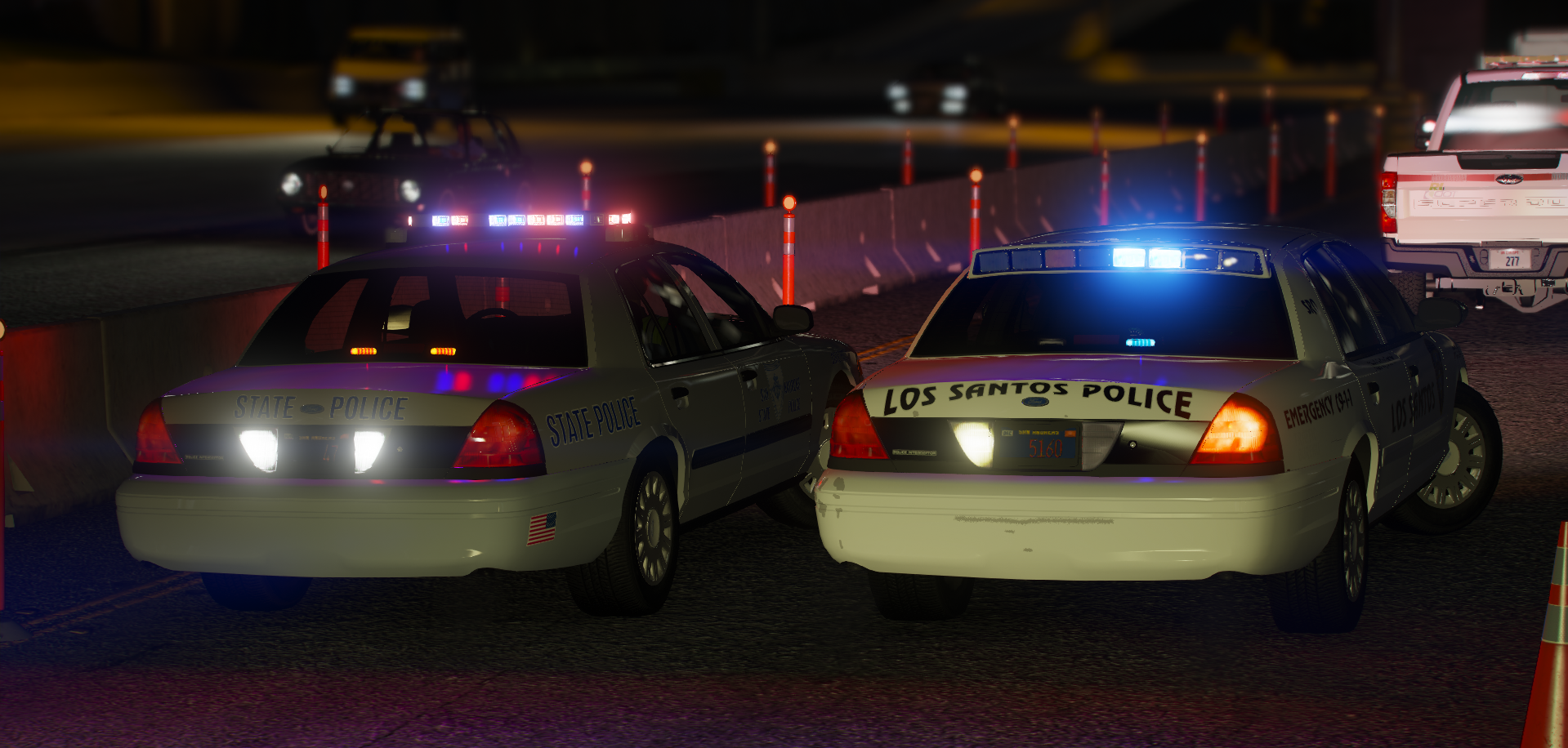
Also included is a "Retro" scheme loosely inspired by places like Fairhaven MA and Fall River MA. This scheme was used on all cars prior to 2009. The numbering system also drops the first "0" in the year here.
All of the patches, badges, and decals are my own (I put way too much work into them) and were inspired by Warwick RI and Taunton MA.
Screenshots were created by: DomJr004, Maj_awesome24, deputy_josh, and myself.
Feel free to use in single player or FiveM. Make any adjustments you need to make it work for you, but Please DO NOT redistribute this material without explicit consent from myself.
- 106 Downloads
Updated