Khuutznetsov
Members
-
Joined
-
Last visited
Files posted by Khuutznetsov
-
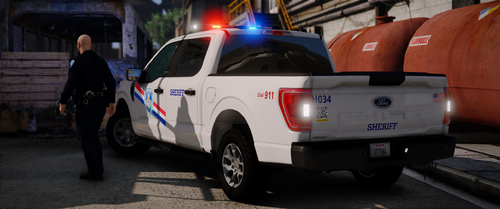
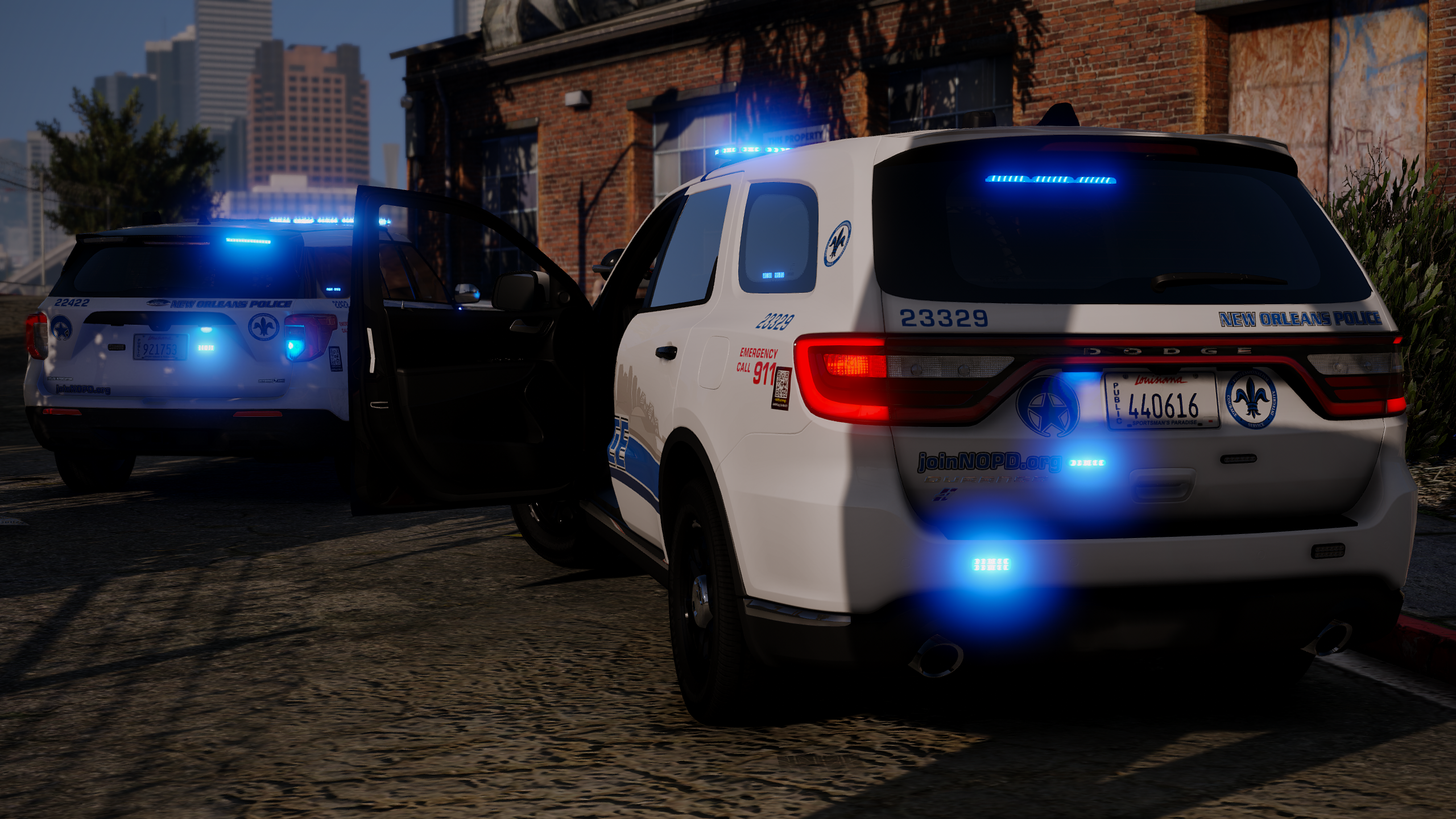
A continuance of the Jefferson Parish Project I've been working on.
This release is of two of the more modern vehicles, the 2019 and 2020 Ford Explorer.
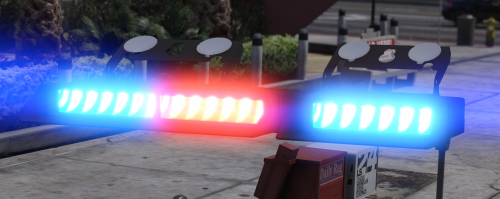
Both are outfitted with the standard JSPO setup, including a Whelen Liberty 1, Whelen T-Series Ions, Whelen Microns, and exclusive to the 2020 FPIU, Whelen Slimlighter.
I do plan on updating this pack with further variations that JPSO has.
JPSO has began using the brand new Whelen Edge 9X Lightbar on their newer 2020/25 FPIU Units.
There are also different setups across both the 18/19s and 20s, including Lib2s, Spoiler Lighting, and various other lighting changes.
If you need help, or want to find more of my work at: discord.gg/3yewnq4unN
Extra 1: Cruise Lights
Extra 11: Spotlight Up
Extra 12: Spotlight Down- 281 Downloads
- 6 Comments
Updated -
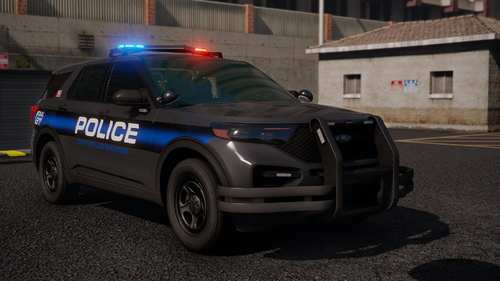
On-going project I'm working on to make every modern vehicle that is still in service between Jefferson Parish SO and New Orleans Police, along with developing for my FiveM server.
Figured I would upload this as its not worth selling given how little is on it.
If you need help, or want to find more of my work at: discord.gg/3yewnq4unN
Extra 1: Cruise Lights
Extra 11: Cones
Extra 12: Junk Tire
- 375 Downloads
- 6 Comments
Updated -
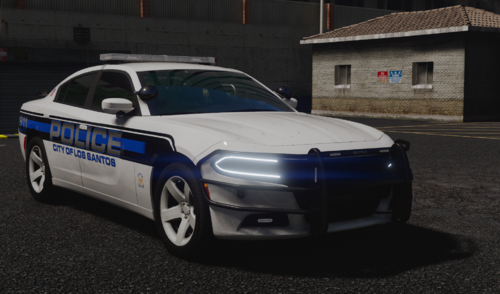
A vehicle fleet that I had made for a server I was the Chief of Police for. If you've browsed my profile, this is the fleet that replaced the Whelen fleet that the Liberty 2 Charger was apart of.
Well I finally got around to releasing this after I said I would back in December or January, don't fully remember.
Join this discord if you wanna keep updated with my latest work though: discord.gg/3yewnq4unN
Any questions or concerns could be answered in there or in the comments.
Before you ask, No I will not:
Edit to be ELS
Edit to DLS. Not much you could do anyways, a lot of Sirens are connected due to limitations.
Put into a premade DLC for Singleplayer. I do not play SP, so I don't know how to get that working.
Make a Lighting template or make a Blue/Blue version.
Extra 1: Cruise Lights
Extra 2: Spotlight Up
Extra 3: Spotlight Down
Extra 4: Laptop Screen Up
Extra 5: Laptop Screen Down
Extra 6: Pushbar PIT Wraps
Extra 7: Printer Config 1 (For 2020 FPIU)
Extra 8: Printer Config 2 (For 2020 FPIU)
Extra 9:
Extra 10: Rear Lightbar Brakelights
Extra 11: Pushbar White Kill
Extra 12: Lightbar White Kill
- 2,564 Downloads
- 14 Comments
Updated -
An old project from around Feburary of 2023, prior to the GeorgieMoon Charger release.
Was meant to be for my old server I used to develop for before we switched to a Federal Signal based Valor fleet.
Join my discord to keep updated on that: discord.com/3yewnq4unN
Other than that, its pretty basic, clustered interior with a few extra's.
Extra 1 - Cruise Lighting Steadyburns
Extra 2 - Setina PB-8 Wrap
Extra 3 - Spotlight Up
Extra 4- Spotlight Down
Extra 5 - Trunk ALPRs
(Yes I skip extra 6-8)
Extra 9 - Park Pattern
Extra 10 - Pursuit/Standard Pattern
Extra 11 - Manual/Horn Pattern
Extra 12 - Rear Lightbar Brakelights
- 1,544 Downloads
- 17 Comments
Updated -
DISCLAIMER: YOU MUST USE THE 32 SIREN LIMIT ADJUSTER FOR THE VEHICLE TO COMPLTELY WORK
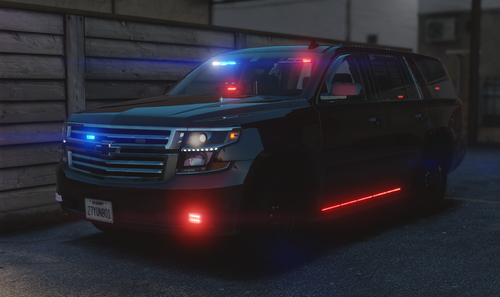
With that out of the way, there is not much to say about this Tahoe, its well, a Tahoe, featuring a Westin Pushbar, Federal Signal, & Whelen Lighting.
It also comes with a template in the download, so if you don't wanna use it as an unmarked, but a Slicktop, go ahead.
Blue / Blue is availiable, refer to the "Lighting Template".txt in the Templates folder.
If you like the Tahoe, let me know what you think in the comments I suppose, or join my discord too I guess.
- 5,801 Downloads
- 7 Comments
Updated -
This vehicle duo/mini-pack was once availiable on GPM aka GTA Police Mods as an exclusive to their site, but sadly the website has since been shut down.
It took me way longer than it should've to migrate this pack to this website, but finally I have, so I guess be happy that you can now.
This pack consists of two variations of the Tahoe PPV:
2020 Tahoe PPV
2016 Tahoe SSV
The PPV is a Pursuit rated vehicle with a Setina PB450 Pushbar w/ PB-8 Wrap-around.
The SSV is a Off-road built vehicle, with heightened suspension and better suited Tires for off-roading.
- 1,645 Downloads
- 6 Comments
Updated -
So after a few nights of procrastination, cause I'm a lazy fuck. I finally finished my edit of HP Deskjet's XStream.
Uhh idk what else to say tbh. I hope you like it, it's definitely not the best, but I don't think there are any decent free ones out there.
And by no means, is mine the absolute best, but at least I'm providing it instead of keeping it to myself.
|| ** FEATURES ** ||
Well shucks... It's a dev model. It can do whatever you want basically.
|| ** DISCORD ** ||
If you like my work, Im usually posting more of what I'm working in here!
https://discord.gg/BCJVeBQ
- 1,356 Downloads
- 6 Comments
Updated -
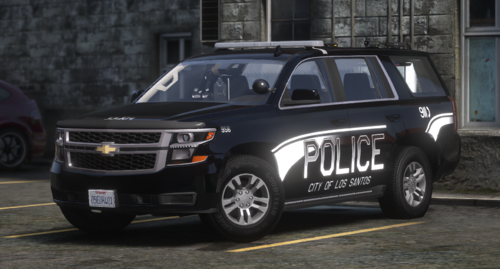
Out of debatebly hard work, and extensive procrastination... I present to you a un-needed, generic Tahoe!
|| ** INFO ** ||
This is well, a 2017 Chevy Tahoe, outfitted with ALL Whelen lighting, based around the Whelen Century Elite
|| ** FEATURES ** ||
- Whelen Century Elite lightbar R/B & B/B with a somewhat-custom pattern by me. (EXTRA 3)
- Whelen Inner Edge XLP (EXTRA 4)
- Whelen Avenger (EXTRA 5)
- Pushbar w/ Lighting (EXTRA 1)
- Wraparound (EXTRA 2)
- Rear-Lighting (STATIC)
- ALPRs (EXTRA 6)
- Interior Props
- Premade LSPD liveries custom made by me. (I know they're bad)
- All Blue optional lighting!
|| ** DISCORD ** ||
If you like my work, I'm usually posting more of what I'm working in here!
https://discord.gg/BCJVeBQ
- 1,145 Downloads
Updated