Skip to content
View in the app

A better way to browse. Learn more.

LCPDFR.com

A full-screen app on your home screen with push notifications, badges and more.

To install this app on iOS and iPadOS
  1. Tap the Share icon in Safari
  2. Scroll the menu and tap Add to Home Screen.
  3. Tap Add in the top-right corner.
To install this app on Android
  1. Tap the 3-dot menu (⋮) in the top-right corner of the browser.
  2. Tap Add to Home screen or Install app.
  3. Confirm by tapping Install.

Officer Toshi

Insiders
  • Joined

  • Last visited

About Me

my names panda 👋 vtuber & content creator.

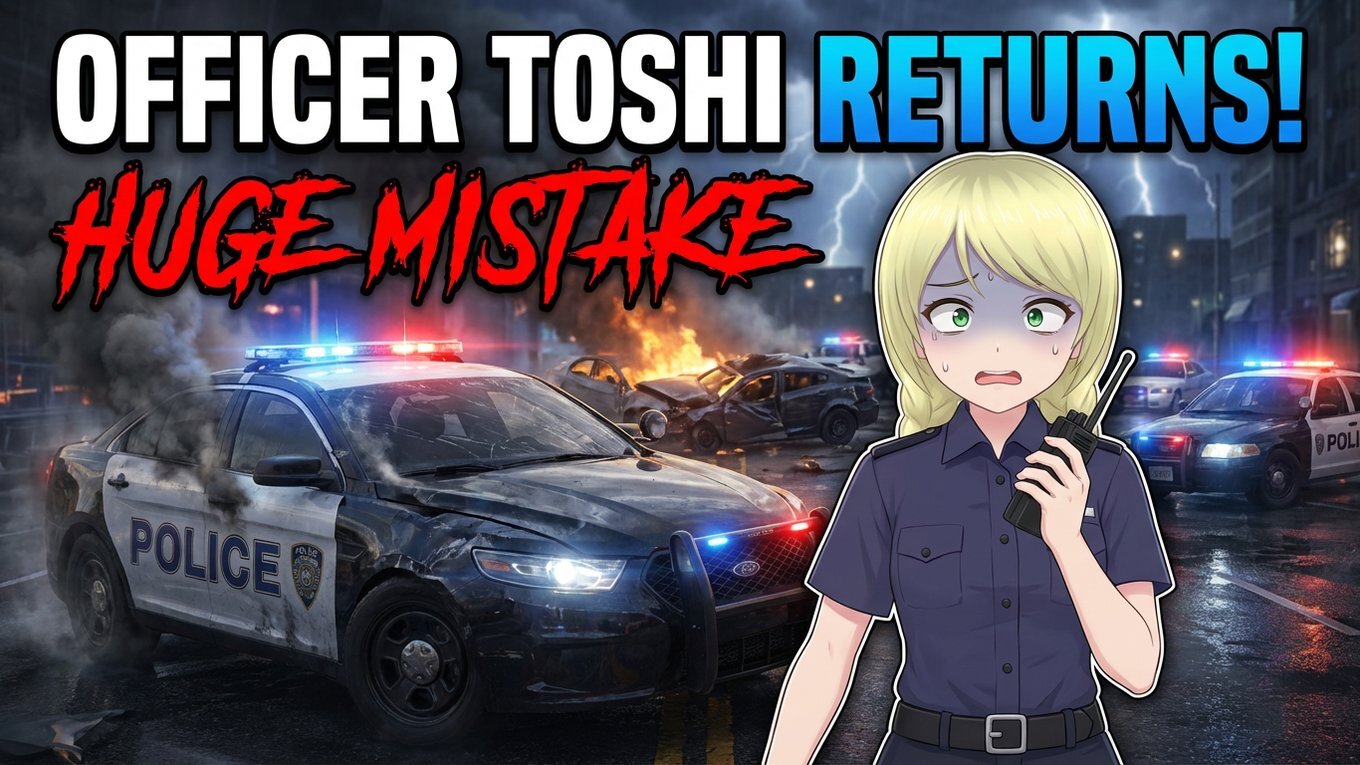
each ep of my new series will feature a different callout pack. my intention is to bring these packs to life and bring them into an immersive world for the dev's work to shine.

ive closed my lspdfr channel as re-aliving two channels at once is a bit much (spent the last 3 years in and out of mental hospitals so my channels died).

im gonna focus on my main channel but am doing the 'soft reboot' of Ocean-05 on there.

686 callouts:

Qwaned callouts:

JM Callouts Remastered:
Coming up next...

Account

Navigation

Search

Search

Configure browser push notifications

Chrome (Android)
  1. Tap the lock icon next to the address bar.
  2. Tap Permissions → Notifications.
  3. Adjust your preference.
Chrome (Desktop)
  1. Click the padlock icon in the address bar.
  2. Select Site settings.
  3. Find Notifications and adjust your preference.