Skip to content
View in the app

A better way to browse. Learn more.

LCPDFR.com

A full-screen app on your home screen with push notifications, badges and more.

To install this app on iOS and iPadOS
  1. Tap the Share icon in Safari
  2. Scroll the menu and tap Add to Home Screen.
  3. Tap Add in the top-right corner.
To install this app on Android
  1. Tap the 3-dot menu (⋮) in the top-right corner of the browser.
  2. Tap Add to Home screen or Install app.
  3. Confirm by tapping Install.

TheLegendWolf

Members
  • Joined

  • Last visited

Files posted by TheLegendWolf

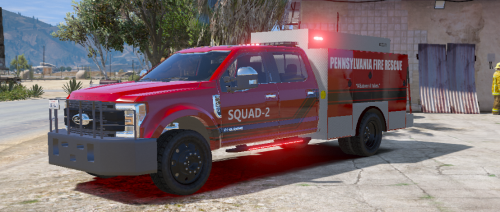
  1. This is a project i did when i was bored hopefully yall like it if there are any questions feel free to DM me on discord at TheLegendAri#2274 
    • 1,341 Downloads
    • 6 Comments
    Updated
  2. Hey everyone this is a Castle rock Fire department Livery Castle Rock is based in Colorado and i love the look of their quint this is my version of quint 155 hope yall like it and plz give credit where its due the truck is not mine but the livery is 
    • 314 Downloads
    Submitted
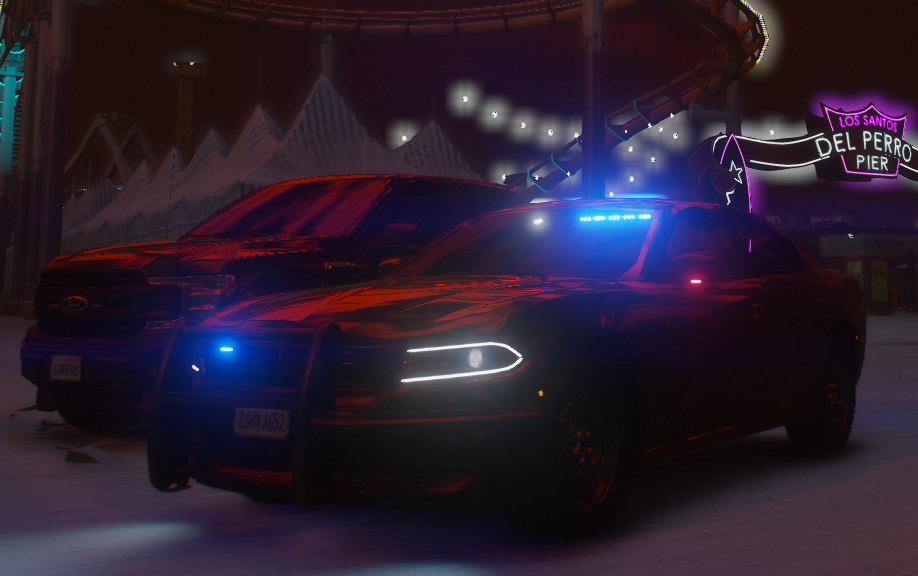
  3. This is my first public livery 
     
    If you wanna contact me for custom liveries my discord is TheLegendTrucker#2274 
     
    I do fire EMS and PD liveries so feel free to dm me with any requests 


    you may use it and distribute it but plz do not claim it as ur own 
    • 181 Downloads
    • 4 Comments
    Updated

Account

Navigation

Search

Search

Configure browser push notifications

Chrome (Android)
  1. Tap the lock icon next to the address bar.
  2. Tap Permissions → Notifications.
  3. Adjust your preference.
Chrome (Desktop)
  1. Click the padlock icon in the address bar.
  2. Select Site settings.
  3. Find Notifications and adjust your preference.